Understanding Citrix NetScaler Vulnerabilities: Causes, Risks, and Mitigation Strategies
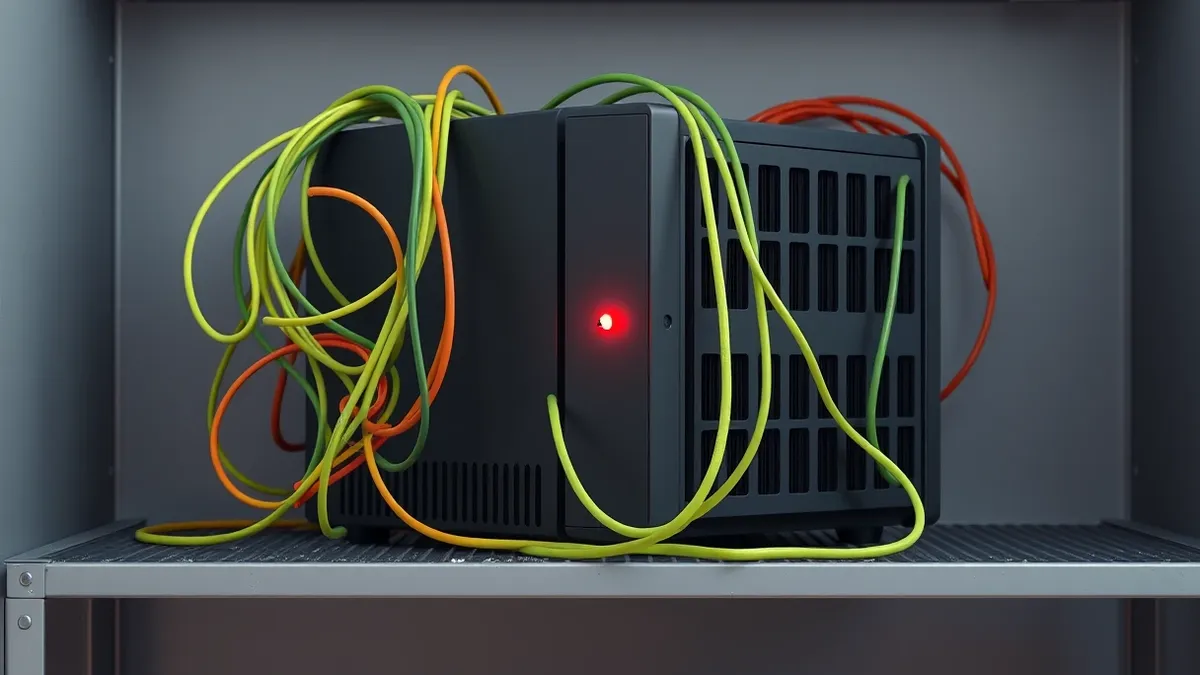
NetScaler flaws often stem from complex configuration errors that bypass standard firewall rules, allowing attackers to access internal networks directly.
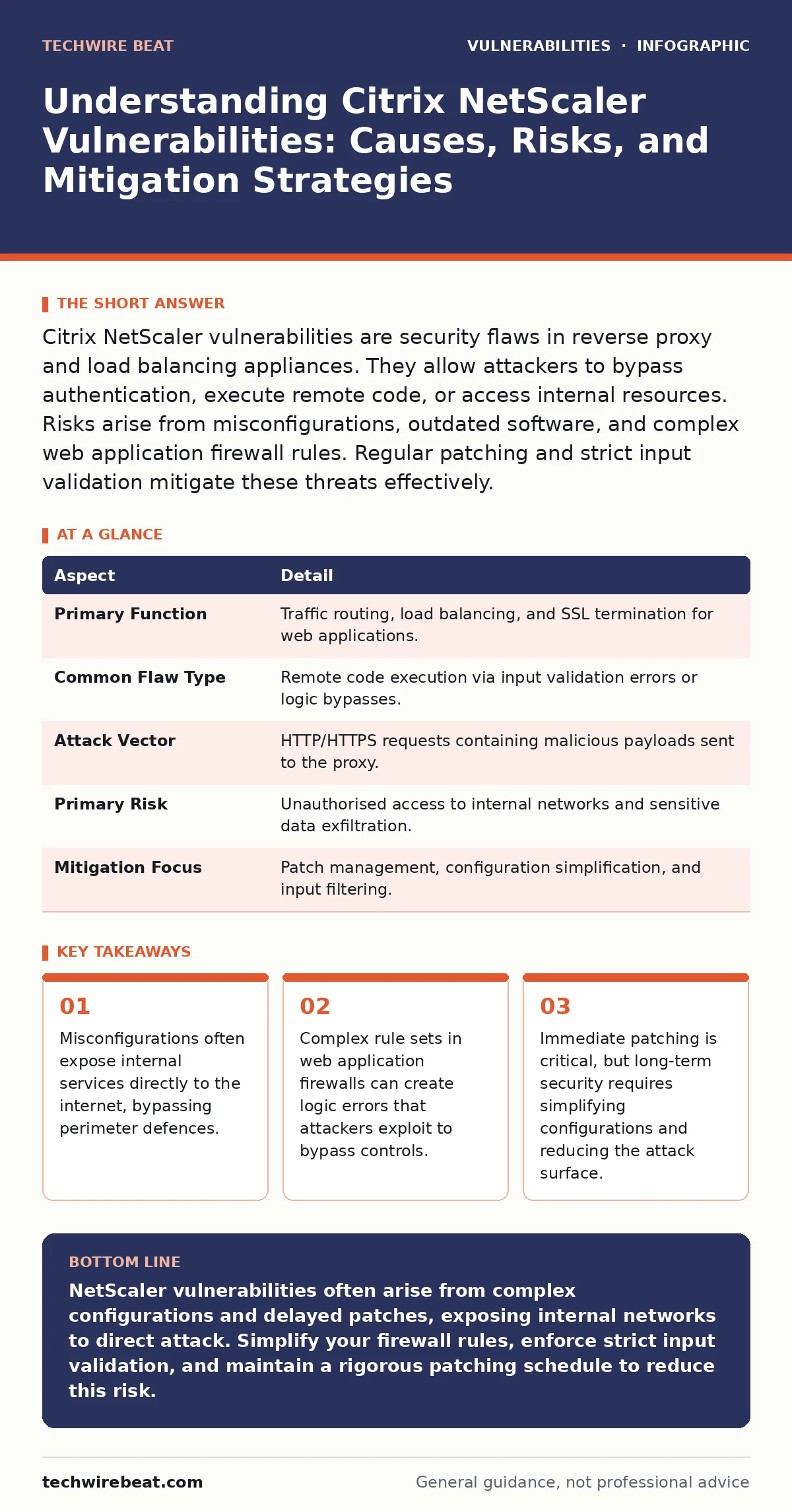
Citrix NetScaler vulnerabilities are security flaws in reverse proxy and load balancing appliances. They allow attackers to bypass authentication, execute remote code, or access internal resources. Risks arise from misconfigurations, outdated software, and complex web application firewall rules. Regular patching and strict input validation mitigate these threats effectively.
The Reverse Proxy Analogy
Imagine a hotel receptionist who checks guest IDs before allowing access to rooms. A Citrix NetScaler acts like this receptionist for your internal network. It sits between the internet and your private servers, verifying requests before passing them through. When this receptionist has a flaw in their ID-checking process, an intruder can slip past without showing proper credentials. The vulnerability is not in the rooms themselves, but in the gatekeeper’s ability to distinguish visitors from threats.
Defining NetScaler Security Flaws
Citrix NetScaler vulnerabilities are weaknesses in the software that manages traffic and authentication for enterprise applications. These flaws allow attackers to exploit the appliance’s role as a reverse proxy. A reverse proxy accepts incoming requests from the internet and forwards them to internal servers. When the proxy fails to validate these requests correctly, it can execute malicious code or leak sensitive data. The impact is severe because the appliance sits at the edge of the network, often with direct access to critical internal resources.
| Aspect | Detail |
|---|---|
| Primary Function | Traffic routing, load balancing, and SSL termination for web applications. |
| Common Flaw Type | Remote code execution via input validation errors or logic bypasses. |
| Attack Vector | HTTP/HTTPS requests containing malicious payloads sent to the proxy. |
| Primary Risk | Unauthorised access to internal networks and sensitive data exfiltration. |
| Mitigation Focus | Patch management, configuration simplification, and input filtering. |
How Exploitation Occurs
Exploitation typically begins with a crafted HTTP request. The attacker sends data that the NetScaler appliance processes unexpectedly. If the software contains a buffer overflow, it might overwrite memory and execute attacker-controlled code. This is similar to out-of-bounds write vulnerabilities where data exceeds allocated space. Alternatively, logic errors in authentication modules allow users to bypass login screens. The attacker does not need to break the password; they simply trick the system into believing authentication has already occurred. This bypasses the security perimeter entirely.
Who Is Affected
Organisations that use NetScaler for remote access are most at risk. This includes companies with large workforces accessing internal tools from home. Financial institutions and healthcare providers are frequent targets because they store sensitive data behind these proxies. Small businesses using cloud-hosted NetScaler instances are also vulnerable. The risk is not limited to the appliance itself. Internal servers behind the proxy become accessible if the gateway is compromised. Any organisation relying on a single point of entry for web traffic must assume this point is under constant scrutiny.
Common Forms of Vulnerability
Several patterns repeat in NetScaler disclosures. Input validation failures allow attackers to inject malicious scripts or commands. This is closely related to Node.js application vulnerabilities where untrusted input is processed without sanitisation. Authentication bypasses occur when logic checks are incomplete or skipped under specific conditions. Cross-site scripting flaws can also appear in the management interface. These allow attackers to hijack administrator sessions. Each form exploits a different layer of the appliance, from the web server to the kernel. Understanding the specific type helps in applying targeted mitigations.
See also: Stop Public Wi-Fi Risks: Real Protection vs Hype
Reducing Risk Through Configuration
Patching is the first line of defence, but configuration hardening is equally important. Complex rule sets in web application firewalls often contain errors. Simplifying these rules reduces the chance of logic flaws. Disable unused services and features on the appliance. Every active feature increases the attack surface. Implement strict input validation at the proxy level. This blocks malformed requests before they reach internal servers. Regularly review access logs for anomalies. Unusual traffic patterns often indicate an attempted exploit. Combine these measures with software composition analysis to identify vulnerable libraries in custom plugins or scripts.
What People Usually Get Wrong
Many organisations believe that placing a NetScaler behind a firewall provides sufficient protection. This is a false sense of security. The NetScaler often terminates SSL connections, meaning it sees the plaintext traffic. If the appliance is compromised, the internal network is exposed regardless of the outer firewall. Another common error is neglecting the management interface. Attackers often target the admin portal rather than the public-facing web applications. Securing the management plane with multi-factor authentication and IP whitelisting is critical. Do not assume that default configurations are secure. They often enable features that are unnecessary for your specific use case.
The Role of Automation in Security
Manual patching is error-prone and slow. Automation tools can help identify outdated versions of NetScaler software across your infrastructure. However, automation also introduces new risks. GitHub Actions workflow injection can compromise the pipelines that deploy security updates. Ensure that your automation infrastructure is secure and that only authorised personnel can modify deployment scripts.
Automated scans should check for known vulnerabilities in the appliance configuration. These scans must run regularly and alert teams to any deviations from the baseline. Integration with mass assignment vulnerabilities checks can help identify cases where users can modify fields they should not access.
Long-Term Maintenance Strategies
Security is not a one-time task. It requires continuous monitoring and adjustment. Review vendor advisories regularly for new vulnerabilities. Subscribe to security bulletins to receive early warnings. Plan for rapid patch deployment. Downtime is often less costly than a breach. Conduct regular penetration tests to validate your defences. These tests should simulate real-world attacks against the NetScaler appliance. Use the results to refine your configuration and improve your incident response plans. Educate your IT staff on the specific risks associated with reverse proxies. Knowledge of the architecture helps in identifying anomalies faster.
Key takeaways
- Misconfigurations often expose internal services directly to the internet, bypassing perimeter defences.
- Complex rule sets in web application firewalls can create logic errors that attackers exploit to bypass controls.
- Immediate patching is critical, but long-term security requires simplifying configurations and reducing the attack surface.
NetScaler vulnerabilities often arise from complex configurations and delayed patches, exposing internal networks to direct attack. Simplify your firewall rules, enforce strict input validation, and maintain a rigorous patching schedule to reduce this risk.
Frequently asked questions
How do I know if my NetScaler is vulnerable?
Check your current software version against the vendor’s security advisories. Look for patches that address remote code execution or authentication bypass flaws. Automated vulnerability scanners can also identify unpatched appliances in your environment.
Can a firewall protect against NetScaler exploits?
A firewall can block known malicious IP addresses, but it cannot stop sophisticated exploits sent from legitimate sources. The NetScaler itself must validate requests. Relying solely on perimeter firewalls leaves the appliance exposed to logic-based attacks that bypass standard rules.
What is the impact of a successful exploit?
Attackers can gain remote code execution on the appliance. This allows them to access internal networks, steal data, or pivot to other systems. The impact depends on the permissions of the service account running the proxy. Full administrative access can lead to total network compromise.
How often should I patch my NetScaler?
Patch immediately after critical security updates are released. Delaying patches leaves your organisation exposed to known exploits. Establish a regular maintenance window for non-critical updates. Automate the detection of new patches to ensure timely deployment across all appliances.
How this guide was produced: written by the TechWire Beat editorial team with AI assistance, checked against the public references listed below, and reviewed when the facts change. See our editorial policy or report an error.