Cross-Site Scripting Explained: 8 Questions Answered for Secure Code
Cross-site scripting exploits trust in the browser rather than breaking into the server, allowing attackers to hijack user sessions without direct server compromise.

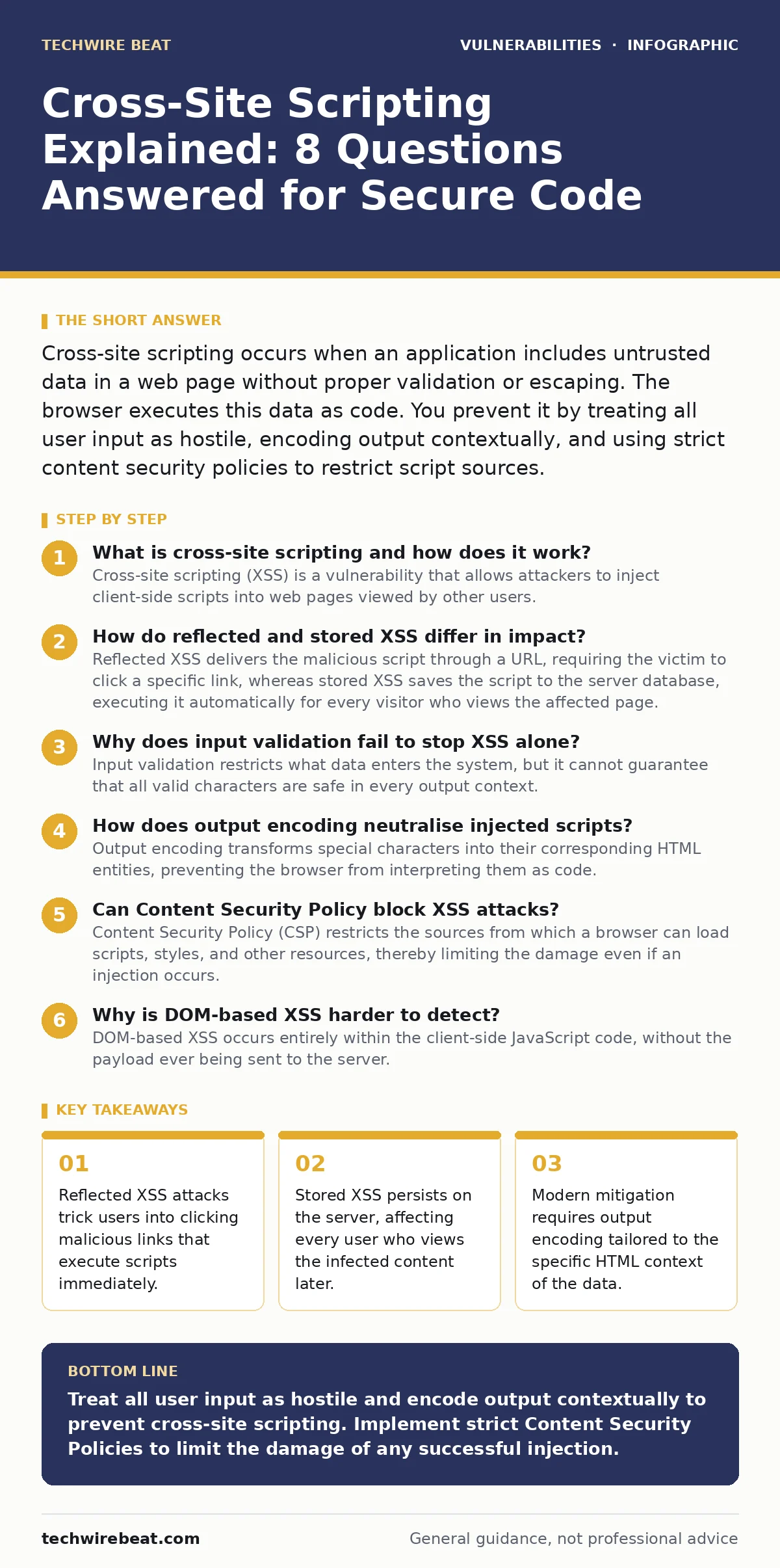
Cross-site scripting occurs when an application includes untrusted data in a web page without proper validation or escaping. The browser executes this data as code. You prevent it by treating all user input as hostile, encoding output contextually, and using strict content security policies to restrict script sources.
What is cross-site scripting and how does it work?
Cross-site scripting (XSS) is a vulnerability that allows attackers to inject client-side scripts into web pages viewed by other users. The mechanism relies on the browser’s inability to distinguish between legitimate application code and malicious input provided by a user. When a web application accepts input and renders it back to the browser without sanitisation, the browser executes the injected script as if it were part of the trusted site.
This execution happens within the user’s session, granting the script access to cookies, local storage, and API calls. The server itself remains unharmed, but the user’s interaction with the application is compromised. You must treat all incoming data as potentially executable code until it is properly encoded for its specific rendering context.
How do reflected and stored XSS differ in impact?
Reflected XSS delivers the malicious script through a URL, requiring the victim to click a specific link, whereas stored XSS saves the script to the server database, executing it automatically for every visitor who views the affected page. Reflected attacks rely on social engineering to trick users into visiting a crafted URL. The payload is reflected off the web server immediately.
Stored attacks are more dangerous because the payload persists. An attacker posts a malicious comment or profile update, and every subsequent viewer executes the code. This persistence means the attack scales with traffic volume. You cannot rely on user caution alone for stored XSS, as the trigger is embedded in the content itself.
Why does input validation fail to stop XSS alone?
Input validation restricts what data enters the system, but it cannot guarantee that all valid characters are safe in every output context. Attackers often bypass simple filters by using alternative character encodings, unexpected whitespace, or obfuscation techniques that confuse the validator but not the browser engine. Relying solely on input validation creates a false sense of security. If the validation logic has even one edge case, the application becomes vulnerable. You must implement output encoding as a separate, mandatory step. This ensures that data is converted into a safe format right before it is rendered in the HTML, JavaScript, or CSS context.
How does output encoding neutralise injected scripts?
Output encoding transforms special characters into their corresponding HTML entities, preventing the browser from interpreting them as code. For example, converting a less-than symbol to < ensures the browser displays the character rather than starting a new tag. This process must match the context where the data appears. HTML body encoding differs from attribute encoding, which differs again from JavaScript context encoding. Using the wrong encoder can leave holes in your defence. You must identify where each piece of data is rendered and apply the correct encoding scheme. This separation of data and code is the primary defence against script injection.
| Encoding Context | Character to Encode | Entity Replacement | Primary Purpose |
|---|---|---|---|
| HTML Body | <, >, &, " | <, >, &, " | Prevent tag injection |
| HTML Attribute | <, >, &, ", ' | <, >, &, ", ' | Prevent attribute breakout |
| JavaScript | All non-alphanumeric | Hexadecimal escapes (\xHH) | Prevent script execution |
Can Content Security Policy block XSS attacks?
Content Security Policy (CSP) restricts the sources from which a browser can load scripts, styles, and other resources, thereby limiting the damage even if an injection occurs. A strict CSP prevents the execution of inline scripts and evaluates only trusted domains. If an attacker injects a script, the browser refuses to run it because it does not originate from an approved source. This acts as a second line of defence. However, CSP does not fix the underlying vulnerability. It only mitigates the impact. You must still encode output correctly. Misconfigured CSPs can break legitimate application functionality, so you must test policies thoroughly before deployment.
See also: CORS Misconfiguration Recovery: Immediate Response and Remediation Steps
Why is DOM-based XSS harder to detect?
DOM-based XSS occurs entirely within the client-side JavaScript code, without the payload ever being sent to the server. The browser’s Document Object Model (DOM) manipulates the page structure based on user input, such as URL fragments or query parameters. If client-side scripts read this input and write it back to the DOM using methods like innerHTML, the script executes immediately. Server-side logs show no malicious activity because the server never sees the payload. This makes traditional server-side scanning ineffective. You must audit client-side code for unsafe DOM manipulation methods and ensure all user input is sanitised before it modifies the page structure.
How do modern frameworks affect XSS risk?
Modern frameworks often include automatic escaping mechanisms that convert user input to safe text by default, significantly reducing the risk of accidental XSS. These frameworks treat all variables as data until explicitly marked as trusted HTML. This shift moves the burden from manual encoding to framework configuration. However, developers can accidentally disable these protections by using directives that render raw HTML. This creates a hidden vulnerability that looks like safe code. You must review all places where raw HTML is rendered and ensure only trusted, sanitised content is passed to these directives.
What is the role of secure software development lifecycle?
Integrating security checks into the secure software development lifecycle ensures that XSS vulnerabilities are identified and fixed early in the development process. This includes static code analysis, dependency updates, and peer reviews focused on security. Early detection is cheaper and less disruptive than fixing issues after deployment. You should also consider related risks like mass assignment vulnerabilities, which can allow attackers to modify server-side variables unexpectedly. Combining these practices creates a layered defence. Regular training for developers on secure coding patterns reinforces these habits and reduces the likelihood of human error.
How do you test for XSS in your application?
Testing for XSS requires both automated scanning and manual review of complex logic. Automated tools can find obvious reflection points, but they often miss context-specific encoding issues or DOM-based flaws. Manual testing involves injecting various payloads into every input field and observing the output.
You should also consider fuzz testing, which sends randomised data to discover unexpected behaviours. This helps identify edge cases where standard validation fails. Regular penetration testing by skilled professionals provides an external perspective on your application’s resilience. Continuous monitoring and updating of security practices are necessary to stay ahead of evolving attack techniques.
Key takeaways
- Reflected XSS attacks trick users into clicking malicious links that execute scripts immediately.
- Stored XSS persists on the server, affecting every user who views the infected content later.
- Modern mitigation requires output encoding tailored to the specific HTML context of the data.
Treat all user input as hostile and encode output contextually to prevent cross-site scripting. Implement strict Content Security Policies to limit the damage of any successful injection.
Frequently asked questions
Does HTTPS prevent cross-site scripting?
HTTPS encrypts data in transit, preventing eavesdropping, but it does not stop the browser from executing malicious scripts injected into the page content.
Can I use a blacklist to block XSS?
Blacklists are ineffective because attackers can always find new ways to bypass filters. You must use a whitelist approach by encoding all output.
What is the difference between XSS and CSRF?
XSS injects malicious scripts into the page, while CSRF tricks the user into performing unintended actions on a trusted site where they are authenticated.
Do I need to worry about XSS in APIs?
If your API returns data that is rendered in a web browser, you must ensure that data is safe for its intended context, even if the API itself is secure.
How this guide was produced: written by the TechWire Beat editorial team with AI assistance, checked against the public references listed below, and reviewed when the facts change. See our editorial policy or report an error.