CORS Misconfiguration Recovery: Immediate Response and Remediation Steps
A broken origin check allows external sites to read your private data, but the fix requires careful header adjustments to avoid locking out legitimate users.

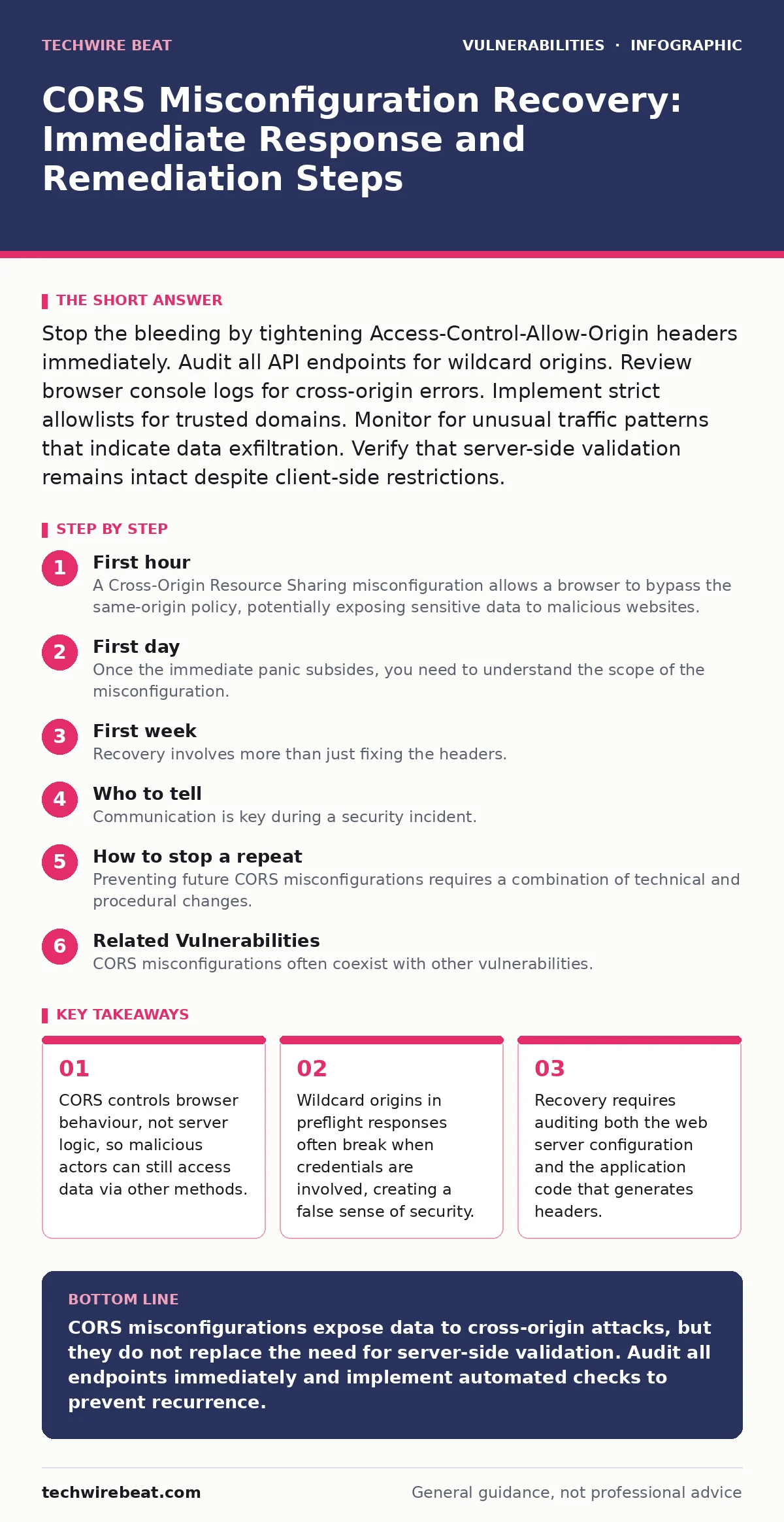
Stop the bleeding by tightening Access-Control-Allow-Origin headers immediately. Audit all API endpoints for wildcard origins. Review browser console logs for cross-origin errors. Implement strict allowlists for trusted domains. Monitor for unusual traffic patterns that indicate data exfiltration. Verify that server-side validation remains intact despite client-side restrictions.
First hour
A Cross-Origin Resource Sharing misconfiguration allows a browser to bypass the same-origin policy, potentially exposing sensitive data to malicious websites. You must act quickly to limit exposure. The first hour focuses on containment and immediate risk reduction. Do not attempt a full fix yet. Stabilise the environment first. Identify the specific endpoints returning permissive headers. Check your web server logs for unusual request patterns. Look for requests from domains you do not recognise. These requests might indicate active exploitation.
- Identify all endpoints returning Access-Control-Allow-Origin headers.
- Check if any headers use a wildcard (*) value.
- Review server logs for requests from unknown origins.
- Disable public access to non-public API endpoints if possible.
- Notify the security team and technical leads.
You should also check if the misconfiguration allows credentials. Browsers block requests with credentials like cookies when the origin is a wildcard. This means a wildcard setting might not be exploitable for authenticated data, but it is still a policy violation. Verify if your application sends cookies or authentication tokens in these requests. If it does, the risk is lower than it appears, but the configuration remains incorrect.
First day
Once the immediate panic subsides, you need to understand the scope of the misconfiguration. A CORS policy defines which origins can access resources. A misconfiguration usually means the server accepts origins it should not. You must audit every API endpoint. Some endpoints might be correctly configured while others are not. Inconsistent configurations are common in large applications.
Start by reviewing the web server configuration files. Many misconfigurations happen at the server level, not in the application code. Check if a global rule is applying permissive headers to all responses. If so, override this with endpoint-specific rules. You should also review the application code that dynamically sets headers. Some applications reflect the request origin back to the user. This is dangerous because an attacker can set their own origin and have the server accept it.
You must also consider the impact on your users. Tightening CORS policies can break functionality for legitimate users. For example, if your application allows embedded widgets on other sites, you must add those sites to the allowlist. If you do not, those widgets will stop working. Test your changes in a staging environment first. This ensures you do not introduce new bugs.
First week
Recovery involves more than just fixing the headers. You need to ensure the underlying architecture is secure. CORS is a client-side security mechanism. It protects the browser, not the server. An attacker can bypass CORS by using a proxy or by exploiting other vulnerabilities. You should treat CORS as a defence-in-depth measure, not a primary control.
Review your server-side validation. Ensure that every request is validated against the user's permissions, regardless of the origin. This is critical because CORS does not prevent server-side attacks. You should also review your logging and monitoring. Look for any signs of data exfiltration during the period of misconfiguration. Check if any sensitive data was accessed by unauthorised origins.
You should also review your deployment pipeline. Misconfigurations often happen because of changes in the deployment process. For example, a new feature might have required permissive headers, but the restriction was not added back later. Implement checks in your pipeline to detect permissive CORS headers. This prevents future misconfigurations from reaching production.
Who to tell
Communication is key during a security incident. You must inform the relevant stakeholders. This includes the security team, the development team, and potentially legal counsel. The security team needs to understand the scope and impact. The development team needs to implement the fix. Legal counsel needs to assess any regulatory implications.
Do not disclose details to the public until you have a full understanding of the incident. Premature disclosure can lead to panic and further exploitation. However, you must be transparent with your users if their data was compromised. Follow your organisation's incident response plan. This ensures consistent and accurate communication.
How to stop a repeat
Preventing future CORS misconfigurations requires a combination of technical and procedural changes. You should implement automated checks in your deployment pipeline. These checks should scan for permissive CORS headers. If a deployment includes such headers, it should be blocked. This ensures that misconfigurations do not reach production.
You should also educate your development team. Many developers do not understand the implications of CORS. They might set permissive headers to make development easier. Provide training on the correct use of CORS. Explain the risks of wildcard origins and reflected origins.
Consider using a Content Security Policy (CSP) to restrict the sources of scripts and other resources. CSP works alongside CORS to provide additional protection. It restricts where resources can be loaded from, reducing the attack surface.
You should also review your API design. If your API is used by third parties, consider using API keys or OAuth tokens for authentication. This provides a more secure way to control access than CORS. CORS is not designed for authentication. It is designed to control browser-based access.
See also: Cross-Site Scripting Explained: 8 Questions Answered for Secure Code
Related Vulnerabilities
CORS misconfigurations often coexist with other vulnerabilities. For example, an attacker might exploit a server-side request forgery (SSRF) vulnerability to bypass CORS restrictions. SSRF allows an attacker to make requests from your server to internal resources. This bypasses the same-origin policy entirely. You should check for SSRF vulnerabilities in your application.
Another related vulnerability is SQL injection. If an attacker can inject SQL into your application, they might be able to extract data regardless of CORS settings. You should ensure that all database queries are parameterised. This prevents SQL injection attacks.
You should also consider mass assignment vulnerabilities. If an attacker can modify object properties that should be read-only, they might be able to change security settings. This could include CORS settings if they are stored in the database. You should validate all user input to prevent mass assignment.
Finally, review your software composition analysis process. This helps you identify vulnerable libraries that might introduce CORS misconfigurations. Some libraries might set permissive headers by default. You should ensure that these libraries are configured correctly.
Final Checks
Before closing the incident, perform a final review. Ensure that all endpoints are correctly configured. Test the application with different origins to verify that the policies are working. Check that legitimate users can still access the application. Monitor the logs for any unusual activity.
Document the incident and the lessons learned. This helps improve your incident response process. Share the findings with the development team. This ensures that they understand the risks and know how to prevent them in the future.
Key takeaways
- CORS controls browser behaviour, not server logic, so malicious actors can still access data via other methods.
- Wildcard origins in preflight responses often break when credentials are involved, creating a false sense of security.
- Recovery requires auditing both the web server configuration and the application code that generates headers.
CORS misconfigurations expose data to cross-origin attacks, but they do not replace the need for server-side validation. Audit all endpoints immediately and implement automated checks to prevent recurrence.
Frequently asked questions
Does fixing CORS stop all data leaks?
No, CORS only restricts browser-based access. Attackers can still access data using server-side scripts or other methods. You must validate all requests on the server.
Can I use wildcard origins for public APIs?
Only if the API does not send credentials. Browsers block requests with credentials when the origin is a wildcard. This is a security feature to prevent data leakage.
How do I test for CORS misconfigurations?
Use a proxy tool to intercept HTTP responses. Check for Access-Control-Allow-Origin headers. Verify that they match trusted domains. Look for wildcard values or reflected origins.
Is CORS a replacement for authentication?
No, CORS is a client-side security mechanism. It does not authenticate users. You must use proper authentication methods like API keys or OAuth tokens.
How this guide was produced: written by the TechWire Beat editorial team with AI assistance, checked against the public references listed below, and reviewed when the facts change. See our editorial policy or report an error.