Multi-Factor Authentication Checklist: Stop Account Takeovers
Adding a second verification step blocks stolen passwords but introduces new attack vectors like phishing and session hijacking that require specific controls.
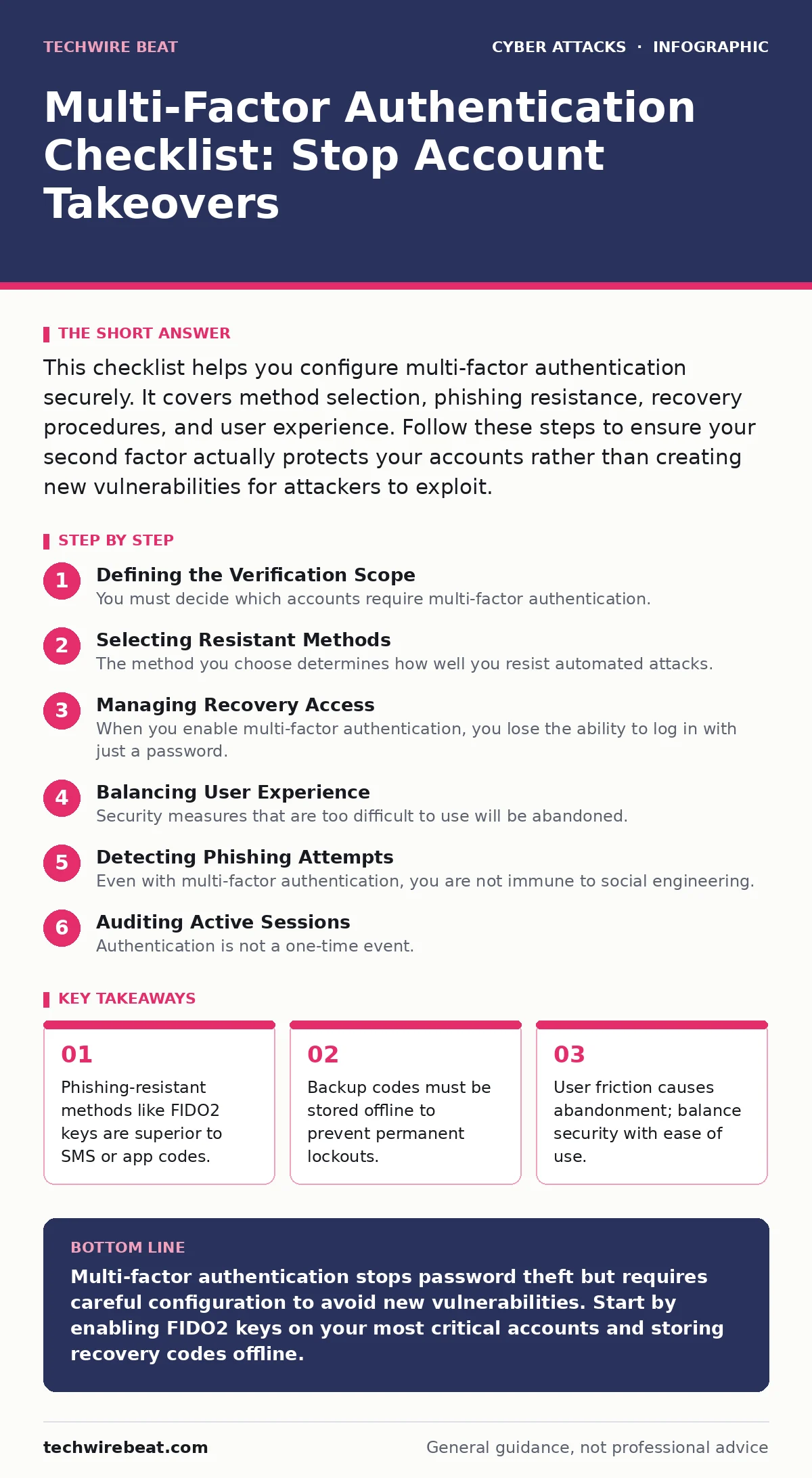
This checklist helps you configure multi-factor authentication securely. It covers method selection, phishing resistance, recovery procedures, and user experience. Follow these steps to ensure your second factor actually protects your accounts rather than creating new vulnerabilities for attackers to exploit.
Defining the Verification Scope
You must decide which accounts require multi-factor authentication. Not every login session needs the same level of scrutiny. High-value targets, such as email and financial services, demand the strongest protection. Low-risk applications, like casual gaming platforms, may warrant simpler checks. This approach reduces user fatigue while maintaining security where it matters most.
- Identify critical accounts: These hold sensitive data or financial access.
- Classify risk levels: Group services by potential damage if compromised.
- Exclude low-risk apps: Reduce friction for non-sensitive logins.
Selecting Resistant Methods
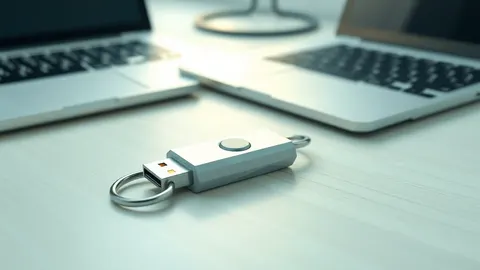
The method you choose determines how well you resist automated attacks. SMS codes are vulnerable to SIM swapping, where an attacker tricks a carrier into moving your number. Authenticator apps generate time-based codes but can be phished in real-time. Hardware security keys provide the highest level of protection because they bind the authentication to the physical device. They prevent replay attacks, where an attacker captures and reuses a valid code.
- Prioritize FIDO2 keys: These cryptographic devices cannot be phished.
- Use TOTP apps as backup: Time-based codes are better than SMS but still phishable.
- Avoid SMS verification: Cellular networks are not secure channels for secrets.
Managing Recovery Access
When you enable multi-factor authentication, you lose the ability to log in with just a password. If your second factor fails, you need a way to regain access. Many users store recovery codes in their cloud notes or email drafts. This is a critical error. If your email is compromised, the attacker gains immediate access to your recovery codes. You must store these codes offline, in a physical location that only you can access.
- Generate backup codes: Create a set of single-use passwords for emergencies.
- Print recovery codes: Physical paper is immune to digital theft.
- Store copies securely: Keep them in a fireproof safe or locked drawer.
Balancing User Experience
Security measures that are too difficult to use will be abandoned. Users will seek workarounds, such as disabling the protection or using weak passwords. You must configure the system to remember trusted devices. This allows you to skip the second factor for a period on your personal laptop. However, this convenience creates a risk. If your laptop is stolen, the attacker gains easier access. You must define how long this trust lasts.
- Enable trusted devices: Allow password-only login on known hardware.
- Set trust expiry: Automatically require re-verification after a set time.
- Monitor for anomalies: Trigger checks if the location changes suddenly.
Detecting Phishing Attempts
Even with multi-factor authentication, you are not immune to social engineering. Attackers use cybercrime-as-a-service to build convincing fake login pages. They ask for your password and your authenticator code simultaneously. If you enter both, the attacker gains access instantly. You must train yourself to recognise these attempts. Look for subtle differences in the URL or the page layout. Do not enter codes unless you initiated the login request.
- Verify domain names: Check the website address before entering credentials.
- Avoid unsolicited links: Never click login links in unexpected emails.
- Use browser bookmarks: Navigate to services directly to avoid spoofed pages.
See also: Hardware Security Keys: Answers to Your Most Pressing Questions · Browser in the Browser Attacks: How Fake Logins Steal Credentials
Auditing Active Sessions
Authentication is not a one-time event. It is a continuous state. You must know where your account is currently active. Many services provide a list of logged-in devices. Review this list regularly. If you see a device you do not recognise, terminate the session immediately. This limits the damage if an attacker has already bypassed your second factor. It also helps you identify compromised accounts before data is exfiltrated.
- Check active sessions: Review the list of devices currently logged in.
- Revoke unknown access: Log out of devices you do not own or recognise.
- Enable login alerts: Receive notifications for new device or location logins.
Handling Account Lockouts
Aggressive security can lock you out of your own account. Attackers may trigger account lockout policies by guessing passwords repeatedly. You must ensure your recovery process is robust. Do not rely on a single recovery method. If your email is compromised and your phone is lost, you are locked out. Diversify your recovery options. Use different methods for each recovery step to ensure one failure does not block all access.
- Set up multiple recovery methods: Use email, phone, and backup codes.
- Test recovery procedures: Attempt to reset your password in a safe environment.
- Update contact details: Ensure recovery emails and phone numbers are current.
Integrating Awareness Training
Technology alone cannot stop every attack. Users must understand the risks. They need to know why they are being asked for a second factor. They must understand the difference between a legitimate prompt and a phishing attempt. Regular security awareness training helps users recognise these threats. It reduces the likelihood of them falling for social engineering scams. Knowledge is the final layer of defence.
- Educate on phishing: Teach users to spot fake login pages.
- Explain MFA benefits: Show why the extra step protects their data.
- Simulate attacks: Use controlled tests to improve user response.
Key takeaways
- Phishing-resistant methods like FIDO2 keys are superior to SMS or app codes.
- Backup codes must be stored offline to prevent permanent lockouts.
- User friction causes abandonment; balance security with ease of use.
Multi-factor authentication stops password theft but requires careful configuration to avoid new vulnerabilities. Start by enabling FIDO2 keys on your most critical accounts and storing recovery codes offline.
Frequently asked questions
Is two-factor authentication the same as multi-factor authentication?
Yes, but multi-factor is the broader term. It implies using two or more distinct types of verification, such as something you know, have, and are.
Can I use my fingerprint as a second factor?
Yes, biometrics are a valid second factor. They fall under "something you are" and are generally secure if stored locally on your device.
What happens if I lose my hardware security key?
You will need to use your backup codes or secondary recovery methods. This is why storing backup codes offline is critical for maintaining access.
Do I need multi-factor authentication for social media?
Yes, social media accounts are high-value targets for identity theft. They often provide access to other services via password reset links.
How this guide was produced: written by the TechWire Beat editorial team with AI assistance, checked against the public references listed below, and reviewed when the facts change. See our editorial policy or report an error.