Hardware Security Keys: Answers to Your Most Pressing Questions
Physical security keys eliminate phishing risks by ensuring cryptographic signatures only travel over authentic channels, rendering credential theft useless.
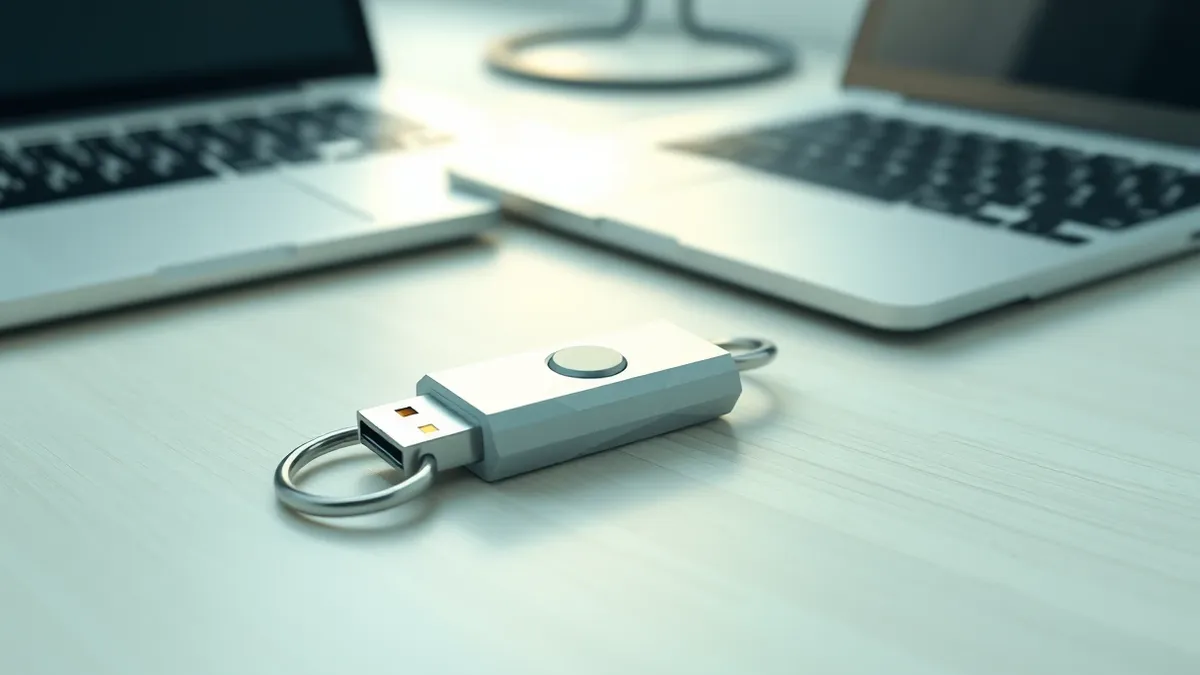
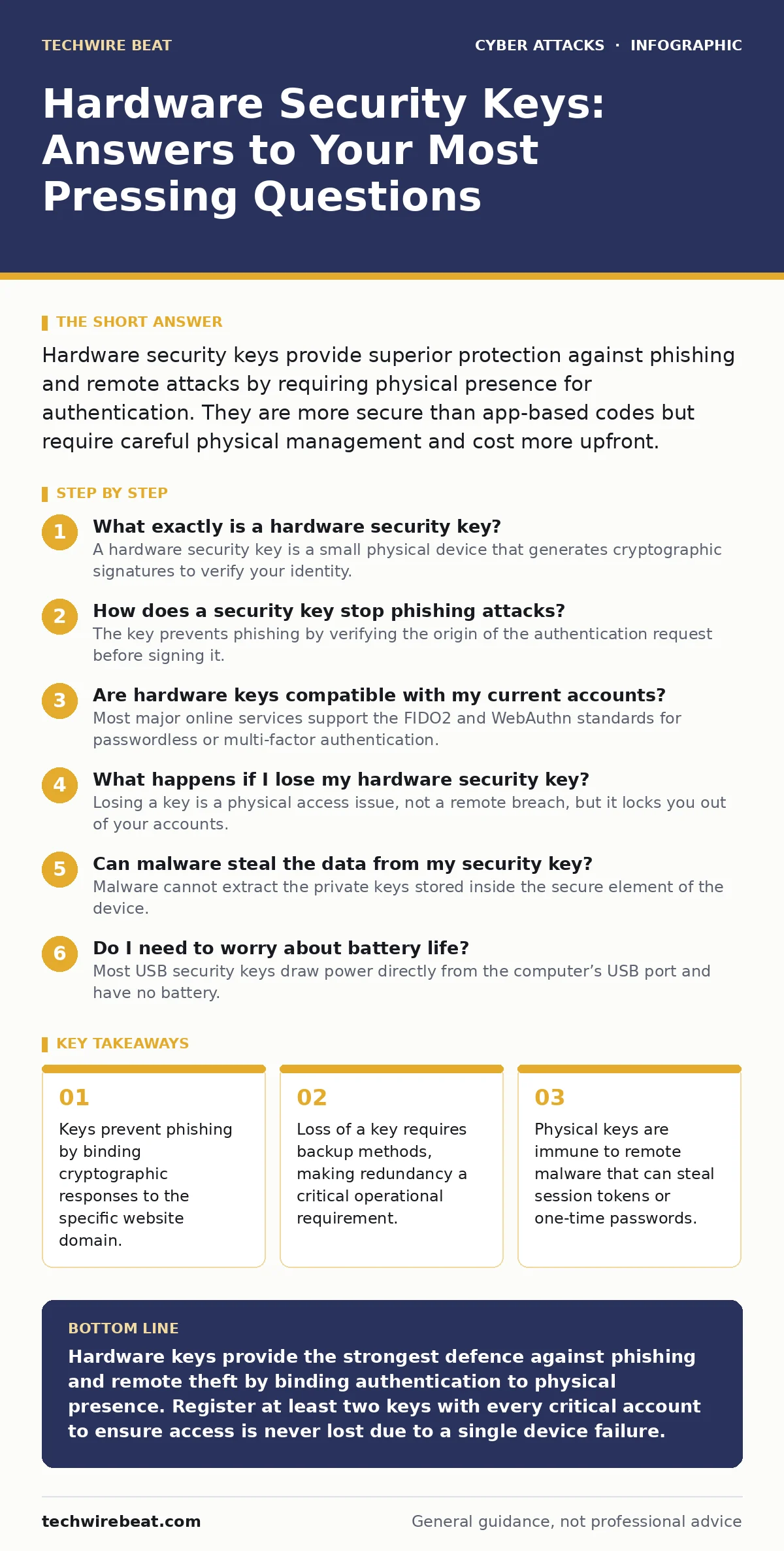
Hardware security keys provide superior protection against phishing and remote attacks by requiring physical presence for authentication. They are more secure than app-based codes but require careful physical management and cost more upfront.
What exactly is a hardware security key?
A hardware security key is a small physical device that generates cryptographic signatures to verify your identity. It connects via USB, NFC, or Bluetooth to prove you are physically present during login. This mechanism replaces or supplements traditional passwords and one-time passcodes.
The key contains a secure element, a dedicated microcontroller designed to resist tampering. This chip stores private keys that never leave the device, even when connected to a compromised computer. By keeping the secret key offline, you eliminate the risk of remote extraction by malware.
How does a security key stop phishing attacks?
The key prevents phishing by verifying the origin of the authentication request before signing it. When you plug in the key, the browser sends the domain name of the website to the device. The key checks this domain against the application’s expected identity.
If you are on a fake site, the domain will not match the legitimate service. The key refuses to generate a signature, and the login fails. This binding between the cryptographic response and the specific URL ensures that stolen credentials are useless to attackers, even if they trick you into entering them on a convincing replica site.
Are hardware keys compatible with my current accounts?
Most major online services support the FIDO2 and WebAuthn standards for passwordless or multi-factor authentication. These open protocols allow any compliant key to work with banks, email providers, and cloud platforms. You do not need proprietary software to use the device.
However, legacy systems that only support SMS codes or static tokens may not accept hardware keys. In these cases, the key cannot serve as the second factor. You must check the security settings of each service to confirm FIDO2 support before relying on the key for access.
What happens if I lose my hardware security key?
Losing a key is a physical access issue, not a remote breach, but it locks you out of your accounts. You must have registered backup keys or alternative recovery methods before this occurs. Without a backup, account recovery can be slow, involving manual verification with support teams.
Services typically allow you to register multiple keys during setup. This redundancy ensures that losing one device does not mean losing access. You should store backup keys in separate physical locations to protect against theft, fire, or loss during travel.
Can malware steal the data from my security key?
Malware cannot extract the private keys stored inside the secure element of the device. The cryptographic operations happen inside the secure chip, and only the resulting signature leaves the device. This design prevents keyloggers or memory-scraping malware from capturing the secret material.
However, malware can still compromise your session after you have authenticated. If a virus installs a browser extension, it might hijack your active session cookies. The key protects the login process, but it does not stop an attacker from taking over an already-verified session.
| Feature | Hardware Key | Authenticator App | SMS Code |
|---|---|---|---|
| Phishing Resistance | High | Low | None |
| Remote Theft Risk | None | Medium | High |
| Physical Loss Impact | High | Low | Low |
| Usability | Moderate | High | High |
See also: Browser in the Browser Attacks: How Fake Logins Steal Credentials · Browser-in-the-Browser Attacks: 6 Myths That Keep You Vulnerable
Do I need to worry about battery life?
Most USB security keys draw power directly from the computer’s USB port and have no battery. NFC keys often contain a small coin-cell battery to handle wireless connections. This battery typically lasts for several years, but it is not rechargeable.
When the battery dies, NFC functionality stops, but USB connectivity usually remains available. You should test your key periodically to ensure the battery is still functional. If you rely solely on NFC, a dead battery could lock you out if you do not have a USB backup method.
How do hardware keys compare to authenticator apps?
Hardware keys offer stronger security because they are physically isolated from your phone or computer. Authenticator apps run on general-purpose operating systems that can be infected by malware. An attacker with access to your phone might clone the app data or intercept push notifications.
Keys require physical presence, which adds a layer of friction that remote attackers cannot bypass. Apps are convenient and free, but they expose you to risks like SIM swapping or device theft. Keys trade some convenience for a significant reduction in attack surface.
Are hardware keys resistant to brute-force attacks?
Yes, the keys are designed to resist brute-force attempts through built-in countermeasures. The secure element tracks the number of failed authentication attempts. After a certain number of failures, the device may permanently lock itself or require a specific reset procedure.
This prevents attackers from guessing PINs or trying random signatures. However, the protection depends on the implementation of the key manufacturer. You should choose keys from reputable makers that follow established security standards to ensure these countermeasures are effective.
Can a hardware key be cloned or replayed?
Hardware keys are immune to replay attacks because each cryptographic signature is unique. The signature includes a random nonce generated by the server, ensuring the same response cannot be used twice. Even if an attacker intercepts the data, they cannot reuse it to log in.
Cloning the key is practically impossible due to the secure element’s anti-tamper features. Attempts to physically probe the chip trigger destruction of the stored keys. This makes hardware keys significantly more secure than software tokens that can be copied or transferred.
Key takeaways
- Keys prevent phishing by binding cryptographic responses to the specific website domain.
- Loss of a key requires backup methods, making redundancy a critical operational requirement.
- Physical keys are immune to remote malware that can steal session tokens or one-time passwords.
Hardware keys provide the strongest defence against phishing and remote theft by binding authentication to physical presence. Register at least two keys with every critical account to ensure access is never lost due to a single device failure.
Frequently asked questions
Can I use a hardware key without a password?
Many services allow passwordless login using FIDO2, where the key acts as the sole credential. This eliminates password theft but requires strict backup planning.
Do hardware keys work offline?
Yes, the cryptographic operations happen locally on the device. No internet connection is needed for the key to generate a signature, though the browser must be online to submit it.
Are hardware keys safe from side-channel attacks?
Reputable keys use secure elements designed to resist power analysis and timing attacks. These hardware-level protections make side-channel extraction extremely difficult for standard attackers.
What is the difference between FIDO2 and U2F?
FIDO2 is the newer standard that includes WebAuthn, allowing passwordless login. U2F only supports two-factor authentication alongside a password. Most modern keys support both protocols.
How this guide was produced: written by the TechWire Beat editorial team with AI assistance, checked against the public references listed below, and reviewed when the facts change. See our editorial policy or report an error.