Browser in the Browser Attacks: How Fake Logins Steal Credentials
Browser in the browser attacks trick your eye by rendering a fake login window inside your real browser, bypassing URL checks and standard visual security cues.
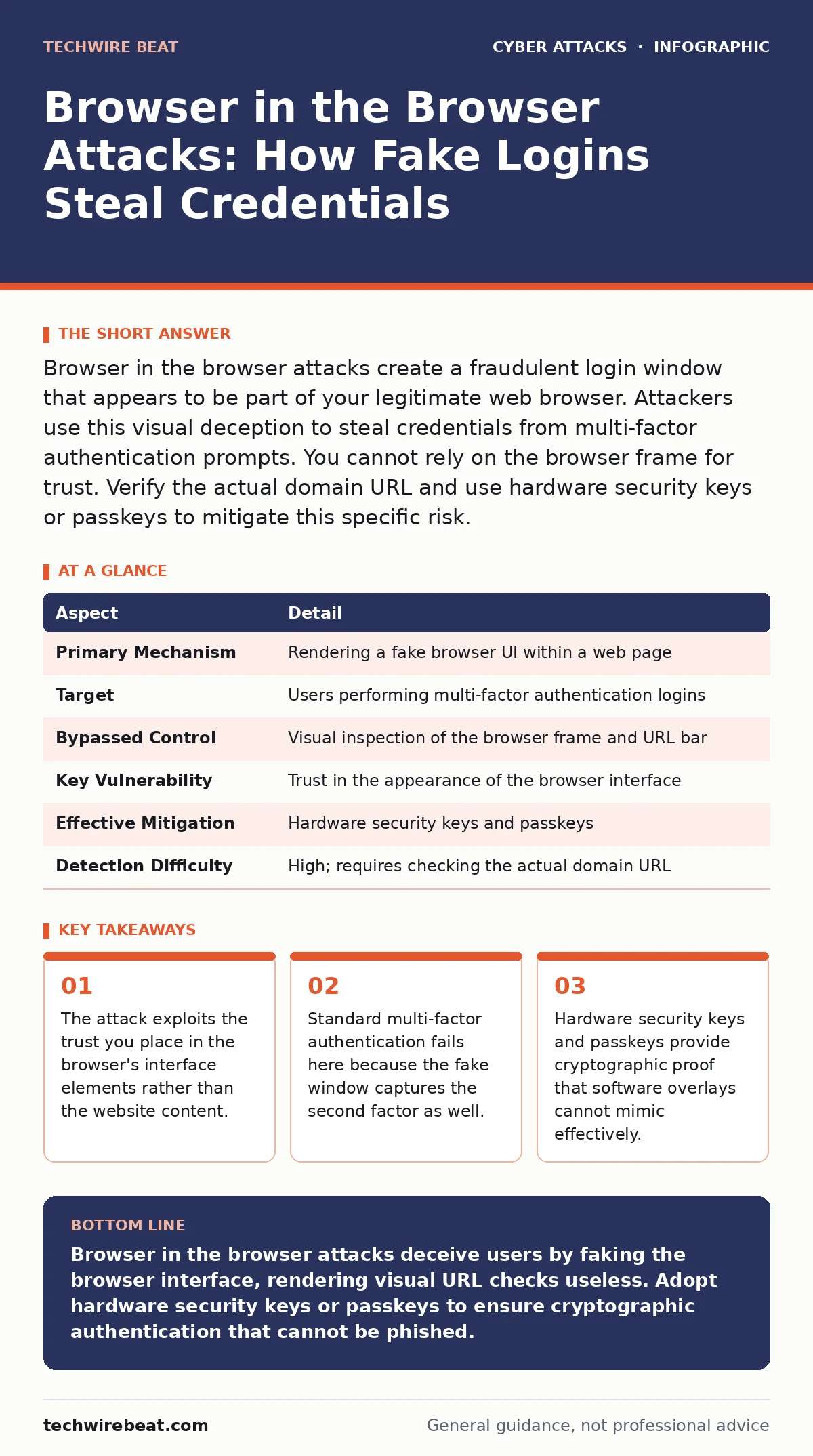
Browser in the browser attacks create a fraudulent login window that appears to be part of your legitimate web browser. Attackers use this visual deception to steal credentials from multi-factor authentication prompts. You cannot rely on the browser frame for trust. Verify the actual domain URL and use hardware security keys or passkeys to mitigate this specific risk.
The Illusion of Trust
Imagine standing at a toll booth, handing your card to an attendant who looks exactly like the official staff. You trust the uniform, the booth, and the process. The attendant is an imposter, but the environment feels authentic. Browser in the browser attacks operate on this same psychological principle. They exploit the user's inherent trust in the browser application itself.
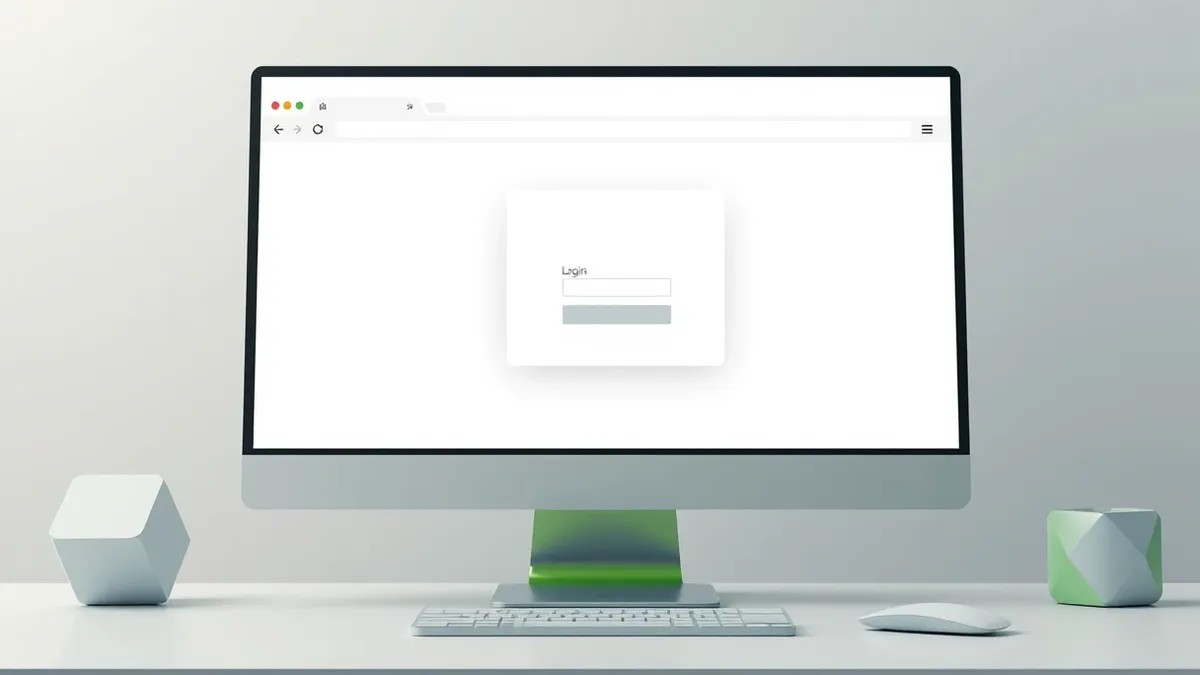
When you open a website, you expect the address bar, tabs, and window frame to be controlled by your browser software. You assume that if the window looks like your browser, it is your browser. Attackers shatter this assumption. They render a fake browser window inside the actual website content. This fake window mimics the look and feel of your operating system and browser. It includes a fake address bar, fake tabs, and even fake security indicators.
The user sees a login prompt that appears to be a native system dialog. They enter their username, password, and multi-factor authentication code. They believe they are interacting with a secure, system-level process. In reality, they are typing into a web page designed to look like a window. The visual deception is complete. The attack relies on the fact that most users do not inspect the underlying code or the actual domain hosting the content.
At a Glance
| Aspect | Detail |
|---|---|
| Primary Mechanism | Rendering a fake browser UI within a web page |
| Target | Users performing multi-factor authentication logins |
| Bypassed Control | Visual inspection of the browser frame and URL bar |
| Key Vulnerability | Trust in the appearance of the browser interface |
| Effective Mitigation | Hardware security keys and passkeys |
| Detection Difficulty | High; requires checking the actual domain URL |
How Browser in the Browser Attacks Work
The technical execution of browser in the browser attacks relies on advanced web rendering techniques. The attacker hosts a malicious website. This site uses JavaScript and CSS to draw a rectangle on the screen that resembles a browser window. Inside this rectangle, the attacker renders a fake address bar showing the legitimate domain name, such as a bank or email provider.
The fake window is positioned to cover most of the screen. It often includes a fake taskbar or dock at the bottom. This makes the entire view look like a new browser tab or a system dialog. The user clicks a link in a phishing email or message. This link opens the malicious site. The site immediately displays the fake login window.
The user interacts with the fake window. They type their credentials into the fake input fields. When they submit the form, the data is sent to the attacker's server. The attacker then uses these credentials to access the real account. The attack succeeds because the user never sees the true URL of the malicious site. The fake address bar displays the correct URL, but it is just an image or text element, not the actual browser address bar.
This method circumvents the primary defence users rely on: checking the URL. Since the fake URL is embedded in the malicious page, the user sees the correct domain. The browser's actual address bar, which shows the malicious domain, is hidden behind the fake window. The user must consciously look for the real browser frame to detect the deception. Most users do not do this.
Who Is Affected and Why It Matters
Browser in the browser attacks target anyone who uses multi-factor authentication. This includes personal users, corporate employees, and administrators. The attack is particularly effective against users who are trained to check URLs but do not understand that the URL they see might be part of the webpage content.
The financial sector is a frequent target. Banks use complex login flows that involve multiple steps and verification codes. Attackers replicate these flows in the fake window. The user experiences no friction. The login process feels normal. The attack succeeds because the user's security habits are directed at the wrong layer. They verify the fake URL, not the real one.
Corporate users are also at risk. Employees often access internal tools and cloud services. Attackers create fake login pages for these services. The employee logs in, believing they are accessing the corporate network. The attacker gains access to the employee's account. This can lead to data theft or further lateral movement within the organisation.
The impact is severe. Once the attacker has the credentials and the multi-factor code, they can bypass most standard security controls. The account is compromised. The user may not realise the breach until it is too late. The attack undermines the trust in multi-factor authentication, which is a cornerstone of modern security.
What People Usually Get Wrong
Many users believe that checking the URL is sufficient to prevent phishing. This is incorrect in the context of browser in the browser attacks. The URL displayed in the fake window is not the actual URL of the page. It is a visual element rendered by the attacker. The real URL is hidden.
Another common mistake is trusting the browser's security indicators. Users look for the padlock icon or the green text indicating a secure connection. The attacker can replicate these indicators in the fake window. The padlock in the fake window is just an image. It does not represent a real secure connection. The user sees a secure icon and assumes safety.
Users also often ignore the context of the login prompt. A legitimate browser will not suddenly open a new window for a login without user interaction. If a login window appears unexpectedly, it is suspicious. Users often dismiss this warning sign because the window looks authentic. They focus on the content, not the behaviour.
Finally, users underestimate the sophistication of these attacks. They assume that phishing attempts are obvious, with poor grammar or strange URLs. Browser in the browser attacks are highly polished. They use real branding, real logos, and real login flows. The deception is subtle. The user must be aware that the interface itself can be faked.
See also: Difference Between Smishing and Vishing: How Each Attack Works · How Cryptomining Attacks on Exposed Servers Work: A Step-by-Step Breakdown
Mitigation and Defence Strategies
Defending against browser in the browser attacks requires shifting trust from the visual interface to cryptographic verification. Standard multi-factor authentication, such as SMS codes or authenticator app codes, is vulnerable. The attacker captures these codes in the fake window. You need a method that cannot be phished.
Hardware security keys provide strong protection. These devices, such as those supporting the FIDO2 standard, perform cryptographic operations locally. When you plug in a hardware key, the browser communicates directly with the device. The attacker cannot intercept this communication because it happens at a lower level than the webpage. The fake window cannot mimic the hardware key's response.
Passkeys offer a similar level of security without requiring physical hardware. Passkeys use public-key cryptography to authenticate users. The private key never leaves the user's device. The attacker cannot steal the passkey because it is not transmitted over the network. When you log in with a passkey, the browser verifies the signature locally. The fake window cannot generate a valid signature.
You should also train users to look for the real browser frame. Encourage them to minimise the window or move the mouse cursor to the edges of the screen. This reveals the actual browser window and the real URL. If the URL does not match the expected domain, the page is malicious. This simple action can break the illusion.
The Role of Security Awareness
Technical controls are not enough. Users must understand the threat. Security awareness training should include specific modules on browser in the browser attacks. Users need to know that the browser interface can be faked. They need to learn how to spot the signs of a fake window.
Training should emphasise the importance of hardware security keys and passkeys. Users should be encouraged to enable these methods for all critical accounts. They should understand that these methods provide protection against visual deception. The training should also cover the context of login prompts. Users should be wary of unexpected login windows.
Organisations should also monitor for unusual login patterns. Sudden logins from new locations or devices can indicate a compromise. Alerting systems should notify users of suspicious activity. This allows users to react quickly if their credentials are stolen.
Integrating these practices into daily routines is vital. Users should make it a habit to verify the real URL before entering credentials. They should prefer passkeys over passwords and codes. By combining technical controls with user education, organisations can significantly reduce the risk of browser in the browser attacks.
For more on physical security risks, see our guide on tailgating. For digital credential security, read about passkeys and hardware security keys. Understanding smishing helps identify the initial vector. Deepfake scams also exploit trust in digital media. Cybercrime-as-a-service makes these attacks accessible to many. Multi-factor authentication remains a baseline, but not a silver bullet.
Key takeaways
- The attack exploits the trust you place in the browser's interface elements rather than the website content.
- Standard multi-factor authentication fails here because the fake window captures the second factor as well.
- Hardware security keys and passkeys provide cryptographic proof that software overlays cannot mimic effectively.
Browser in the browser attacks deceive users by faking the browser interface, rendering visual URL checks useless. Adopt hardware security keys or passkeys to ensure cryptographic authentication that cannot be phished.
Frequently asked questions
Can antivirus software detect browser in the browser attacks?
Antivirus software may flag the malicious website, but it often cannot detect the visual deception in real-time. The attack relies on user interaction with a rendered page, which is hard to block without disrupting legitimate use.
Do browser extensions help prevent this?
Some extensions can warn about known phishing sites, but they cannot always distinguish between a real browser frame and a fake one rendered in JavaScript. They are an additional layer, not a complete solution.
Is two-factor authentication useless against this?
Standard two-factor authentication using codes is vulnerable because the codes are captured by the fake window. However, two-factor authentication using hardware keys or passkeys remains effective because it relies on cryptographic proof.
How can I tell if my browser is being tricked?
Look for the actual browser address bar at the very top of the screen. If the login window covers it, move the window or minimise it. Check the real URL against the expected domain. Any mismatch indicates a fake interface.
How this guide was produced: written by the TechWire Beat editorial team with AI assistance, checked against the public references listed below, and reviewed when the facts change. See our editorial policy or report an error.