Security Awareness Training Checklist: Build Human Defences
Training fails when it relies on fear; effective programmes use continuous, contextual nudges that adapt to the specific tools and workflows your team uses daily.

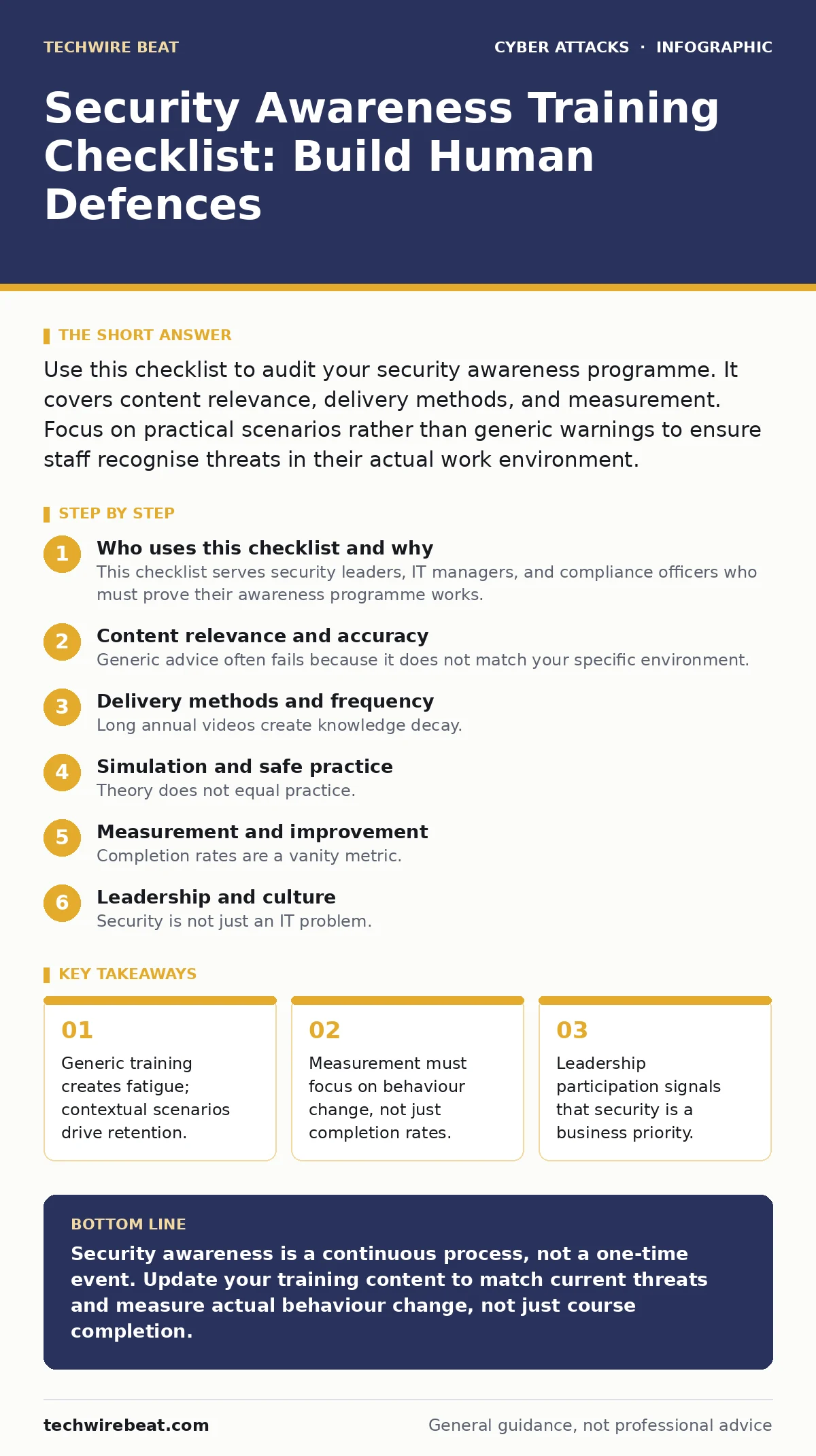
Use this checklist to audit your security awareness programme. It covers content relevance, delivery methods, and measurement. Focus on practical scenarios rather than generic warnings to ensure staff recognise threats in their actual work environment.
Who uses this checklist and why
This checklist serves security leaders, IT managers, and compliance officers who must prove their awareness programme works. You use it to audit your current training against practical effectiveness standards. It moves beyond simple compliance checkboxes to evaluate whether your staff can actually stop attacks.
Content relevance and accuracy
Generic advice often fails because it does not match your specific environment. Your training must reflect the actual software and processes your employees use. If you do not use a specific cloud platform, training on its misconfigurations wastes time.
- Map training content to actual software stack: Irrelevant content causes staff to ignore all security messages.
- Include current phishing templates used against your sector: Generic examples fail to teach recognition of targeted lures.
- Cover social engineering principles, not just email: Attackers use phone calls and text messages to bypass email filters.
- Explain the mechanics of drive-by downloads: Understanding how malicious code executes helps users avoid risky sites.
- Detail the risks of dumpster diving: Physical disposal of documents can reveal credentials that bypass digital controls.
Delivery methods and frequency
Long annual videos create knowledge decay. Staff forget most of what they learn within weeks if they do not use the knowledge. Short, frequent interactions keep security top of mind without disrupting workflow.
- Use micro-learning modules under five minutes: Short bursts improve retention compared to hour-long sessions.
- Schedule training during normal work hours: Mandatory after-hours training breeds resentment and reduces engagement.
- Integrate tips into daily tools like email clients: Contextual reminders at the point of action are more effective than isolated courses.
- Rotate scenarios to prevent pattern recognition: Repeating the same test emails allows users to guess answers rather than learn.
Simulation and safe practice
Theory does not equal practice. You must provide safe environments where staff can make mistakes and learn from them. Simulations must be realistic but never punitive, as fear inhibits learning.
- Conduct controlled phishing simulations regularly: Testing readiness reveals gaps before attackers exploit them.
- Provide immediate feedback upon clicking: Instant correction reinforces the right behaviour while the memory is fresh.
- Avoid shaming users who fail simulations: Public embarrassment discourages reporting of real incidents.
- Simulate deepfake scams using audio or video: Voice cloning requires different detection skills than text-based phishing.
Measurement and improvement
Completion rates are a vanity metric. They tell you who watched the video, not who understood the risk. You need metrics that show actual behaviour change over time.
- Track click-through rates on simulated attacks: Declining rates indicate improving recognition skills.
- Measure reporting rates of suspicious messages: High reporting shows staff trust the process and want to help.
- Survey staff on confidence levels: Self-assessment helps identify topics that need clearer explanation.
- Link training to incident data: Correlating training with actual breaches shows real-world effectiveness.
See also: Is Passkeys Safe? The Cryptographic Reality Behind Passwordless Login · Difference Between Smishing and Vishing: How Each Attack Works
Leadership and culture
Security is not just an IT problem. When leaders ignore security protocols, staff follow suit. Culture is set from the top down, not the bottom up.
- Include executives in all training sessions: Leaders must model the behaviour they expect from others.
- Reward good security practices publicly: Positive reinforcement builds a culture of care rather than fear.
- Clarify the reporting process for incidents: Staff must know exactly how to report a mistake without penalty.
- Align security goals with business objectives: Security enables business continuity, it does not block it.
Integration with technical controls
Training alone cannot stop determined attackers. It must work alongside technical safeguards to create layers of defence. Human error is inevitable, so systems must fail safely.
- Ensure multi-factor authentication is enabled for all users: This prevents credential theft from bypassing security.
- Use hardware security keys for privileged accounts: Physical keys are immune to phishing and remote attacks.
- Implement zero trust security principles: Verify every user and device, regardless of their location or role.
- Protect against replay attacks with session tokens: This prevents attackers from reusing captured authentication data.
Key takeaways
- Generic training creates fatigue; contextual scenarios drive retention.
- Measurement must focus on behaviour change, not just completion rates.
- Leadership participation signals that security is a business priority.
Security awareness is a continuous process, not a one-time event. Update your training content to match current threats and measure actual behaviour change, not just course completion.
Frequently asked questions
How often should security awareness training be conducted?
Monthly micro-learning sessions combined with quarterly simulations provide the best balance of retention and workload. Annual training is insufficient to maintain awareness.
Should employees be punished for failing phishing tests?
No. Punishment discourages reporting of real incidents. Use failures as learning opportunities to improve individual and team resilience.
Is video-based training effective for remote teams?
Video is useful for initial instruction, but interactive simulations and contextual tips within daily tools are more effective for remote workers.
How this guide was produced: written by the TechWire Beat editorial team with AI assistance, checked against the public references listed below, and reviewed when the facts change. See our editorial policy or report an error.