End-of-Life Hardware: Five Misreadings That Leave Systems Exposed
Stopping software updates does not erase physical vulnerabilities or data remnants, meaning old devices remain active attack vectors long after they are switched off.

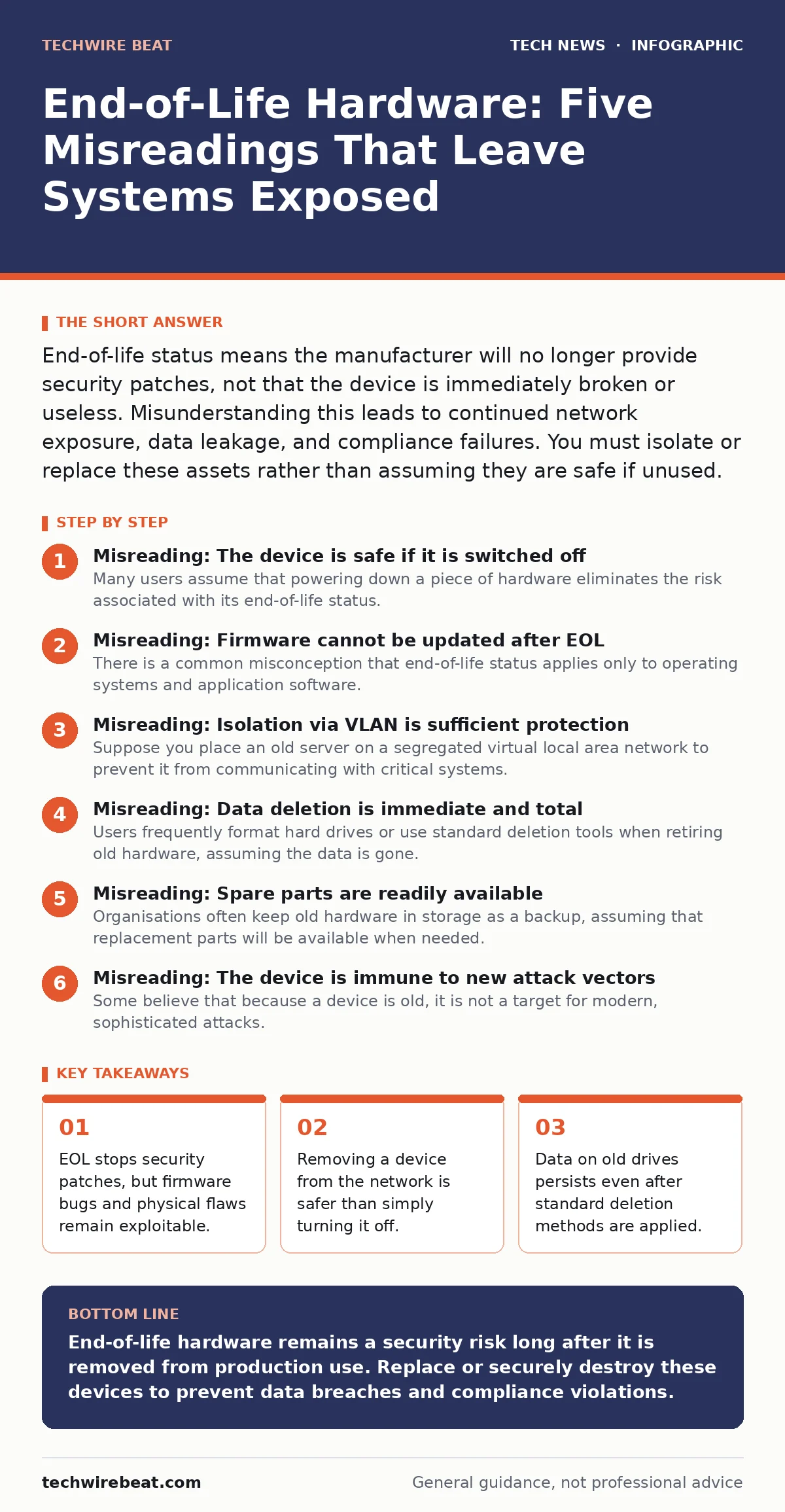
End-of-life status means the manufacturer will no longer provide security patches, not that the device is immediately broken or useless. Misunderstanding this leads to continued network exposure, data leakage, and compliance failures. You must isolate or replace these assets rather than assuming they are safe if unused.
Misreading: The device is safe if it is switched off
Many users assume that powering down a piece of hardware eliminates the risk associated with its end-of-life status. This belief ignores the fact that physical access to the device can still allow an attacker to extract data or install malicious firmware. If the device remains on your premises, it is a tangible asset that can be stolen or tampered with.
Correct reading: Powering off a device only stops network-based attacks. It does not protect against physical theft, side-channel attacks, or direct memory access. Treat powered-off EOL hardware as containing live secrets until the storage media is cryptographically erased or physically destroyed. For guidance on tracking these physical assets through their lifecycle, consult our guide on IT asset management.
Misreading: Firmware cannot be updated after EOL
There is a common misconception that end-of-life status applies only to operating systems and application software. Users often believe that the low-level firmware, which controls hardware functions, is either static or inherently secure from external manipulation. This overlooks the reality that firmware bugs are discovered regularly and often require specific vendor-signed updates to fix.
Correct reading: Firmware vulnerabilities can persist for years and allow attackers to bypass operating system security controls entirely. Once a device reaches end-of-life, the manufacturer will not issue these critical firmware patches. You must assume the firmware contains unpatched flaws that could be exploited if the device ever connects to a network or is accessed locally.
Misreading: Isolation via VLAN is sufficient protection
Suppose you place an old server on a segregated virtual local area network to prevent it from communicating with critical systems. Many administrators consider this isolation a complete solution, believing that network segmentation stops all lateral movement. This approach fails to account for out-of-band management interfaces or physical connections that may bypass network controls.
Correct reading: Network segmentation reduces the attack surface but does not eliminate it. Management ports, such as those used for remote administration, often operate on separate channels that may not be properly secured on older devices. Additionally, if the device has any wired or wireless connectivity, a determined attacker with physical access can bridge the gap. True security requires disconnecting the device from all networks, not just hiding it behind a firewall. For broader network hardening strategies, see our coverage of IPv6 security.
Misreading: Data deletion is immediate and total
Users frequently format hard drives or use standard deletion tools when retiring old hardware, assuming the data is gone. This misunderstands how storage media works at a physical level. Standard deletion often only removes the file system pointers, leaving the actual data blocks intact and recoverable with basic tools. Even secure erase commands can fail on failing drives or certain types of solid-state storage.
Correct reading: Data remnants on end-of-life hardware are highly recoverable. You must use cryptographic erasure, which destroys the encryption key, or physical destruction to ensure data is unrecoverable. Simple formatting is insufficient for sensitive information. This principle is critical when handling devices that may have stored sensitive configuration data or user credentials.
Misreading: Spare parts are readily available
Organisations often keep old hardware in storage as a backup, assuming that replacement parts will be available when needed. This ignores the supply chain realities of end-of-life products. As manufacturers discontinue lines, the availability of spare components drops sharply, and the cost of remaining stock rises significantly.
Correct reading: Relying on EOL hardware for business continuity creates a hidden operational risk. You may find yourself unable to replace a failed component, leading to extended downtime. Plan for replacement well before the end-of-life date to avoid being locked into a supply chain that no longer exists. This risk is similar to the challenges faced when maintaining legacy code, a topic we explore in our guide on open-source software.
See also: AI Governance for Small Teams: Practical Controls and Cost
Misreading: The device is immune to new attack vectors
Some believe that because a device is old, it is not a target for modern, sophisticated attacks. This is a dangerous assumption. Attackers often target older systems precisely because they lack modern security features like hardware-based encryption or secure boot processes. These legacy systems can serve as a foothold for broader network compromises.
Correct reading: EOL hardware is a high-value target for attackers looking for easy entry points. The lack of modern security controls makes it vulnerable to techniques that newer devices can resist. You must treat old hardware as a primary vector for intrusion, not as an overlooked relic. Understanding how attackers exploit these weaknesses is key to defending your infrastructure.
Misreading: Compliance requirements are static
Many organisations believe that once a system is compliant, it remains so until the next audit. This view fails to account for the dynamic nature of security standards and the specific requirements regarding end-of-life support. Regulations often require that systems be supported by the vendor to ensure timely security updates.
Correct reading: Using EOL hardware can violate compliance standards even if the device was compliant when it was new. Auditors will flag unsupported systems as high-risk items. You must review your compliance obligations regularly and ensure that all critical systems are supported by the vendor. For more on maintaining security standards, refer to our guide on DNS security.
Misreading: Encryption protects against all hardware flaws
It is tempting to believe that encrypting data on an old device makes it secure. While encryption protects data at rest, it does not mitigate risks associated with the hardware itself. Flaws in the hardware implementation of encryption, or vulnerabilities in the key management system, can still be exploited.
Correct reading: Encryption is a layer of defence, not a complete solution. If the hardware has known vulnerabilities in its encryption module, an attacker may be able to bypass the protection. You must combine encryption with other security measures, such as physical access controls and regular security assessments. For advanced cryptographic considerations, see our article on post-quantum cryptography.
Key takeaways
- EOL stops security patches, but firmware bugs and physical flaws remain exploitable.
- Removing a device from the network is safer than simply turning it off.
- Data on old drives persists even after standard deletion methods are applied.
- Supply chain risks increase when spare parts for EOL gear become scarce.
End-of-life hardware remains a security risk long after it is removed from production use. Replace or securely destroy these devices to prevent data breaches and compliance violations.
Frequently asked questions
How long should I keep end-of-life hardware before disposing of it?
Dispose of it as soon as it is no longer needed for active use. If you must store it, ensure it is encrypted and physically secured, but aim to destroy it within a short timeframe to minimise risk.
Can I use end-of-life hardware for non-critical tasks?
Only if it is completely isolated from any network and contains no sensitive data. Even then, the risk of physical compromise remains.
What is the difference between end-of-life and end-of-support?
End-of-life means the product is no longer manufactured. End-of-support means the vendor will no longer provide security updates or technical assistance. Both indicate increased risk.
How do I securely erase data from an SSD?
Use the manufacturer’s secure erase tool if available, or use cryptographic erasure by destroying the encryption key. Physical destruction is the most reliable method for high-security data.
How this guide was produced: written by the TechWire Beat editorial team with AI assistance, checked against the public references listed below, and reviewed when the facts change. See our editorial policy or report an error.