GitHub Actions Workflow Injection: Risks and Protection for Small Businesses
Workflow injection turns automated build steps into remote command execution vectors, allowing attackers to steal secrets from small teams with minimal effort.

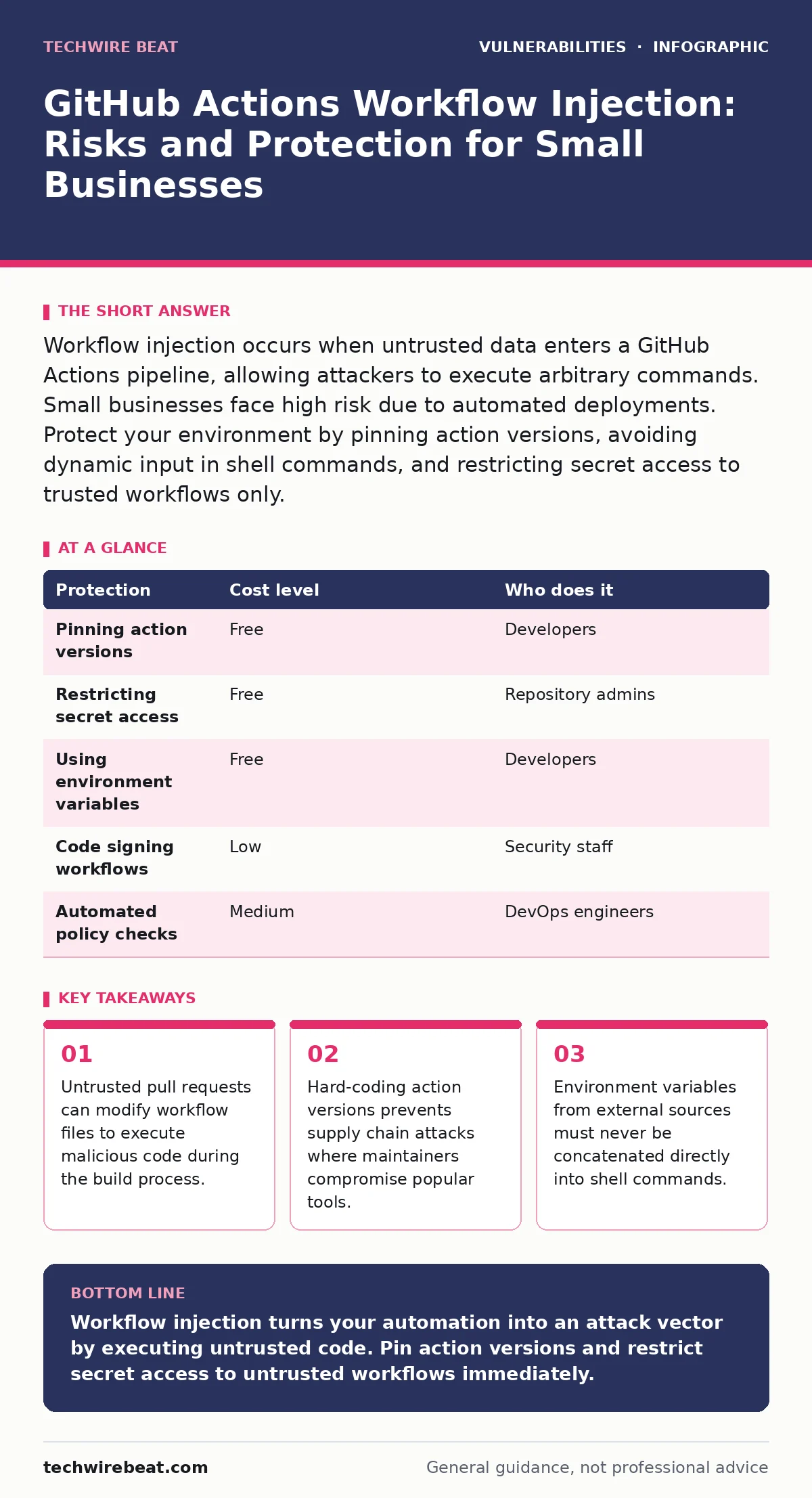
Workflow injection occurs when untrusted data enters a GitHub Actions pipeline, allowing attackers to execute arbitrary commands. Small businesses face high risk due to automated deployments. Protect your environment by pinning action versions, avoiding dynamic input in shell commands, and restricting secret access to trusted workflows only.
How workflow injection bypasses security controls
Workflow injection exploits the trust placed in continuous integration systems. GitHub Actions runs code in isolated containers, but those containers inherit context from the repository. When a workflow file processes input from an untrusted source, such as a pull request title or commit message, that input can contain malicious payloads. The pipeline executes these payloads with the same permissions as the workflow runner.
This mechanism differs from traditional web vulnerabilities. You do not need to trick a user into clicking a link. The attacker only needs to submit code that the automated system processes. If the workflow uses a shell command that incorporates user input without sanitisation, the shell interprets the input as code. This allows the attacker to run any command the runner is permitted to execute.
Small organisations are particularly exposed because they often rely on default configurations. Many teams copy workflow templates from open-source projects without auditing the security implications. These templates frequently use dynamic inputs to pass data between steps. Without strict input validation, these dynamic paths become entry points for attackers. The convenience of automation outweighs the perceived need for security in early development stages.
Why small teams face disproportionate risk
Small businesses often lack dedicated security personnel. Development teams manage both code and infrastructure, leading to configuration errors. The speed of deployment is prioritised over security reviews. When a vulnerability is discovered, the response is often reactive rather than proactive. This delay allows attackers to maintain access or escalate privileges.
Resource constraints limit the ability to implement complex security architectures. Large enterprises use sophisticated policy engines to restrict what workflows can do. Small teams typically grant broad permissions to simplify setup. This broad access means that a single compromised workflow can access sensitive secrets, deploy malicious code, or exfiltrate data. The attack surface expands with every new service integrated into the pipeline.
The reliance on third-party actions increases exposure. Many small teams use popular community actions to save time. If the maintainer of a popular action introduces a vulnerability, all users are affected. This is a supply chain risk. You depend on the security practices of strangers. When that trust is broken, your entire build process becomes compromised. This mirrors the risks seen in software composition analysis, where third-party libraries introduce vulnerabilities.
Low-cost protections for immediate implementation
You can reduce risk without significant financial investment. The first step is to pin action versions. Instead of using a branch reference like main, specify a commit hash or a semantic version. This prevents an attacker from modifying the action code after you have adopted it. If the maintainer pushes a malicious update, your workflow continues to run the trusted version.
The second step is to restrict secret access. GitHub allows you to limit which workflows can access secrets. Configure your repository settings to allow only trusted workflows to use sensitive data. Pull requests from forks should never have access to production secrets. This isolation ensures that even if an attacker injects code into a pull request workflow, they cannot access the credentials needed to cause damage.
The third step is to avoid using user input in shell commands. Do not concatenate pull request titles or commit messages directly into run: steps. Pass this data as environment variables instead. The shell will not interpret environment variables as code. This simple change neutralises most injection attempts. It requires no additional tools, only a change in how you structure your workflow files.
| Protection | Cost level | Who does it |
|---|---|---|
| Pinning action versions | Free | Developers |
| Restricting secret access | Free | Repository admins |
| Using environment variables | Free | Developers |
| Code signing workflows | Low | Security staff |
| Automated policy checks | Medium | DevOps engineers |
Understanding the mechanics of input sanitisation
Input sanitisation is the process of removing or escaping dangerous characters from user data. In the context of workflows, this means ensuring that data from pull requests does not become executable code. Standard shell escaping is often insufficient because different shells interpret escape sequences differently. Relying on manual escaping is error-prone and difficult to maintain.
The safest approach is to treat all external input as untrusted data. Pass this data through a dedicated interface that does not allow code execution. Environment variables are the standard mechanism for this. When you set an environment variable, the value is stored in memory. When the step runs, it reads the value. The shell does not parse the value for commands. This separation of data and code is fundamental to preventing injection.
You must also consider how actions handle inputs. Some actions may not properly sanitise their own inputs. Review the source code of actions you use to ensure they do not evaluate user input as code. If you cannot verify the security of an action, do not use it. This diligence is similar to the care required when addressing cross-site scripting (XSS) vulnerabilities in web applications.
What to ask your IT provider
If you outsource your DevOps management, you must verify their security practices. Ask specific questions about workflow security. Do not accept vague assurances about "best practices". Demand concrete details about how they handle untrusted code and third-party dependencies.
- How do you manage access to secrets in GitHub Actions?
- Do you pin action versions to specific commits or tags?
- What process do you use to review pull request workflows?
- How do you detect and respond to suspicious workflow activity?
These questions reveal the depth of their security posture. A provider who cannot answer these questions clearly is not adequately protecting your infrastructure. You should also ask about their incident response plan. If a workflow is compromised, how quickly can they contain the breach? What steps do they take to investigate the root cause?
Long-term security strategies for scaling
As your organisation grows, your security requirements will become more complex. You will need more granular control over permissions. Implementing role-based access control for workflows ensures that only authorised personnel can modify critical pipelines. This reduces the risk of insider threats and accidental misconfigurations.
Consider using environment protection rules. These rules allow you to require manual approval for deployments to sensitive environments. This adds a human checkpoint to the automated process. It prevents malicious code from reaching production, even if it passes the initial build steps. This manual review is a critical defence in depth strategy.
Regular audits of your workflow configurations are necessary. Security is not a one-time setup. New vulnerabilities are discovered regularly. New actions are released. Your configurations must evolve to address these changes. Schedule periodic reviews of your workflow files and action dependencies. This proactive approach helps you stay ahead of emerging threats.
Integrating security into the development lifecycle
Security must be part of the development process, not an afterthought. Integrate security checks into your pull request templates. Require contributors to sign off on security implications. This cultural shift encourages developers to think about security from the start. It reduces the burden on security teams to catch issues later.
Use automated tools to scan for vulnerabilities in your workflows. Tools can detect unpinned actions, hardcoded secrets, and dangerous permissions. Integrate these tools into your CI pipeline. Fail the build if a security issue is detected. This ensures that vulnerable workflows never reach production. This automated enforcement is more reliable than manual checks.
Educate your team about the risks of workflow injection. Provide training on secure workflow design. Share examples of common mistakes and how to avoid them. A knowledgeable team is your first line of defence. They can identify potential issues before they become vulnerabilities. This human element is irreplaceable in maintaining a secure environment.
Key takeaways
- Untrusted pull requests can modify workflow files to execute malicious code during the build process.
- Hard-coding action versions prevents supply chain attacks where maintainers compromise popular tools.
- Environment variables from external sources must never be concatenated directly into shell commands.
Workflow injection turns your automation into an attack vector by executing untrusted code. Pin action versions and restrict secret access to untrusted workflows immediately.
Frequently asked questions
Can private repositories prevent workflow injection?
No, private repositories are not immune. Attackers with contributor access can submit malicious pull requests that trigger vulnerable workflows. Security controls must be applied regardless of visibility.
Is it safe to use community actions?
Community actions carry supply chain risks. Only use actions from trusted maintainers, pin versions to specific commits, and review the source code for security issues before adoption.
How do I detect a workflow injection attack?
Monitor for unexpected commands in workflow logs, unusual network traffic from runners, and unauthorised secret access. Alerting on these anomalies helps identify compromised pipelines.
What is the difference between workflow injection and SQL injection?
Workflow injection exploits the build automation system to execute code on the server. SQL injection exploits database queries to manipulate data. Both involve untrusted input but target different systems.
How this guide was produced: written by the TechWire Beat editorial team with AI assistance, checked against the public references listed below, and reviewed when the facts change. See our editorial policy or report an error.