Bring Your Own Device Policies: How to Secure Personal Gadgets at Work
Personal devices carry hidden data risks that standard firewalls cannot see, requiring a shift from perimeter defence to identity-centric control.

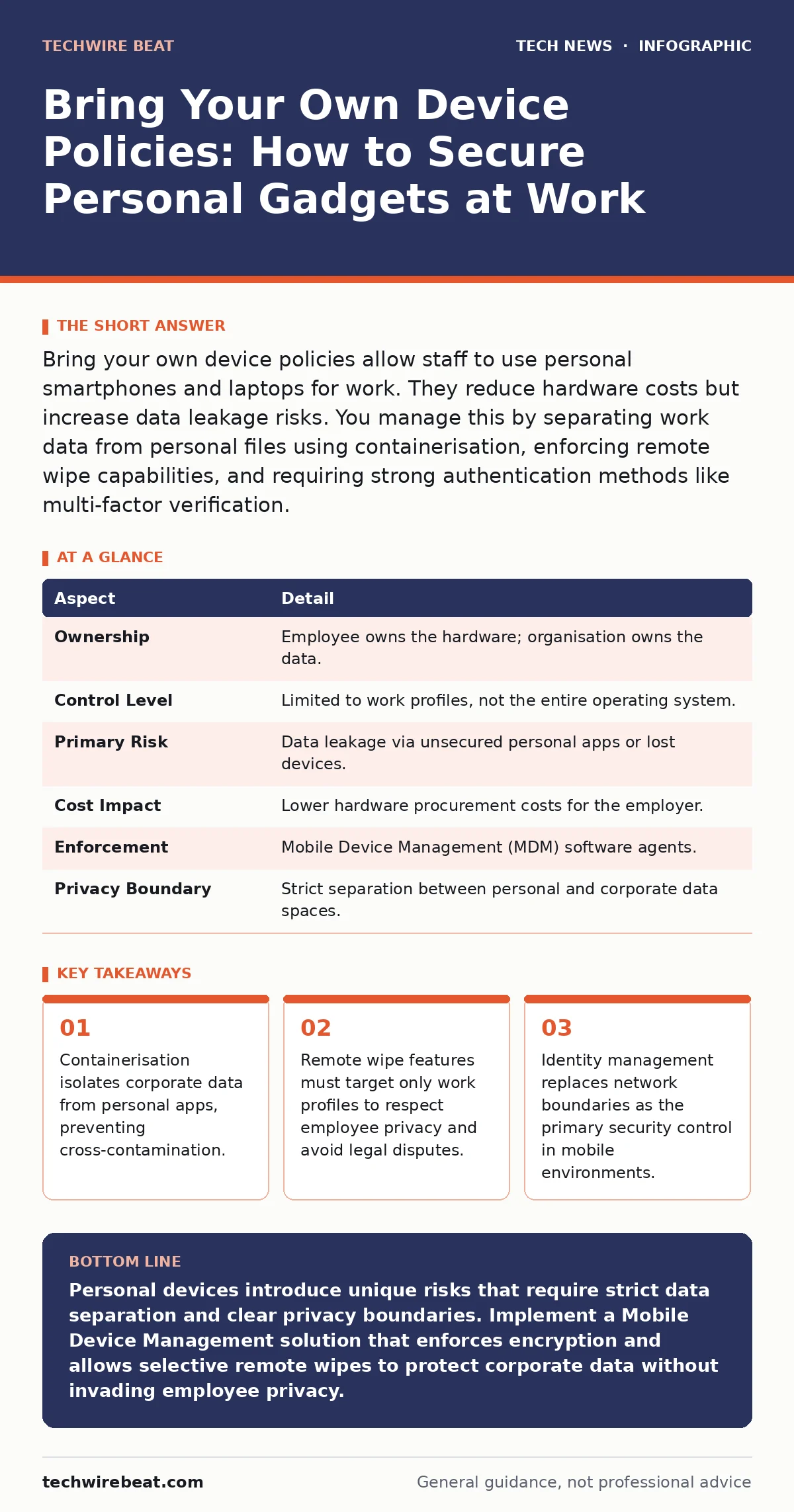
Bring your own device policies allow staff to use personal smartphones and laptops for work. They reduce hardware costs but increase data leakage risks. You manage this by separating work data from personal files using containerisation, enforcing remote wipe capabilities, and requiring strong authentication methods like multi-factor verification.
The Analogy: A Shared Office Kitchen
Imagine a shared office kitchen where everyone brings their own lunchbox. The company provides the fridge and the sink, but the food inside belongs to the individual. If someone leaves their lunchbox unlocked, anyone can take a bite. If the fridge breaks, the company fixes it, but they do not own the sandwich. This mirrors how organisations handle personal technology. The infrastructure is corporate, but the device and its primary data remain private. The policy defines who can eat what and when the fridge door locks.
| Aspect | Detail |
|---|---|
| Ownership | Employee owns the hardware; organisation owns the data. |
| Control Level | Limited to work profiles, not the entire operating system. |
| Primary Risk | Data leakage via unsecured personal apps or lost devices. |
| Cost Impact | Lower hardware procurement costs for the employer. |
| Enforcement | Mobile Device Management (MDM) software agents. |
| Privacy Boundary | Strict separation between personal and corporate data spaces. |
What Are Bring Your Own Device Policies?
Bring your own device policies are formal rules that permit employees to use personal computing equipment for professional tasks. These policies define the acceptable use, security requirements, and liability boundaries for devices not owned by the employer. The core mechanism relies on Mobile Device Management (MDM) software. This software creates a virtual boundary within the operating system. It allows the organisation to enforce security standards on work-related applications without accessing personal photos, messages, or browsing history. The policy shifts the security perimeter from the network edge to the individual user identity.
How the Mechanism Works in Practice
The technical foundation rests on containerisation. This process creates a secure, isolated environment within the device’s operating system. Corporate apps run inside this container. They cannot read data from outside apps, and outside apps cannot access corporate data. For example, a work email app cannot access the personal camera roll. The MDM agent monitors the container’s health. It checks for jailbreaking or rooting, which bypasses security controls. If the device is compromised, the agent can trigger a selective wipe. This removes only the corporate container, leaving personal data intact. This separation is critical for maintaining trust and legal compliance.
Who Is Affected by These Rules
These policies affect every employee who accesses corporate resources from a non-company device. This includes remote workers, sales staff, and executives. It also impacts the IT security team, who must manage a heterogeneous mix of operating systems and hardware models. The legal department is affected because data residency and privacy laws vary by region. For instance, some jurisdictions restrict the amount of data an employer can monitor on a personal device. The policy must align with local employment laws to avoid wrongful termination claims or privacy violations.
What People Usually Get Wrong
Many organisations assume that installing an MDM agent gives them total control. This is a dangerous misconception. The agent only controls the managed container. It cannot see personal web browsing or personal app usage. Another common error is ignoring the offline state. If a device is offline for days, the security policies may not update. Data could be accessed on a vulnerable version of the operating system. A third mistake is failing to define the offboarding process. When an employee leaves, the corporate data must be removed immediately. If the process is slow, the former employee retains access to sensitive information.
See also: Email breach checkers: what they reveal and what they miss · Social Media Privacy Risks: The Hidden Data Costs You Accept
Common Pitfalls in Implementation
Implementing these policies often fails due to poor user experience. If the security requirements are too strict, employees will find ways to bypass them. They might use personal email accounts to send work documents. This creates shadow IT channels that are completely unmonitored. Another pitfall is neglecting older devices. Older hardware may not support the latest security features or encryption standards. Allowing these devices into the environment creates a weak link. Attackers target the weakest entry point. An outdated device with known vulnerabilities can compromise the entire network, regardless of how secure the newer devices are.
Balancing Security and Privacy
The tension between security and privacy is the central challenge. Employees fear that work software will spy on their personal lives. To mitigate this, the policy must clearly state what data is collected. It should limit collection to device health metrics and container activity. Transparency builds trust. Employees are more likely to comply if they understand the rationale. The policy should also offer alternatives. If an employee refuses to install the management software, they should have access to a company-owned device or a web-only portal. This ensures business continuity without forcing personal data exposure.
Steps to Secure Your Environment
You must establish clear boundaries before allowing personal devices. First, define which applications are allowed. Restrict access to sensitive data to approved apps only. Second, enforce strong authentication. Require multi-factor authentication for all corporate accounts. This adds a layer of security even if the device is stolen. Third, implement automatic lockouts. If the user fails to enter the PIN after several attempts, the device should lock. Finally, conduct regular audits. Review the list of managed devices. Remove devices that are no longer in use. This reduces the attack surface and keeps the environment clean.
The Role of Encryption and Standards
Data at rest must be encrypted. This ensures that if the device is physically stolen, the data remains unreadable without the decryption key. Modern operating systems handle this automatically, but the policy must enforce it. Use standard protocols for communication. TLS (Transport Layer Security) protects data in transit. It prevents eavesdropping on public Wi-Fi networks.
Understanding network ports and protocols helps you configure firewalls correctly. You should also consider AES encryption standards for data storage. These are widely accepted and provide strong protection against brute-force attacks. Avoid proprietary encryption methods that have not been publicly reviewed.
Future-Proofing Your Policy
Technology evolves rapidly. Your policy must be flexible enough to adapt. Consider the impact of emerging threats. For example, post-quantum cryptography may eventually replace current encryption methods. While not immediate, planning for this transition now saves future effort. Also, monitor changes in DNS security.
Many attacks now use domain name system poisoning to redirect users to malicious sites. Your MDM solution should integrate with secure DNS resolvers. Regularly update the policy to reflect new operating system features. Apple and Android frequently release security updates. Your policy should mandate timely updates to patch known vulnerabilities.
Integrating with Broader Security Strategies
Bring your own device policies do not exist in isolation. They must integrate with your overall security architecture. For instance, website security practices like HTTPS Everywhere protect users when they browse the web on personal devices. Similarly, open-source software used in corporate apps must be monitored for vulnerabilities. If a library in a work app has a flaw, attackers can exploit it. Regular vulnerability scanning of all managed applications is necessary. You should also align these policies with virtual machines strategies if employees use remote desktops. The security controls should be consistent across all access methods.
What To Do About It
Start by auditing your current device landscape. Identify which employees are already using personal devices. Assess the risk level of the data they access. High-risk data requires stricter controls. Draft a policy that is clear and concise. Avoid legal jargon. Use plain language to explain the rules. Communicate the benefits to employees, such as convenience and cost savings. Provide training on how to use the MDM software. Support is critical. If employees struggle with the setup, they will resist adoption. Finally, review the policy annually. Technology and threats change. Your policy must evolve to stay effective.
Key takeaways
- Containerisation isolates corporate data from personal apps, preventing cross-contamination.
- Remote wipe features must target only work profiles to respect employee privacy and avoid legal disputes.
- Identity management replaces network boundaries as the primary security control in mobile environments.
Personal devices introduce unique risks that require strict data separation and clear privacy boundaries. Implement a Mobile Device Management solution that enforces encryption and allows selective remote wipes to protect corporate data without invading employee privacy.
Frequently asked questions
Can the company see my personal texts?
No, if the policy is correctly implemented, the management software only monitors the corporate container. It cannot access personal messages, photos, or browsing history stored outside that secure environment.
What happens if I lose my phone?
You must report the loss immediately. The IT department can remotely wipe only the corporate data container. Your personal data remains on the device, but all work access is revoked to prevent unauthorised use.
Do I need to install special software?
Yes, you must install a Mobile Device Management agent. This software creates the secure container for work apps. It is required to enforce security policies like encryption and remote wipe capabilities.
Can I use my personal iPad for work?
It depends on the organisation’s policy. Most policies support tablets, but they must meet minimum security standards. Older models may be excluded if they cannot support the required encryption or management software updates.
How this guide was produced: written by the TechWire Beat editorial team with AI assistance, checked against the public references listed below, and reviewed when the facts change. See our editorial policy or report an error.