Email breach checkers: what they reveal and what they miss
Knowing your address leaked changes nothing about the password reuse that actually put your account at risk.

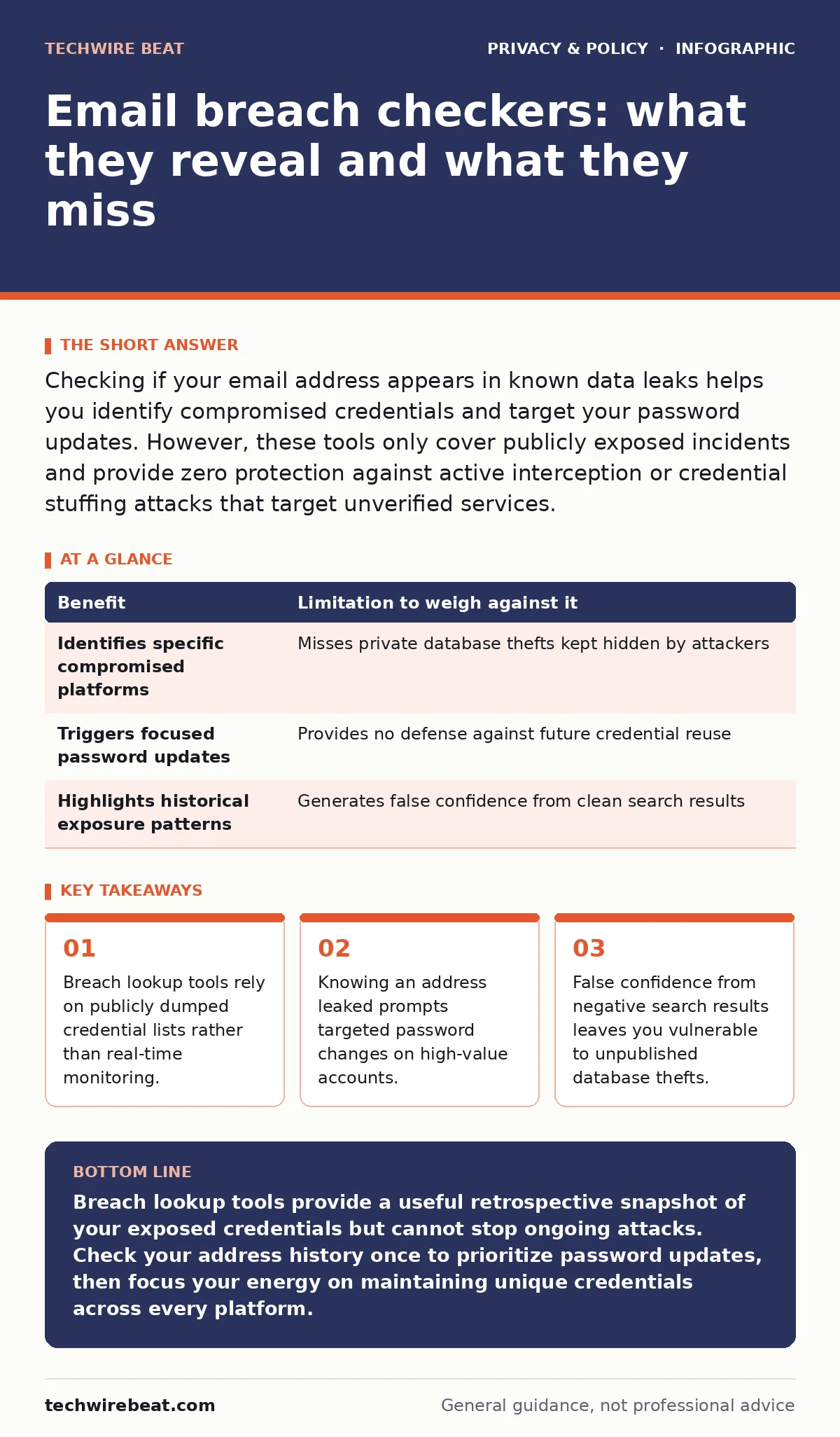
Checking if your email address appears in known data leaks helps you identify compromised credentials and target your password updates. However, these tools only cover publicly exposed incidents and provide zero protection against active interception or credential stuffing attacks that target unverified services.
How breach lookup tools operate
Breach notification engines scan massive collections of leaked authentication records gathered from public forums and investigative journalism. When you type your address into a query field, the system compares your string against a static index of harvested data. Matching records indicate your address appeared in a specific repository associated with a third-party service failure.
Public aggregation services do not connect to live corporate servers or intercept active attacks. They look backward at historical data dumps rather than forward at emerging threats.
The concrete benefits of checking your history
Targeted credential updates become possible the moment you confirm your address appeared in a specific incident. Instead of blindly resetting every single login you own, you can focus immediate effort on the exact service that suffered the compromise and any platform sharing that same secret.
Proactive awareness also helps you anticipate targeted phishing campaigns that use your leaked history to craft convincing social engineering lures. Knowing your exposure allows you to scrutinize messages referencing the affected company.
Honest limitations of static lookups
Coverage gaps remain the primary flaw of historical lookup engines because countless unauthorized database extractions are never published publicly. Attackers often hoard harvested credentials for private use rather than releasing them on forums where security researchers can index them.
False negatives create a dangerous sense of security when an address returns clear simply because the underlying theft bypassed public detection. Meanwhile, exposure checks often overlap with broader privacy threats detailed in guides like data brokers, where your personal information circulates through legal commercial channels rather than criminal leaks.
Weighing benefits against drawbacks
| Benefit | Limitation to weigh against it |
|---|---|
| Identifies specific compromised platforms | Misses private database thefts kept hidden by attackers |
| Triggers focused password updates | Provides no defense against future credential reuse |
| Highlights historical exposure patterns | Generates false confidence from clean search results |
Evaluating trade-offs requires accepting that historical visibility cannot prevent silent compromises. Knowing an address appeared in a public repository tells you nothing about whether the exposed secret was strong enough to resist automated cracking tools.
When it is worth your time
Periodic address audits prove valuable immediately after a major digital service provider announces a security incident involving user tables. Checking your exposure helps confirm whether your account was part of the impacted subset, removing guesswork from your incident response strategy.
Routine checks also serve as a useful diagnostic step when you notice unusual account activity or strange password reset emails arriving from unfamiliar services.
See also: Data Privacy Principles: How to Protect Your Digital Life · Data Brokers Opt Out: How to Remove Your Personal Information
When checking is not enough
Skipping exposure lookups makes sense when you already follow strict credential hygiene by using unique, randomly generated secrets for every online service. If no two accounts share a password, a leak at one platform remains isolated and carries no spillover risk to your other logins.
Relying on search tools also proves pointless if you fail to change the underlying habits that caused the exposure, such as typing credentials into unverified mobile applications that mirror the risks discussed in guides like mobile app permission abuse.
Hidden costs and edge cases
Typing your personal email address into arbitrary lookup websites hands your active contact information to the operators of those very tools. Shady aggregation sites use query logs to harvest valid, active email addresses for spam lists and profiling databases.
Authentication fatigue represents another hidden psychological cost of constant monitoring. Constantly reacting to historical alerts can exhaust your attention, distracting you from fundamental defenses like hardware-backed authentication tokens.
Key takeaways
- Breach lookup tools rely on publicly dumped credential lists rather than real-time monitoring.
- Knowing an address leaked prompts targeted password changes on high-value accounts.
- False confidence from negative search results leaves you vulnerable to unpublished database thefts.
Breach lookup tools provide a useful retrospective snapshot of your exposed credentials but cannot stop ongoing attacks. Check your address history once to prioritize password updates, then focus your energy on maintaining unique credentials across every platform.
Frequently asked questions
Can a breach checker tell if my current password was exposed?
Most lookup engines only index email addresses and usernames, meaning they cannot verify whether your current password matches the one leaked in the past.
Why does my email show up in leaks for websites I have never visited?
Your address often appears because parent companies, marketing partners, or acquired subsidiaries suffered data losses under different brand names.
How often should I search for my email address in breach databases?
Running a check once or twice a year suffices, or immediately after a major public service provider announces a credential compromise.
Does clearing my email from these lookup databases stop the spam?
Removing your address from public search indexes has no effect on spam because attackers and marketers already own permanent copies of the harvested lists.
How this guide was produced: written by the TechWire Beat editorial team with AI assistance, checked against the public references listed below, and reviewed when the facts change. See our editorial policy or report an error.