Mobile App Permission Abuse: How to Stop Data Leaks
Most apps request far more access than they need, creating silent backdoors that third parties monetise long after you have forgotten why you installed the app.

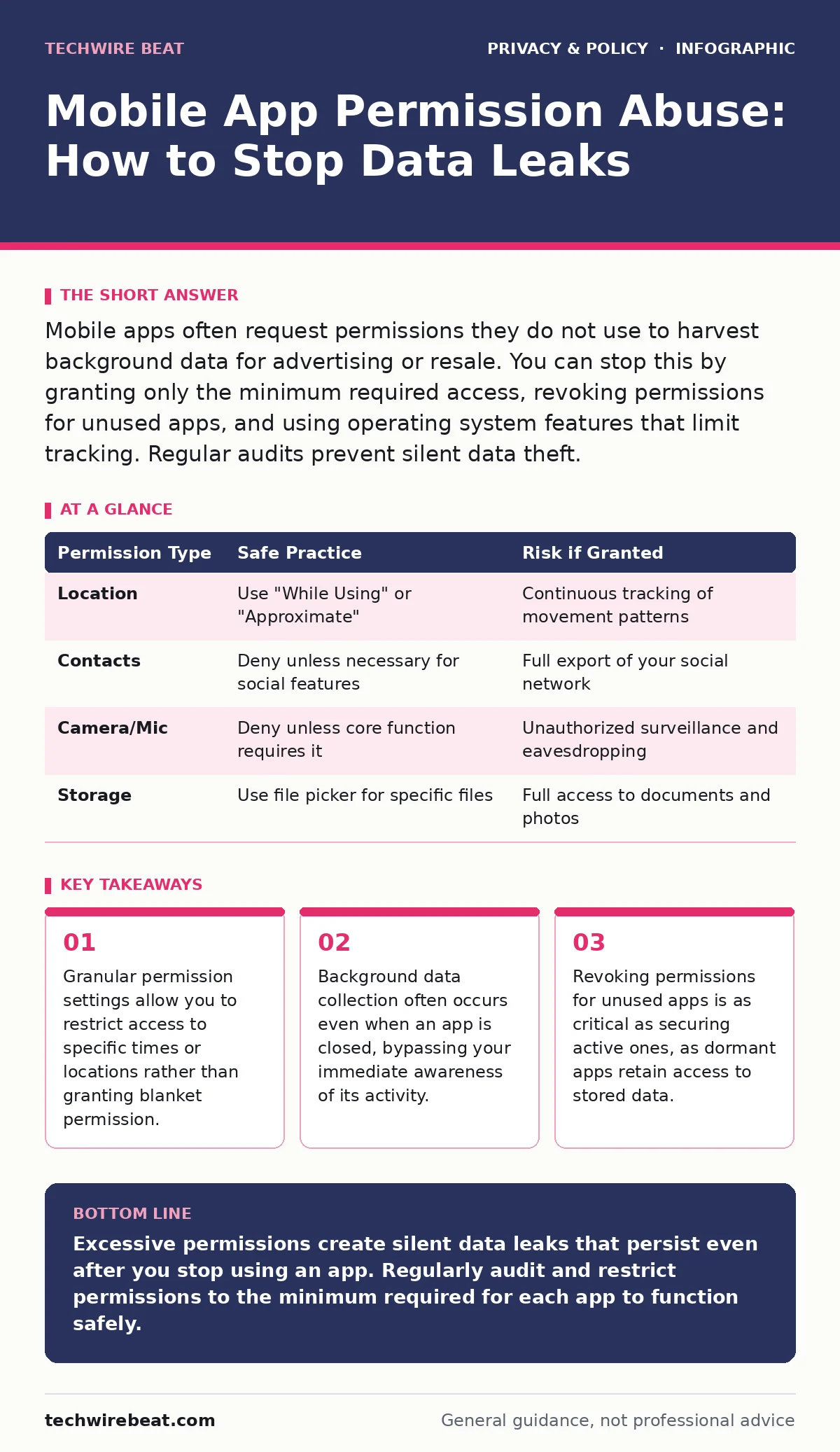
Mobile apps often request permissions they do not use to harvest background data for advertising or resale. You can stop this by granting only the minimum required access, revoking permissions for unused apps, and using operating system features that limit tracking. Regular audits prevent silent data theft.
Why do apps request permissions they do not use?
Developers often request excessive permissions to satisfy automated review systems or to prepare for future features that may never be built. This practice, known as permission hoarding, increases the attack surface for potential breaches. If an app is compromised, attackers gain access to every data stream the app was permitted to read. You should view broad permission requests as a signal of poor security hygiene rather than a standard requirement.
How can I tell if an app is spying on my location?
Check your device’s battery usage and location history settings to identify apps accessing your position in the background. Many operating systems provide a log of recent location requests, showing which apps queried your coordinates and when. If a calculator or dictionary app appears in this log, it is likely collecting data for profiling purposes. This background tracking often continues even if you have disabled location services for the app in the foreground.
What is the risk of allowing camera and microphone access?
Granting these permissions allows an app to capture audio and video without your immediate visual confirmation. While most operating systems now provide an indicator when these sensors are active, malware can sometimes bypass these alerts. Even legitimate apps may share this data with third-party analytics providers, exposing your private conversations or surroundings. You should deny these permissions unless the core function of the app relies on them, such as video conferencing or voice notes.
Does denying storage access break my app?
Some apps claim they need full storage access to function, but this is often a pretext for scanning your entire file system. Modern operating systems allow apps to access only the files you explicitly select through a picker interface. Denying broad storage access usually forces the app to use this safer, file-by-file method. If the app crashes after you deny storage access, it is poorly designed and likely unsafe for long-term use.
How do I stop apps from tracking me across other apps?
Apps use unique device identifiers to stitch together your activity across different services. Operating systems now offer privacy labels that show which data is linked to your identity. You can disable the option that allows apps to track you across other companies’ apps and services. This limits the ability of ad networks to build detailed profiles of your behaviour, reducing the precision of targeted advertising.
See also: Bring Your Own Device: Real Benefits and Hidden Costs
What happens to my data when I delete an app?
Deleting an app removes the software from your device, but it does not automatically erase the data it collected. Many apps retain user profiles on their servers, allowing them to re-identify you if you reinstall the app or download a related product. Some privacy frameworks require developers to provide a data deletion endpoint, but you must often request this manually. For a deeper look at managing these rights, see our guide on consent management.
Can I limit data collection without uninstalling the app?
You can use operating system features to grant limited permissions, such as allowing location access only while using the app or providing approximate location instead of precise coordinates. Some systems also allow you to grant access to fake photos or empty contact lists. These measures reduce the amount of sensitive data the app can harvest while still allowing basic functionality. This approach is particularly useful for utility apps that require minimal data to operate.
How do I audit permissions for apps I rarely use?
Dormant apps often retain active permissions, creating silent vulnerabilities. You should regularly review the permission settings for all installed applications, not just the ones you open daily. Look for apps that have access to sensitive data like contacts, messages, or media, and revoke access if the app is not actively needed. This process helps you identify forgotten apps that may still be transmitting data in the background. For a broader assessment of your privacy posture, consider a privacy audits routine.
| Permission Type | Safe Practice | Risk if Granted |
|---|---|---|
| Location | Use "While Using" or "Approximate" | Continuous tracking of movement patterns |
| Contacts | Deny unless necessary for social features | Full export of your social network |
| Camera/Mic | Deny unless core function requires it | Unauthorized surveillance and eavesdropping |
| Storage | Use file picker for specific files | Full access to documents and photos |
Is there a way to block background data entirely?
You can restrict background data usage in your operating system settings, preventing apps from downloading or uploading data when they are not in use. This reduces battery consumption and limits the amount of telemetry the app can send to its servers. However, it does not stop the app from accessing data already stored on your device. For a more thorough defence against network-level tracking, you might explore secure DNS options.
What are the implications of granting "Always" permissions?
Granting "Always" permissions allows an app to access data even when the screen is off or the app is in the background. This is rarely necessary for standard consumer apps and is a common vector for data abuse. It enables continuous monitoring of your activity, which can be sold to data brokers or used for behavioural manipulation. You should reserve "Always" permissions for critical safety or navigation apps that require constant context.
How can I protect my privacy on public networks?
When using public Wi-Fi, apps may intercept unencrypted data transmitted between your device and the internet. Always ensure that apps use end-to-end encryption for data transmission. You can also use ad blockers to prevent malicious scripts from loading within apps that support web views. For more details on network security, refer to our guide on public Wi-Fi risks.
Does reducing my digital footprint help with app permissions?
A smaller digital footprint means less data is available for apps to collect and misuse. By limiting the number of apps you install and the data you share, you reduce the potential impact of permission abuse. This strategy complements technical controls by minimising the value of your account to attackers. See our guide on reducing your digital footprint for further strategies.
Key takeaways
- Granular permission settings allow you to restrict access to specific times or locations rather than granting blanket permission.
- Background data collection often occurs even when an app is closed, bypassing your immediate awareness of its activity.
- Revoking permissions for unused apps is as critical as securing active ones, as dormant apps retain access to stored data.
Excessive permissions create silent data leaks that persist even after you stop using an app. Regularly audit and restrict permissions to the minimum required for each app to function safely.
Frequently asked questions
Do I need to grant location access for a weather app?
No, you can often provide your location manually or grant access only while using the app to get accurate forecasts without continuous tracking.
Can an app read my SMS messages without permission?
No, modern operating systems block apps from accessing SMS data unless you explicitly grant the specific permission, which is rarely necessary for non-messaging apps.
What is the difference between foreground and background permissions?
Foreground permissions allow access only while you are actively using the app, while background permissions allow the app to access data even when it is closed or running invisibly.
How do I know if an app is using my microphone secretly?
Look for the system-level indicator, usually a small icon in the status bar, that appears when any app accesses the microphone. If you see it without using a relevant app, investigate immediately.
How this guide was produced: written by the TechWire Beat editorial team with AI assistance, checked against the public references listed below, and reviewed when the facts change. See our editorial policy or report an error.