Password Hygiene Explained: Stop Reusing Keys to Secure Your Digital Life
Reusing passwords across services creates a single point of failure that allows attackers to access all your accounts with one compromised credential.
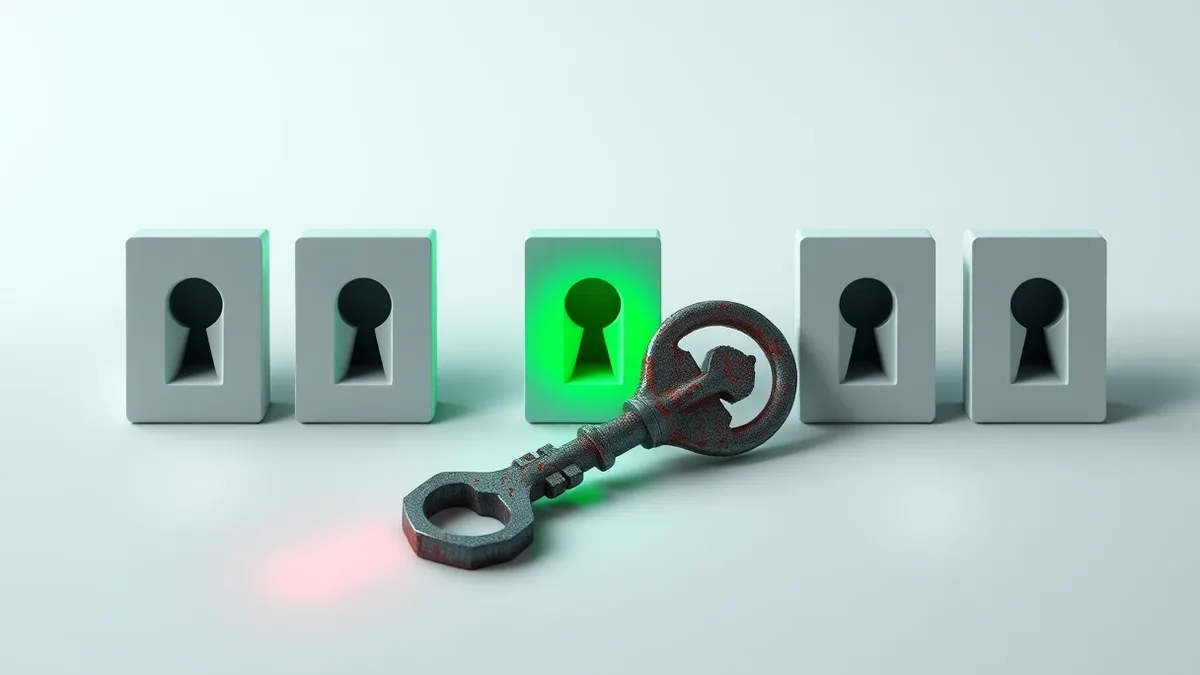
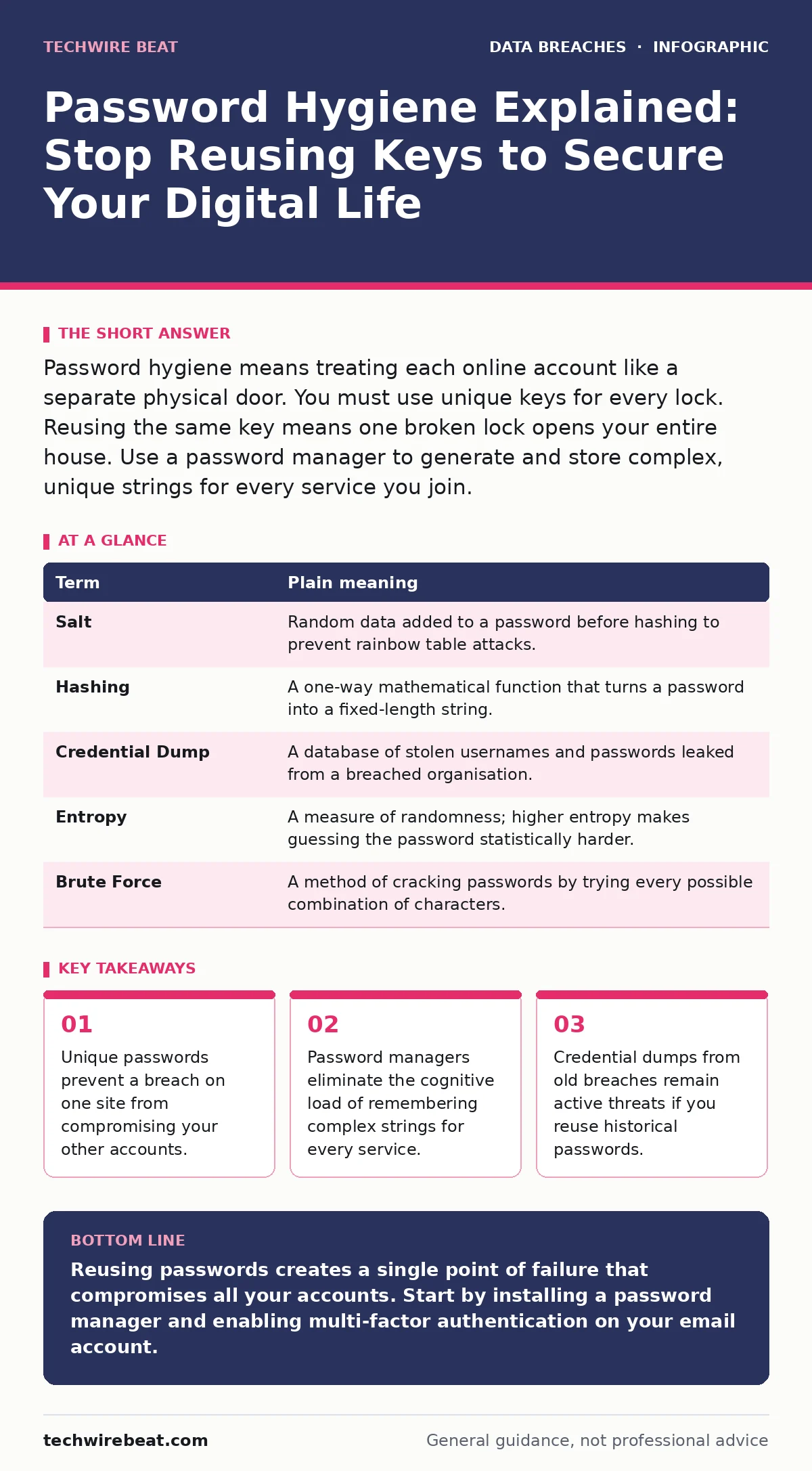
Password hygiene means treating each online account like a separate physical door. You must use unique keys for every lock. Reusing the same key means one broken lock opens your entire house. Use a password manager to generate and store complex, unique strings for every service you join.
The Master Key Analogy
Imagine your digital life as a large house with many rooms. Each room represents an online account, such as email, banking or social media. Password hygiene is the practice of using a different, unique key for every single door. If you use the same key for the front door, the garage and the safe, a thief only needs to pick one lock to enter everything. This analogy carries through every aspect of security. The strength of your security depends entirely on the uniqueness of each key, not just the quality of the metal.
Understanding the Core Terms
Before implementing changes, you must understand the mechanics of how passwords fail. Most people believe a long password is enough. In reality, the context in which the password is stored and reused matters more than its complexity. The table below defines the critical concepts you will encounter when securing your accounts.
| Term | Plain meaning |
|---|---|
| Salt | Random data added to a password before hashing to prevent rainbow table attacks. |
| Hashing | A one-way mathematical function that turns a password into a fixed-length string. |
| Credential Dump | A database of stolen usernames and passwords leaked from a breached organisation. |
| Entropy | A measure of randomness; higher entropy makes guessing the password statistically harder. |
| Brute Force | A method of cracking passwords by trying every possible combination of characters. |
The Hidden Cost of Memorisation
You cannot remember 50 unique, complex passwords. The human brain is designed for patterns, not random noise. When you try to memorise multiple complex passwords, you create predictable variations. You might change "Password1" to "Password2". Attackers know this pattern. They use algorithms that predict these simple variations. This is why memorisation is a security liability. It forces you to use weak, memorable strings. It also leads to writing passwords down on physical notes. Physical notes are easily lost or stolen. Digital notes are often stored in unencrypted files.
The Role of Password Managers
A password manager solves the memorisation problem. It acts as a secure vault for your keys. You only need to remember one strong master password. The manager generates and stores unique, high-entropy strings for every other account. This removes the need for human memory. It also allows for longer, more complex passwords than you could ever type manually. The manager fills these passwords automatically. This prevents you from typing your credentials into fake login pages. It also reduces the risk of keyloggers capturing your keystrokes.
Checking for Existing Exposure
You likely already have passwords that are exposed. Organisations suffer breaches regularly. Their databases end up in the wild. These lists are known as credential dumps. Attackers buy these lists and try them on other popular services. This is called credential stuffing. You do not need to be a target of a specific attack. You only need to have used a password that was once stolen. Checking if your email address appears in known breaches is a vital first step. Services like "Have I Been Pwned" allow you to check this. If your email appears, change that password immediately. Then change any other account that used the same password.
Implementing Multi-Factor Authentication
Password hygiene is not enough on its own. Passwords can be phished, stolen or guessed. Multi-factor authentication adds a second layer of defence. It requires something you know (the password) and something you have (a phone or hardware key). Even if an attacker has your password, they cannot access your account without the second factor. This stops most automated attacks. It also stops credential stuffing attacks. You should enable this on every account that supports it. Prefer hardware security keys or authenticator apps over SMS codes. SMS codes can be intercepted through SIM swapping.
Three Steps to Secure Your Accounts
You can improve your security today with three concrete actions. These steps address the most common vulnerabilities. They do not require advanced technical knowledge. They only require a change in habit.
- Install a reputable password manager. Create a strong, unique master password. Import your existing passwords if possible.
- Change the password for your primary email account. Generate a new, random password using the manager. Enable multi-factor authentication on this account.
- Audit your most sensitive accounts. Check for any password reuse. Change any password that is shared with another service.
Maintaining Long-Term Security
Security is not a one-time task. It is a continuous process. New breaches occur regularly. New threats emerge. You must stay aware of changes in your digital environment. Review your accounts periodically. Check for unused accounts and delete them. Unused accounts are targets that offer no benefit to you. They are just more doors for thieves to try. Keep your password manager software updated. Updates often include security patches. They also improve compatibility with new websites.
Consider how your data is stored and transmitted. Understanding encryption in transit helps you verify that your connection to a website is secure. Look for the padlock icon in your browser. This indicates that the data between you and the server is encrypted. It prevents eavesdroppers from reading your credentials as they travel across the network. This complements your password hygiene efforts. It ensures that even if someone intercepts the traffic, they cannot read the contents.
The Broader Context of Data Safety
Password hygiene is one part of a larger security strategy. You must also consider how your data is used and stored. Personally identifiable information should be minimised. Share only what is necessary. Reduce the amount of data available to attackers. If you are concerned about how your data is handled, look into data loss prevention strategies. These strategies help organisations protect sensitive information from accidental exposure.
Vendor risk management is also relevant. If you use third-party services, you are trusting them with your data. Ensure they have strong security practices. A breach at a vendor can expose your credentials. This is why unique passwords are critical. It limits the blast radius of any single vendor failure. You cannot control the security of every service you use. You can control how you access them. Unique passwords and multi-factor authentication are your primary defences.
Key takeaways
- Unique passwords prevent a breach on one site from compromising your other accounts.
- Password managers eliminate the cognitive load of remembering complex strings for every service.
- Credential dumps from old breaches remain active threats if you reuse historical passwords.
Reusing passwords creates a single point of failure that compromises all your accounts. Start by installing a password manager and enabling multi-factor authentication on your email account.
Frequently asked questions
Is it safe to use a password manager if it gets hacked?
Password managers use strong encryption. Even if the server is breached, your passwords remain encrypted. Without your master password, the data is unreadable.
How often should I change my passwords?
You do not need to change passwords regularly unless there is evidence of a breach. Regular changes often lead to weaker, predictable passwords. Focus on uniqueness instead.
What if I lose my password manager?
You must keep a backup of your password database. Store this backup in a secure, offline location. Without the backup and your master password, recovery may be impossible.
Are password managers free?
Many offer free tiers with basic features. Paid versions often include additional security features and cross-device syncing. Choose a reputable provider with a clear privacy policy.
How this guide was produced: written by the TechWire Beat editorial team with AI assistance, checked against the public references listed below, and reviewed when the facts change. See our editorial policy or report an error.