Public Wi-Fi finder apps compromised: how to recover safely
Using a rogue hotspot locator application exposes your device credentials and browsing traffic to nearby interceptors.

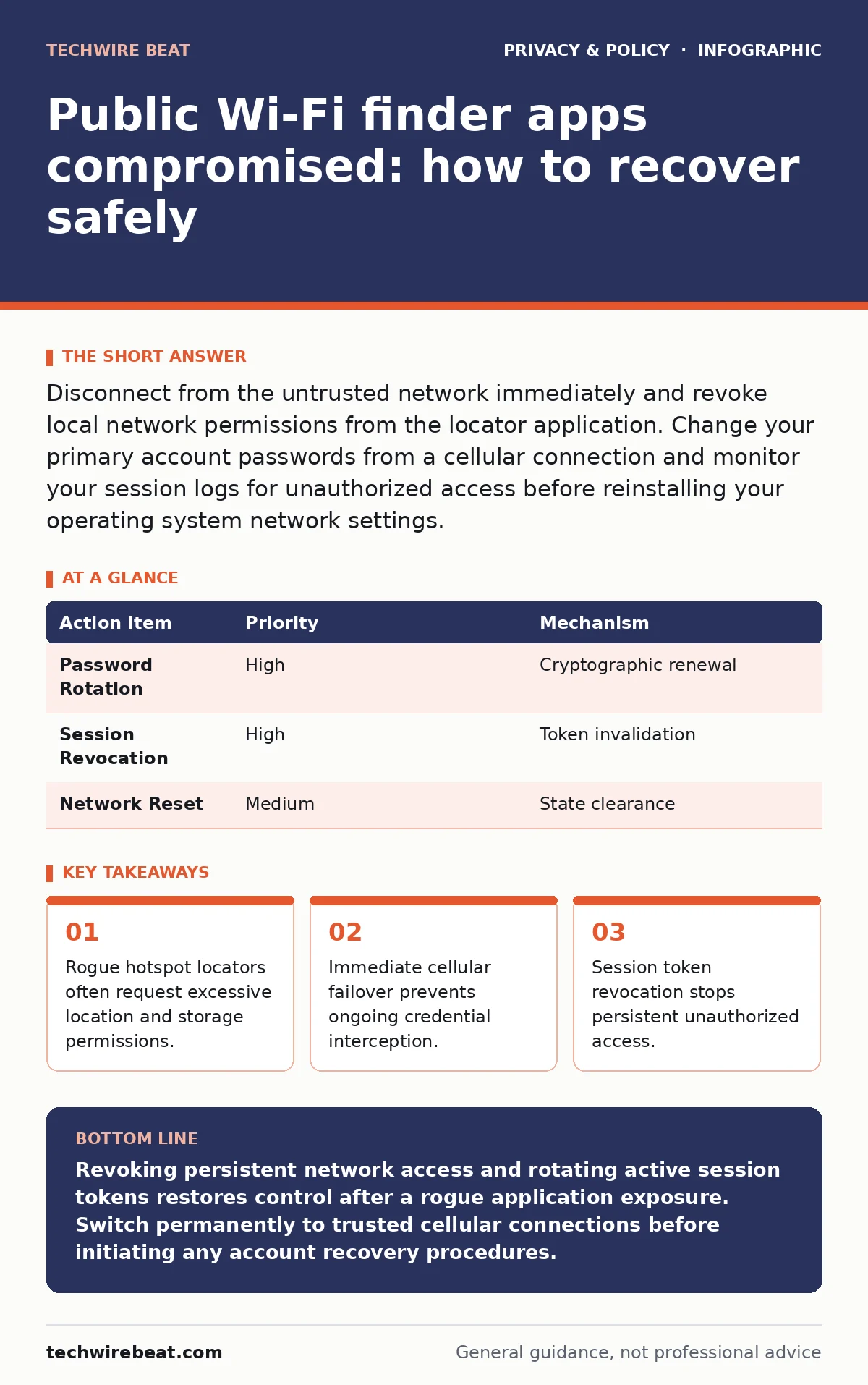
Disconnect from the untrusted network immediately and revoke local network permissions from the locator application. Change your primary account passwords from a cellular connection and monitor your session logs for unauthorized access before reinstalling your operating system network settings.
Understanding the exposure
Public Wi-Fi finder apps often harbor hidden risks because third-party developers monetize location databases by bundling aggressive advertising networks or telemetry SDKs, which stands for software development kits, into the codebase. You downloaded a utility to locate free internet access, but the software frequently maps nearby routers by scraping your own device's radio telemetry, inadvertently sharing your physical movements and local network topology with unknown brokers.
Data brokers frequently aggregate this harvested location telemetry alongside your device identifier, creating a persistent behavioral profile that links your physical routines to your digital identity long after you close the application.
First hour
Immediate actions
- Disconnect your device from the wireless network immediately and disable both Wi-Fi and Bluetooth radios to sever any ongoing local communication channels.
- Open your device settings and locate the application permissions menu to revoke all network, location, and storage access granted to the finder tool.
- Switch your mobile device to a cellular data connection to establish a trusted channel for any urgent communications or account recovery steps.
- Delete the finder application entirely from your device storage to prevent background services from continuing their data collection routines.
- Disable Wi-Fi and Bluetooth radios
- Revoke all application permissions
- Switch entirely to cellular data
- Uninstall the rogue finder application
First day
Containment
Active containment requires you to assume that any unencrypted credentials transmitted while using the rogue application have been captured by an intermediary. You must systematically rotate your primary account passwords using a trusted cellular connection, prioritizing email accounts and password managers over less critical services.
Session tokens, which are temporary digital keys that grant access to your online accounts without requiring a password, represent a major vector for persistent compromise after network interception. You need to access your account security settings across major platforms and terminate all active sessions to force every connected device to re-authenticate with fresh credentials.
| Action Item | Priority | Mechanism |
|---|---|---|
| Password Rotation | High | Cryptographic renewal |
| Session Revocation | High | Token invalidation |
| Network Reset | Medium | State clearance |
First week
Recovery
Systematic recovery involves clearing the deep network configuration caches stored by your operating system to eradicate any malicious routing profiles or rogue DNS, which stands for domain name system, settings left behind by the compromised application. Operating systems often retain preferred network lists that can automatically reconnect your device to similarly named malicious access points if left unpurged.
Smart home privacy risks multiply when a compromised mobile device returns to your residential network bearing corrupted configuration profiles or lingering background surveillance tasks. You should audit your home network access control lists and verify that no unauthorized devices established a foothold while your phone was exposed to untrusted environments.
Who to tell
Reporting the compromise effectively requires notifying organizations that regulate consumer software marketplaces and data privacy standards within your jurisdiction. You should submit a detailed abuse report through the application store platform where you downloaded the utility, focusing on unauthorized data harvesting and deceptive permission requests.
Mobile app permission abuse often violates platform developer terms of service regarding telemetry collection, making marketplace operators the most direct channel for forcing application removal. Contact your organization's internal security team immediately if the compromised device contained corporate credentials or connected to enterprise resources during the exposure window.
See also: How to Stop Location Leaks on X and Protect Your Privacy
How to stop a repeat
Preventing future incidents demands a fundamental shift in how you evaluate utility software and manage wireless connections on mobile devices. You should disable automatic network connection features and rely exclusively on vetted, encrypted virtual private network protocols if public connectivity is absolutely unavoidable.
Consent management interfaces embedded within modern applications require careful scrutiny to ensure you are not inadvertently opting into continuous background telemetry sharing disguised as network optimization. Maintaining strict hygiene regarding application installations ensures that convenience utilities never compromise your broader digital perimeter.
Key takeaways
- Rogue hotspot locators often request excessive location and storage permissions.
- Immediate cellular failover prevents ongoing credential interception.
- Session token revocation stops persistent unauthorized access.
Revoking persistent network access and rotating active session tokens restores control after a rogue application exposure. Switch permanently to trusted cellular connections before initiating any account recovery procedures.
Frequently asked questions
Can a Wi-Fi finder app infect my phone with malware?
These applications rarely deploy traditional destructive malware, but they frequently install aggressive adware and telemetry frameworks that continuously monitor your device activity.
How do I know if my browsing traffic was intercepted?
Interception is difficult to detect visually if the attacker uses SSL stripping techniques, which downgrade secure connections to unencrypted HTTP without displaying obvious browser warnings.
Should I perform a factory reset on my phone?
A complete factory reset is unnecessary unless you observe persistent operating system anomalies, such as unauthorized administrative profiles or unremovable background services after uninstalling the application.
Why do finder apps require location permissions?
Legitimate mapping utilities require location data to scan nearby wireless access points, but malicious variants exploit this access to harvest secondary telemetry for third-party monetization.
How this guide was produced: written by the TechWire Beat editorial team with AI assistance, checked against the public references listed below, and reviewed when the facts change. See our editorial policy or report an error.