Smart Home Privacy Risks: What Your Devices Actually Share
Your smart home devices do not just record audio; they build behavioural profiles that persist even when you delete the cloud history locally.
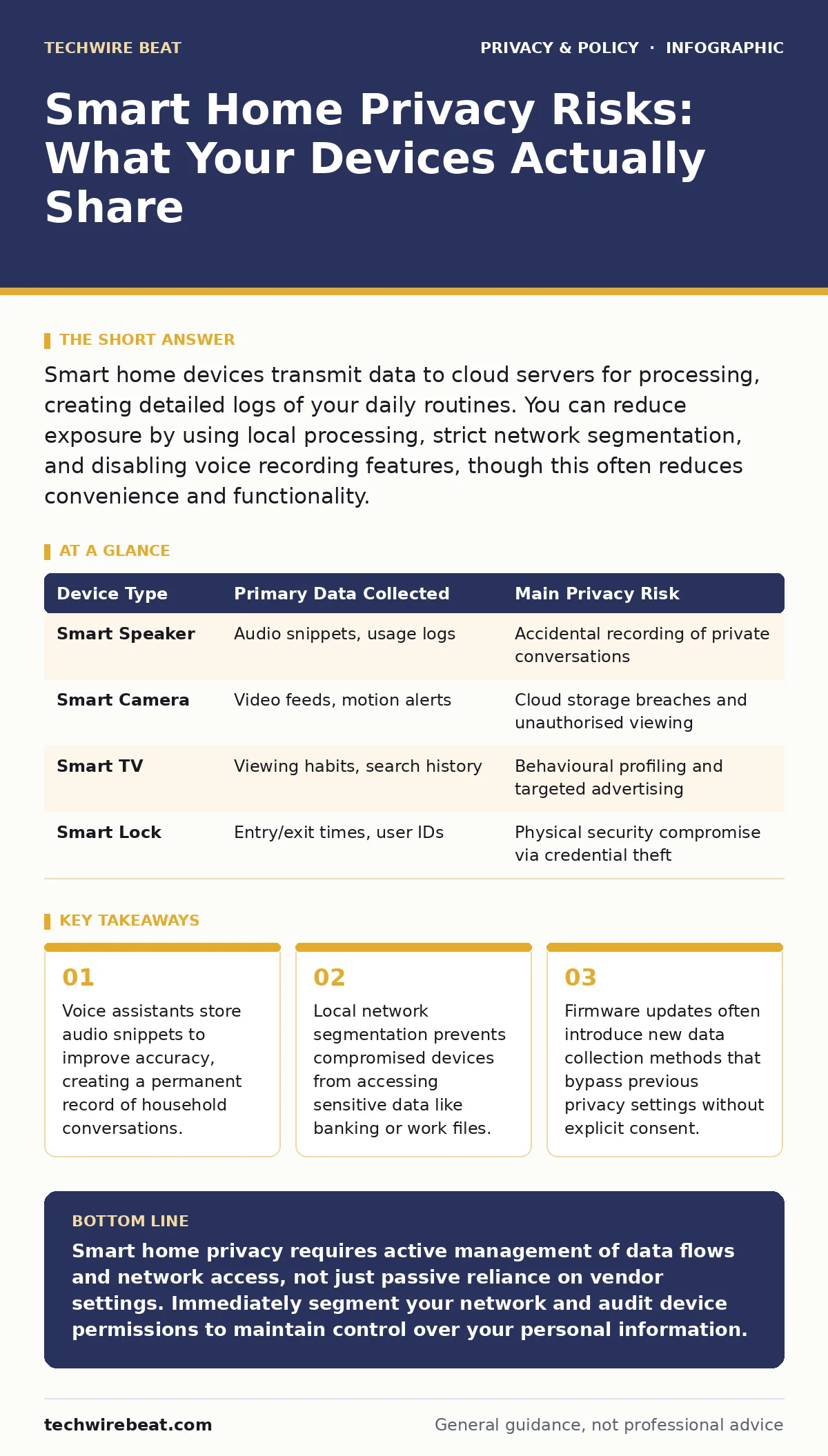
Smart home devices transmit data to cloud servers for processing, creating detailed logs of your daily routines. You can reduce exposure by using local processing, strict network segmentation, and disabling voice recording features, though this often reduces convenience and functionality.
Do smart speakers record everything I say?
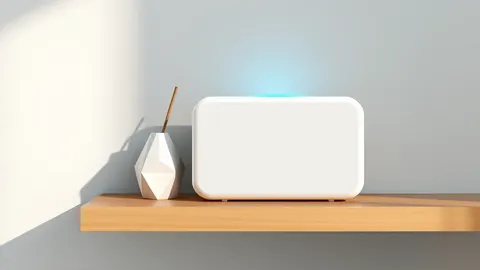
No, they do not record continuously, but they do capture and process audio snippets when they detect a wake word. When the device hears its trigger phrase, it sends the surrounding audio to cloud servers for transcription and command execution. This process creates a log entry that remains on the vendor’s servers indefinitely unless you manually delete it. The device itself stores very little data locally to preserve storage space and processing power.
Imagine you are having a sensitive conversation about health or finances while the device is idle. If the wake word is spoken, even accidentally, the system captures the preceding seconds to ensure it did not miss a command. This buffer means parts of private discussions can be uploaded without your immediate awareness. Deleting these recordings from the app removes them from your view, but metadata about the event may persist for analytics purposes.
Where does the data from my smart home go?
Most consumer smart home devices rely on cloud computing for heavy processing tasks. Your local device captures raw data, such as video or audio, and encrypts it before sending it to remote servers. These servers decode the information, apply artificial intelligence algorithms to recognise patterns, and then send the result back to your device or app. This architecture allows for cheaper hardware but creates a dependency on external infrastructure.
The data travels through internet service providers and potentially through multiple network hops before reaching the vendor. Each hop represents a potential interception point, although encryption usually protects the content during transit. Once at the destination, the data may be stored in multiple geographic locations for redundancy. This distribution makes it difficult to determine exactly where your personal information resides at any given moment.
Can neighbours hack my smart home?
Direct wireless hacking of a smart home from a neighbour’s location is difficult due to distance and signal attenuation. Wi-Fi signals weaken significantly when passing through walls and floors, limiting the range of unauthorised access. However, weak security protocols on individual devices can allow attackers within close proximity to intercept unencrypted traffic. This is more common with older devices that use outdated encryption standards.
Suppose a neighbour uses a tool to scan for open networks or devices with default passwords. If your smart lock or camera uses a known weak protocol, they might attempt to brute-force the connection. While they cannot easily view your entire network, they may gain control of the specific vulnerable device. This risk highlights the need for strong, unique passwords and regular firmware updates on all connected items.
How do I stop my data being sold to third parties?
You cannot completely stop data collection, but you can limit how vendors use and share your information. Most privacy policies allow vendors to anonymise and aggregate data before selling it to advertisers or partners. Anonymised data strips direct identifiers like names but retains behavioural patterns that can still be linked back to you through cross-referencing.
To mitigate this, review the privacy settings in your device’s companion application. Disable options related to personalised advertising and data sharing with partners. Some devices allow you to opt out of data collection for product improvement, though this may reduce functionality. For a broader perspective on managing this exposure, see our guide on consent management.
Is my smart TV spying on me?
Smart televisions collect viewing habits and interaction data to tailor advertisements and content recommendations. The operating system records which apps you open, how long you watch specific channels, and what you search for. This data helps build a profile of your interests, which is then used by advertising networks to serve targeted ads.
The television may also use the built-in microphone or camera for voice commands and facial recognition features. If these features are enabled, the device can capture ambient sound or visual data even when you are not actively using them. Disabling these sensors in the settings menu prevents this specific type of data collection. For more on how data privacy affects connected devices, read our article on data privacy.
| Device Type | Primary Data Collected | Main Privacy Risk |
|---|---|---|
| Smart Speaker | Audio snippets, usage logs | Accidental recording of private conversations |
| Smart Camera | Video feeds, motion alerts | Cloud storage breaches and unauthorised viewing |
| Smart TV | Viewing habits, search history | Behavioural profiling and targeted advertising |
| Smart Lock | Entry/exit times, user IDs | Physical security compromise via credential theft |
See also: Network Ports and Protocols: How Data Flows and Where It Leaks
Can I keep my smart home offline?
Yes, but you must sacrifice remote access and cloud-dependent features. Many devices can operate in a local mode, communicating directly with a hub or your home network without contacting external servers. This setup ensures that data never leaves your physical premises, significantly reducing the attack surface.
However, some advanced features like voice processing or facial recognition require significant computing power that local devices lack. Without cloud connectivity, you may not receive over-the-air firmware updates that patch security vulnerabilities. You must manually update firmware or accept the risk of running outdated software. This trade-off is central to the debate on privacy versus convenience.
What is local processing and why does it matter?
Local processing means the device handles data computation on-chip rather than sending it to the cloud. This method ensures that sensitive information, such as voice commands or video feeds, never traverses the internet. It reduces latency and provides greater control over your data, as no external entity stores or analyses it.
Devices that support local processing often require more powerful hardware, which can increase cost. However, they offer a higher degree of privacy by design. Look for devices that explicitly state they process data locally and do not require cloud accounts for basic functionality. This approach aligns with the principles discussed in our guide on end-to-end encryption, where data remains secured from origin to destination.
How do I secure my home network from smart devices?
Network segmentation is the most effective method for isolating smart home devices from your primary devices. By creating a separate Virtual Local Area Network (VLAN) or guest network, you ensure that a compromised smart bulb cannot access your computer or phone. This containment limits the damage an attacker can do if they breach a weak device.
Configure your router to block internet access for devices that do not need it, such as smart thermostats that can operate locally. Regularly audit your connected devices to remove those that are no longer in use or cannot receive security updates. For additional strategies on protecting your online presence, consider reading our guide on reducing your digital footprint.
Do children's privacy laws protect my smart home?
Privacy regulations often impose stricter rules on data collection from children, but these laws vary by region and device type. Some jurisdictions require explicit parental consent for devices marketed towards children, limiting the data vendors can collect and share. However, many general-use smart home devices fall outside these specific protections.
Parents should manually configure privacy settings on all devices accessible to children. Disable voice recording and data sharing features on devices located in children’s rooms. Educate children about the risks of sharing personal information with voice assistants. For specific legal requirements, refer to our overview of children's privacy laws.
What happens when I sell my smart home?
When you sell your property, you must physically disconnect and reset all smart home devices to their factory settings. Simply deleting the app or removing the device from your account does not wipe the data stored on the device itself. The new owner could potentially access your previous settings, Wi-Fi credentials, or even cached data if the device is not properly reset.
Return the devices to the manufacturer where possible to ensure secure data destruction. If you cannot return them, follow the vendor’s instructions for a complete factory reset. This step is critical to prevent the new owners from inadvertently accessing your personal history or network configurations.
Key takeaways
- Voice assistants store audio snippets to improve accuracy, creating a permanent record of household conversations.
- Local network segmentation prevents compromised devices from accessing sensitive data like banking or work files.
- Firmware updates often introduce new data collection methods that bypass previous privacy settings without explicit consent.
Smart home privacy requires active management of data flows and network access, not just passive reliance on vendor settings. Immediately segment your network and audit device permissions to maintain control over your personal information.
Frequently asked questions
Can I use my smart home without an internet connection?
Some basic functions like local light switching or motion triggering may work, but features requiring cloud processing, remote access, or software updates will fail.
Is a smart home hub more secure than individual devices?
A hub can centralise security management and allow local processing, reducing the number of direct internet connections, but it becomes a single point of failure if compromised.
How often should I update my smart home devices?
You should enable automatic updates whenever possible. If automatic updates are unavailable, check for firmware releases monthly to patch known security vulnerabilities.
Can I delete my data from a smart home vendor?
Most vendors allow you to request data deletion through their privacy portal, but they may retain anonymised or aggregated data for legal or analytical purposes as permitted by law.
How this guide was produced: written by the TechWire Beat editorial team with AI assistance, checked against the public references listed below, and reviewed when the facts change. See our editorial policy or report an error.