End-to-End Encryption Explained: How Your Data Stays Private
Only you and your recipient can read the message, even if the provider, hackers, or governments intercept it during transit.
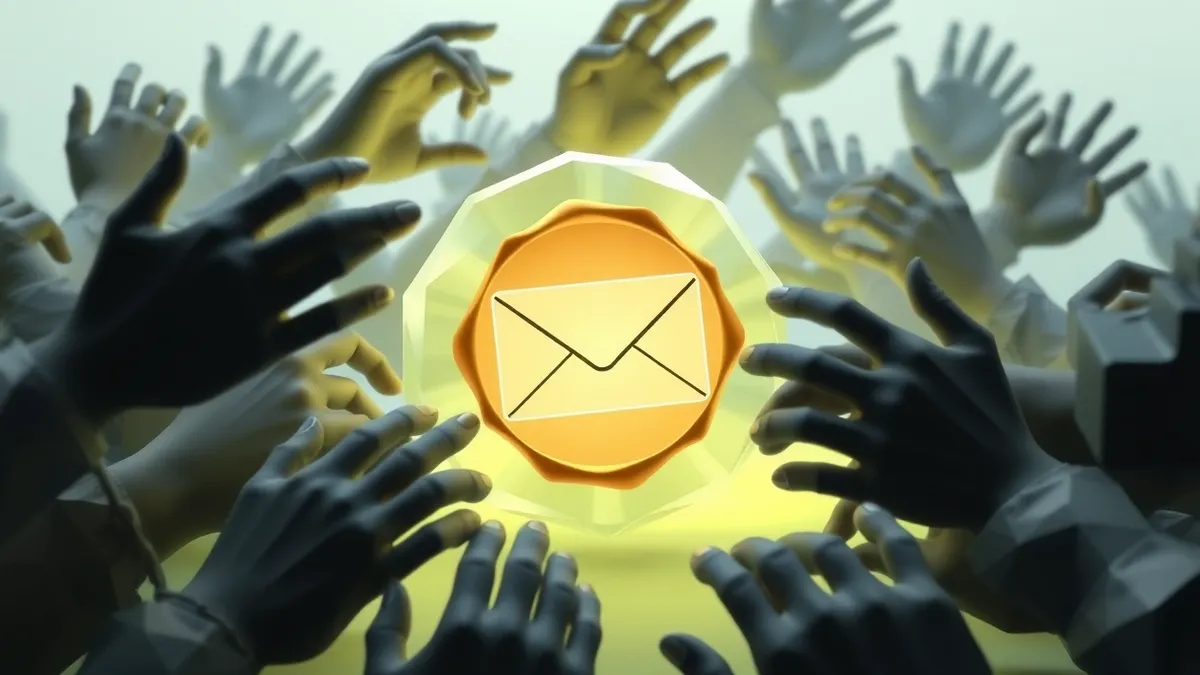
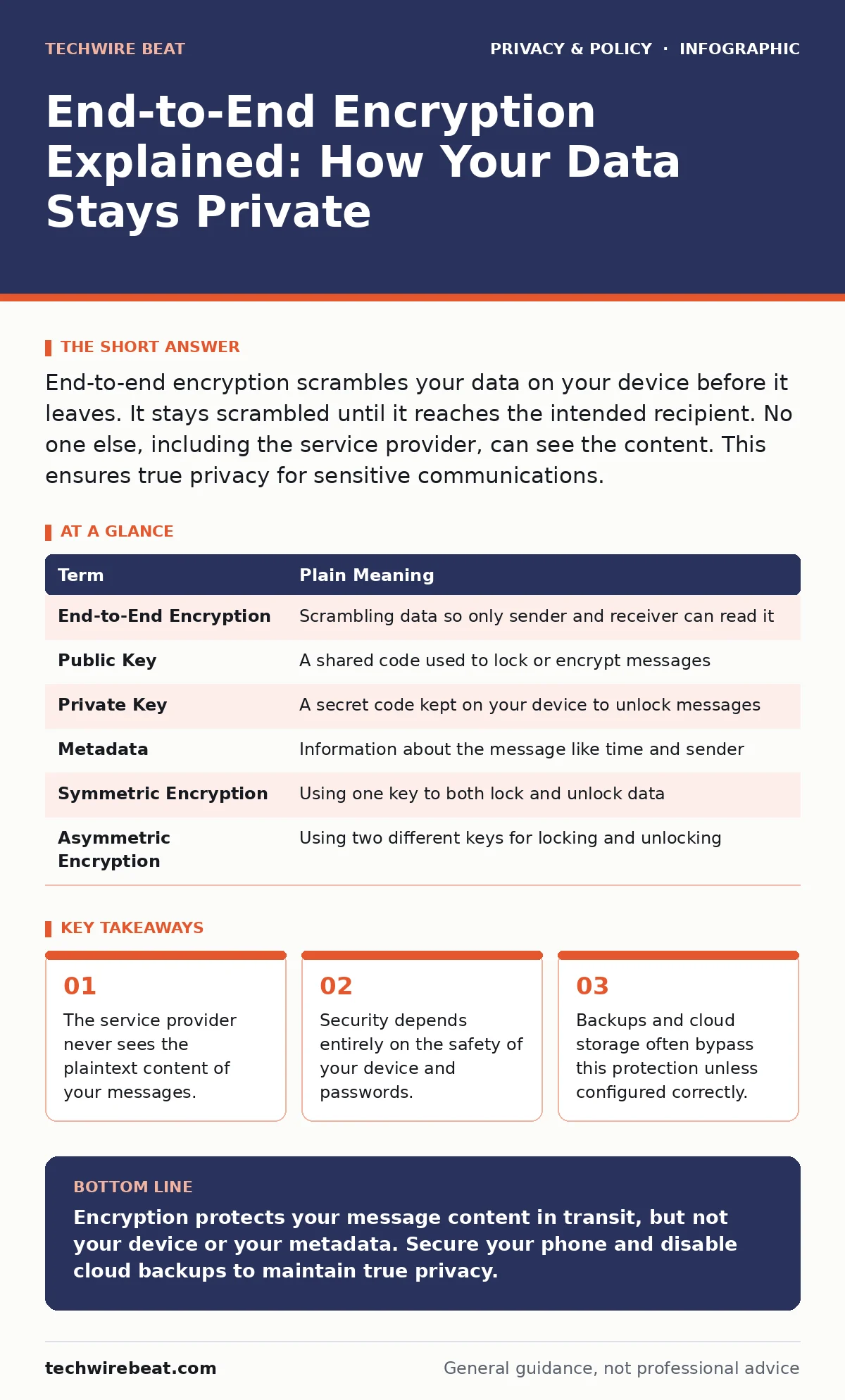
End-to-end encryption scrambles your data on your device before it leaves. It stays scrambled until it reaches the intended recipient. No one else, including the service provider, can see the content. This ensures true privacy for sensitive communications.
The Locked Envelope Analogy
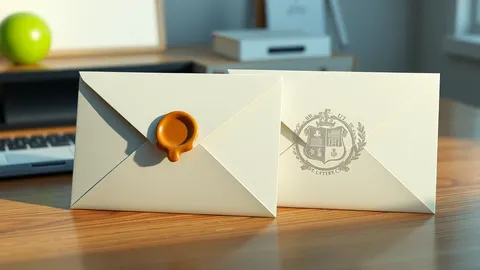
Imagine you are sending a secret letter to a friend. You write the message, place it in an envelope, and lock it with a unique padlock that only your friend possesses. You hand the sealed envelope to a courier. The courier carries the envelope, stores it in their warehouse, and delivers it. At no point does the courier have the key to open the lock. Even if the courier is curious, or if a thief steals the bag, the contents remain unreadable. This is the core mechanic of end-to-end encryption.
In digital communications, your device is the writer, the internet is the courier, and the encryption keys are the padlock and key. The service provider acting as the courier can see who you are talking to and when, but they cannot see what you are saying. This distinction is often misunderstood by users who assume that because a messenger app is private, the provider never sees any of their data. The provider sees metadata, which includes the timing, frequency, and identity of contacts.
How The Lock Works Technically
When you type a message, your device scrambles it using a mathematical algorithm called symmetric encryption. This turns your readable text into random-looking characters. Your device then uses the recipient’s public key to lock this scrambled text. The recipient’s device holds a corresponding private key, which is the only tool capable of unlocking and decrypting the text back into readable form. This process happens automatically in the background. You do not need to perform any manual steps to engage this security.
The security relies on the fact that the private key never leaves your device. It is generated locally and stored in your device’s secure hardware or software enclave. If a hacker intercepts the data packet while it travels across the internet, they only see the locked, scrambled data. Without the private key, reversing the encryption is computationally infeasible. This means the effort required to break the code exceeds the value of the information inside.
| Term | Plain Meaning |
|---|---|
| End-to-End Encryption | Scrambling data so only sender and receiver can read it |
| Public Key | A shared code used to lock or encrypt messages |
| Private Key | A secret code kept on your device to unlock messages |
| Metadata | Information about the message like time and sender |
| Symmetric Encryption | Using one key to both lock and unlock data |
| Asymmetric Encryption | Using two different keys for locking and unlocking |
The Hidden Weakness in Your Wallet
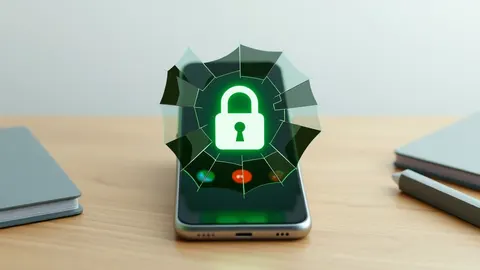
The strongest lock in the world is useless if you leave the key under the doormat. In the context of digital encryption, your "doormat" is your device itself. If your phone is lost, stolen, or infected with malware, the attacker has physical access to the private keys stored on the device. Once they have the keys, they can decrypt past and future messages. This is why device security is just as important as the encryption protocol itself.
You must assume that anyone with physical access to your unlocked phone can read your chats. This is a non-obvious consequence for many users who believe encryption protects them from everything. It does not protect you from a thief who picks up your unlocked device. It does not protect you from a spyware app that records your screen as you type. The encryption only protects the data while it is in transit or stored on remote servers.
Cloud Backups Bypass The Lock
Many users enable cloud backups for convenience, unaware that this often breaks the end-to-end protection. When you back up your chat history to a cloud service, the backup file is usually encrypted with a key managed by the cloud provider, not your private key. This allows the provider to scan the backup for content, comply with legal requests, or recover your data if you lose your phone. In this scenario, the end-to-end guarantee ends at the cloud server.
Imagine sending your locked envelope to the courier, but asking them to make a copy of the letter and store it in their office safe. The courier now has a way to read the letter, even if the original delivery remained locked. To maintain true privacy, you must either disable cloud backups for your messaging apps or use apps that offer encrypted backups protected by your own password. This trade-off means if you lose your phone, you may lose your chat history permanently.
Metadata Still Reveals Secrets
Even if the content of your messages is invisible, the pattern of your communication is not. Metadata includes who you talk to, how often, and at what time. Law enforcement or advertisers can build a detailed profile of your social graph and habits based on this data alone. They do not need to read the messages to know you are coordinating a meeting or discussing a sensitive topic. This is a critical limitation of current encryption standards.
Some applications attempt to minimize metadata by routing messages through multiple servers or adding dummy traffic. However, most mainstream apps still collect and store this information. If you are concerned about who knows you are talking to whom, you may need to look beyond standard consumer apps. Understanding this limitation helps you assess your real risk. For more on how companies collect this data, see our guide on data privacy.
See also: Video Conferencing Security: Benefits, Limits and When to Use It · Breach Notification Laws: Six Common Misreadings Explained
Three Steps To Secure Your Chats
- Enable end-to-end encryption manually if the app does not do it by default. Check the settings for each contact to ensure the lock icon is visible.
- Turn off cloud backups for your messaging apps, or use a local backup method that you control. This prevents the provider from accessing your message history.
- Use a strong passcode and biometric lock on your device. This ensures that even if your phone is stolen, the attacker cannot access the keys stored inside.
What Encryption Cannot Do
End-to-end encryption is not a shield against all digital threats. It does not protect you from phishing attacks where you are tricked into revealing information. It does not protect you from weak passwords that allow attackers to hijack your account. It also does not hide the fact that you are using the service. For users concerned about network-level surveillance, combining encryption with secure DNS can add another layer of protection.
You should also be aware of mobile app permission abuse, where apps request access to your microphone or camera unnecessarily. Even if your chats are encrypted, an app with microphone access can record your surroundings. Always review app permissions and revoke access for apps that do not need it. This holistic approach ensures that your privacy is not compromised at the weakest link.
Key takeaways
- The service provider never sees the plaintext content of your messages.
- Security depends entirely on the safety of your device and passwords.
- Backups and cloud storage often bypass this protection unless configured correctly.
Encryption protects your message content in transit, but not your device or your metadata. Secure your phone and disable cloud backups to maintain true privacy.
Frequently asked questions
Can the police force me to unlock my phone?
Laws vary by jurisdiction, but in many places, you can be compelled to provide your passcode, which gives access to all decrypted data.
Does encryption slow down my internet?
The computational overhead is negligible on modern devices, so you will not notice any performance difference in daily use.
Is WhatsApp end-to-end encrypted by default?
Yes, WhatsApp uses end-to-end encryption for all one-on-one and group chats by default, but cloud backups may not be encrypted.
Can I use encryption on email?
Standard email is not encrypted end-to-end, but you can use PGP or S/MIME to encrypt individual emails, though setup is complex.
How this guide was produced: written by the TechWire Beat editorial team with AI assistance, checked against the public references listed below, and reviewed when the facts change. See our editorial policy or report an error.