website security checklist: verify controls that stop silent data theft
Most breaches bypass perimeter defences by exploiting misconfigured trust relationships rather than breaking encryption algorithms directly.

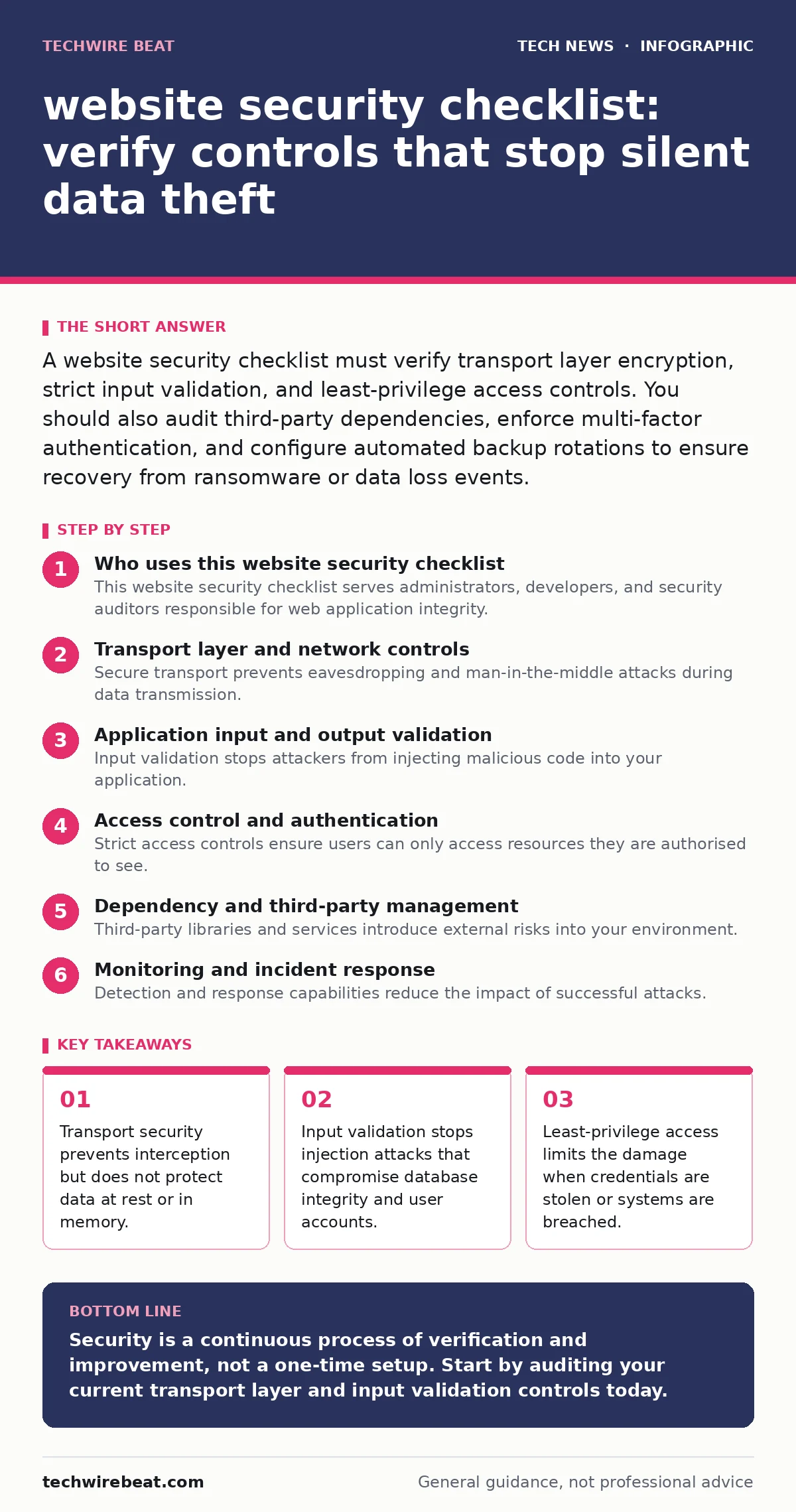
A website security checklist must verify transport layer encryption, strict input validation, and least-privilege access controls. You should also audit third-party dependencies, enforce multi-factor authentication, and configure automated backup rotations to ensure recovery from ransomware or data loss events.
Who uses this website security checklist
This website security checklist serves administrators, developers, and security auditors responsible for web application integrity. You use it to verify that your infrastructure meets baseline security standards before deployment. The list groups controls into logical categories to simplify auditing. You should treat this as a living document. Review it after every major update or when adding new third-party services. Regular verification prevents configuration drift, where settings gradually become less secure over time.
Transport layer and network controls
Secure transport prevents eavesdropping and man-in-the-middle attacks during data transmission. You must ensure all connections use modern cryptographic protocols.
- Enable TLS 1.2 or higher: older versions have known vulnerabilities that allow decryption.
- Configure HTTP Strict Transport Security: this header forces browsers to use secure connections.
- Disable weak cipher suites: strong encryption prevents attackers from breaking session keys.
- Implement Certificate Transparency logging: this detects unauthorized certificate issuance by Certificate Authorities.
Transport security protects data in transit. It does not protect data stored on your servers or in your databases. You must also secure data at rest using methods like AES encryption. See our guide on AES encryption for implementation details.
Application input and output validation
Input validation stops attackers from injecting malicious code into your application. This is the primary defence against injection attacks.
- Validate all user inputs server-side: client-side checks can be bypassed by attackers.
- Use parameterised queries: this prevents SQL injection by separating code from data.
- Encode output data: this stops cross-site scripting by rendering scripts harmless.
- Sanitise file uploads: verify file types and scan for malware before storage.
Imagine an attacker submits a script instead of a name. Without server-side validation, your server executes that script. This gives the attacker access to user sessions and data. Output encoding ensures that even if data is stored, it is not executed by browsers.
Access control and authentication
Strict access controls ensure users can only access resources they are authorised to see. Weak authentication allows attackers to impersonate legitimate users.
- Enforce multi-factor authentication: this adds a layer of security beyond passwords.
- Implement role-based access control: users get only the permissions necessary for their role.
- Set session timeout limits: inactive sessions are terminated to prevent session hijacking.
- Use secure cookie flags: flags like HttpOnly and Secure prevent cookie theft.
Passwords alone are insufficient for account protection. See our guide on one-time passwords for stronger authentication methods. You should also review OAuth configurations if you allow third-party logins. Improper OAuth implementation can expose user data to malicious applications.
Dependency and third-party management
Third-party libraries and services introduce external risks into your environment. You must manage these dependencies carefully.
- Audit open-source software libraries: check for known vulnerabilities in your dependencies.
- Minimise third-party scripts: each script increases the attack surface and data exposure.
- Verify vendor security practices: ensure suppliers follow secure development lifecycles.
- Monitor for dependency updates: apply patches promptly to fix discovered flaws.
Many breaches occur through compromised supply chains. An attacker may compromise a widely used library. See our guide on open-source software for management strategies. You should also consider end-of-life hardware risks if your infrastructure includes outdated physical components.
See also: CORS Misconfiguration Recovery: Immediate Response and Remediation Steps
Monitoring and incident response
Detection and response capabilities reduce the impact of successful attacks. You cannot prevent every breach, but you can limit damage.
- Log access and error events: logs provide evidence for forensic analysis.
- Set up real-time alerting: immediate notification allows faster response to anomalies.
- Test backup restoration regularly: backups are useless if they cannot be restored.
- Define incident response roles: clear responsibilities speed up containment and recovery.
Monitoring alone does not stop attacks. It helps you detect them early. You should also review video conferencing security if you host live web events. These platforms often bypass traditional web security controls.
Infrastructure and DNS security
Domain name system security prevents attackers from redirecting users to malicious sites. Weak DNS configurations allow cache poisoning attacks.
- Enable DNSSEC: this verifies the authenticity of DNS responses.
- Configure DNS caching correctly: proper caching reduces attack surface and improves performance.
- Restrict DNS zone transfers: this prevents attackers from mapping your entire network.
- Use IPv6 security measures: ensure IPv6 traffic is filtered and monitored.
See our guide on DNSSEC for implementation details. You should also review IPv6 security if your network supports dual-stack configurations. Misconfigured IPv6 can bypass firewall rules designed for IPv4 only.
Key takeaways
- Transport security prevents interception but does not protect data at rest or in memory.
- Input validation stops injection attacks that compromise database integrity and user accounts.
- Least-privilege access limits the damage when credentials are stolen or systems are breached.
Security is a continuous process of verification and improvement, not a one-time setup. Start by auditing your current transport layer and input validation controls today.
Frequently asked questions
Do I need a website security checklist if I use a managed hosting provider?
Yes, because you remain responsible for application-level security, user data, and access controls.
How often should I update my website security checklist?
Review it quarterly or after any significant infrastructure or application changes.
Is encryption enough to secure my website?
No, encryption protects data in transit and at rest but does not prevent injection or access control flaws.
What is the first item to check on a website security checklist?
Verify that all connections use TLS 1.2 or higher with strong cipher suites.
How this guide was produced: written by the TechWire Beat editorial team with AI assistance, checked against the public references listed below, and reviewed when the facts change. See our editorial policy or report an error.