Public Wi-Fi Warning Signs: How to Spot Hidden Network Risks
Most public Wi-Fi threats are silent until data is stolen, but specific network behaviours reveal compromised infrastructure before you connect.

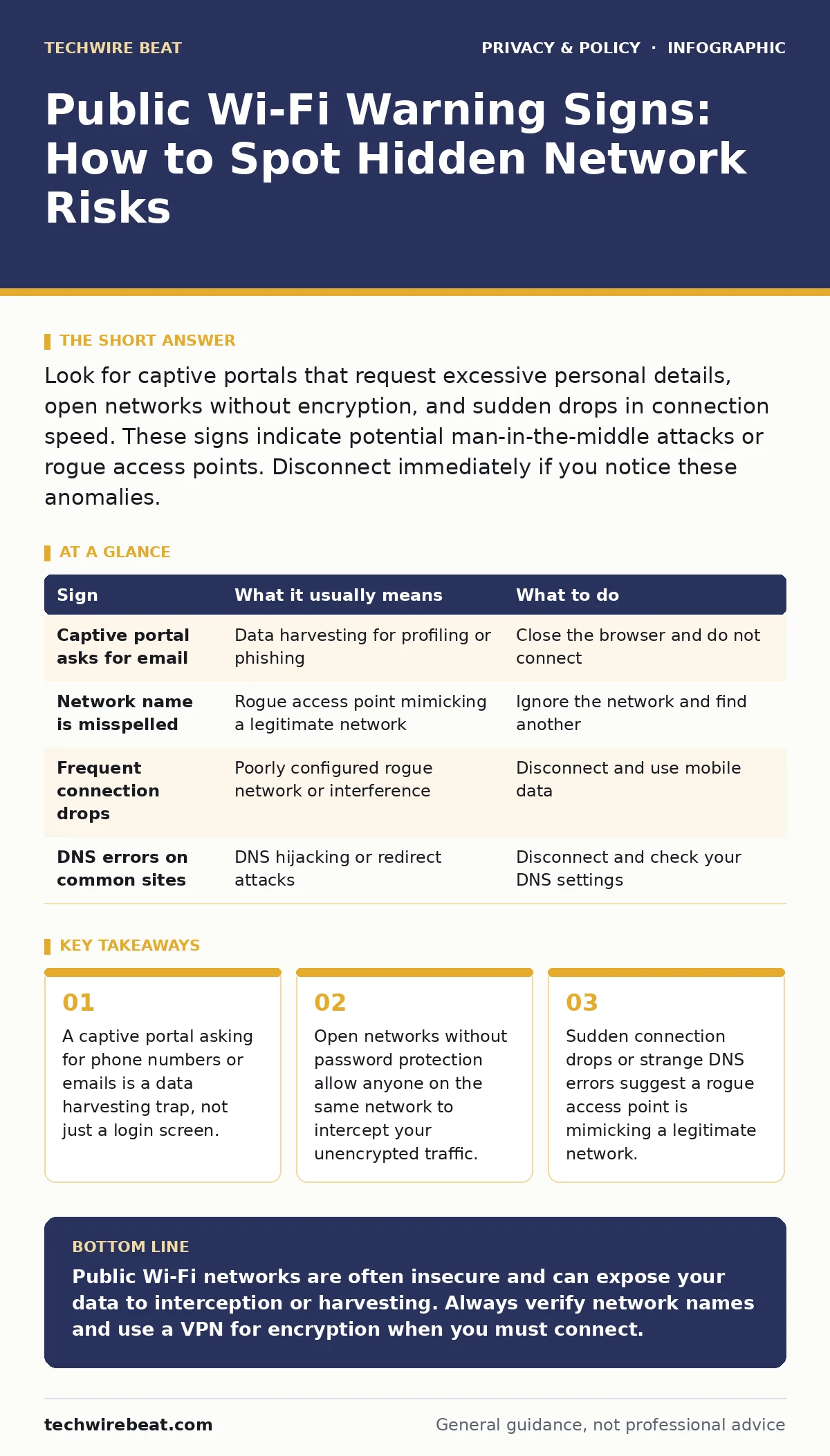
Look for captive portals that request excessive personal details, open networks without encryption, and sudden drops in connection speed. These signs indicate potential man-in-the-middle attacks or rogue access points. Disconnect immediately if you notice these anomalies.
The Illusion of Open Access
Public Wi-Fi networks are convenient, but they are inherently insecure. When you connect to an open network, your device sends data in plain text unless you use additional security measures. This means anyone nearby can intercept that data. You might assume that because the network is free, it is safe. This assumption is incorrect. The lack of a password does not mean the network is benign; it often means the operator has removed barriers to monitoring your activity.
You should treat every public network as hostile. The goal is not to avoid them entirely, but to recognise when the risk exceeds the utility. Understanding the mechanics of how data moves helps you spot anomalies. When you connect, your device negotiates a connection with the router. If this negotiation is flawed, you will see signs.
Captive Portals as Data Traps
Many public networks use a captive portal. This is a web page that appears before you can access the internet. It usually asks you to accept terms of service. Some portals also ask for your name, email address, or phone number. This is a significant risk. The operator can now link your online activity to your identity.
Imagine you are in a café. The network asks for your email to "verify" your device. You provide it. The operator now knows that your specific email address visited certain websites at a specific time. This data can be sold or used for targeted phishing. You do not need to provide personal information to use a network. If a portal demands it, consider it a sign of poor privacy practices.
The Silent Threat of Rogue Access Points
A rogue access point is a wireless router that someone has set up to mimic a legitimate network. It might have the same name as the café or airport Wi-Fi. You connect to it thinking it is official. It is not. The attacker controls the traffic. They can see everything you send.
This is easy to miss because the name looks correct. You might see two networks with similar names. One is "Free_Cafe_WiFi" and the other is "Free_Cafe_WiFi_Secure". The attacker hopes you will connect to the one that sounds safer but is actually a trap. Always check the spelling carefully. If the network name is slightly different from what you expect, do not connect.
Network Instability as a Warning Sign
Legitimate public networks are usually stable. They are maintained by organisations that want users to stay connected. Rogue networks are often poorly configured. They may have high latency or frequent disconnections. If your connection drops repeatedly, it might be a sign of interference from an attacker.
Another sign is strange DNS errors. DNS translates website names into addresses. If you see errors when trying to load common sites, the network might be redirecting you to malicious pages. This is called DNS hijacking. It allows attackers to send you to fake websites that look like the real ones. Check your browser address bar carefully. If the URL looks wrong, disconnect immediately.
Signs You Can Miss in the Background
Some risks are invisible. Your device might automatically connect to known networks. This feature is convenient but dangerous. If you saved a rogue network password once, your device will connect to it again without asking. Disable automatic connections for public networks.
Another hidden risk is the lack of encryption. Even if the network has a password, the traffic might not be encrypted. Encryption scrambles data so only the intended recipient can read it. Without it, your data is exposed. You can check this by looking at the network properties. If it says "Open" or "No Security", avoid it.
| Sign | What it usually means | What to do |
|---|---|---|
| Captive portal asks for email | Data harvesting for profiling or phishing | Close the browser and do not connect |
| Network name is misspelled | Rogue access point mimicking a legitimate network | Ignore the network and find another |
| Frequent connection drops | Poorly configured rogue network or interference | Disconnect and use mobile data |
| DNS errors on common sites | DNS hijacking or redirect attacks | Disconnect and check your DNS settings |
See also: Understanding Citrix NetScaler Vulnerabilities: Causes, Risks, and Mitigation Strategies · Network Ports and Protocols: How Data Flows and Where It Leaks
Mitigating the Risks You Cannot Avoid
Sometimes you must use public Wi-Fi. In these cases, you need additional layers of security. A Virtual Private Network (VPN) encrypts your traffic. This hides your data from anyone on the same network. However, a VPN does not protect you from malicious websites or phishing attacks. It only secures the connection between your device and the VPN server.
You should also use secure DNS. This prevents DNS hijacking by using a trusted DNS provider. It ensures that you are connected to the correct website. For more details on this, see our guide on secure DNS. Additionally, keep your device software updated. Updates often include security patches that fix known vulnerabilities.
The Hidden Cost of Convenience
Using public Wi-Fi has a hidden cost. It is not just the risk of data theft. It is the erosion of your digital privacy. Every network you connect to adds to your digital footprint. Operators can track your location and habits. This data can be used to build a profile of you.
You might think that browsing anonymously is enough. It is not. Your device sends unique identifiers. These identifiers can be used to track you across different networks. To protect yourself, disable location services and advertising identifiers when using public Wi-Fi. For more on how devices track you, see our guide on mobile app permission abuse.
Building a Safer Digital Habit
Protecting your privacy is not about avoiding technology. It is about using it wisely. You must be aware of the risks and take steps to mitigate them. This means checking network names, avoiding captive portals that ask for personal data, and using encryption tools.
You should also consider the broader implications of your data usage. For example, smart home devices can also be compromised. See our guide on smart home privacy risks for more information. And remember that data privacy is an ongoing process. Regularly review your privacy settings and conduct privacy audits of your devices.
Key takeaways
- A captive portal asking for phone numbers or emails is a data harvesting trap, not just a login screen.
- Open networks without password protection allow anyone on the same network to intercept your unencrypted traffic.
- Sudden connection drops or strange DNS errors suggest a rogue access point is mimicking a legitimate network.
Public Wi-Fi networks are often insecure and can expose your data to interception or harvesting. Always verify network names and use a VPN for encryption when you must connect.
Frequently asked questions
Is using a VPN enough to protect me on public Wi-Fi?
A VPN encrypts your traffic, but it does not protect against phishing or malware on your device. You still need to be careful about the websites you visit.
Why do captive portals ask for my email address?
They often do this to harvest personal data for marketing or profiling purposes. You do not need to provide this information to use the network.
Can I trust a public Wi-Fi network that has a password?
Not necessarily. A password only restricts access. It does not encrypt your traffic or prevent an attacker from intercepting it if they are also on the network.
How can I tell if a network is rogue?
Look for misspellings in the network name, frequent disconnections, or DNS errors. These are common signs of a rogue access point.
How this guide was produced: written by the TechWire Beat editorial team with AI assistance, checked against the public references listed below, and reviewed when the facts change. See our editorial policy or report an error.