VPNs for Chromebook: How to Secure Your Connection and Bypass Blocks
Using a virtual private network on a Chromebook encrypts your data traffic, but the device’s security model limits how deeply you can integrate these tools into the system.

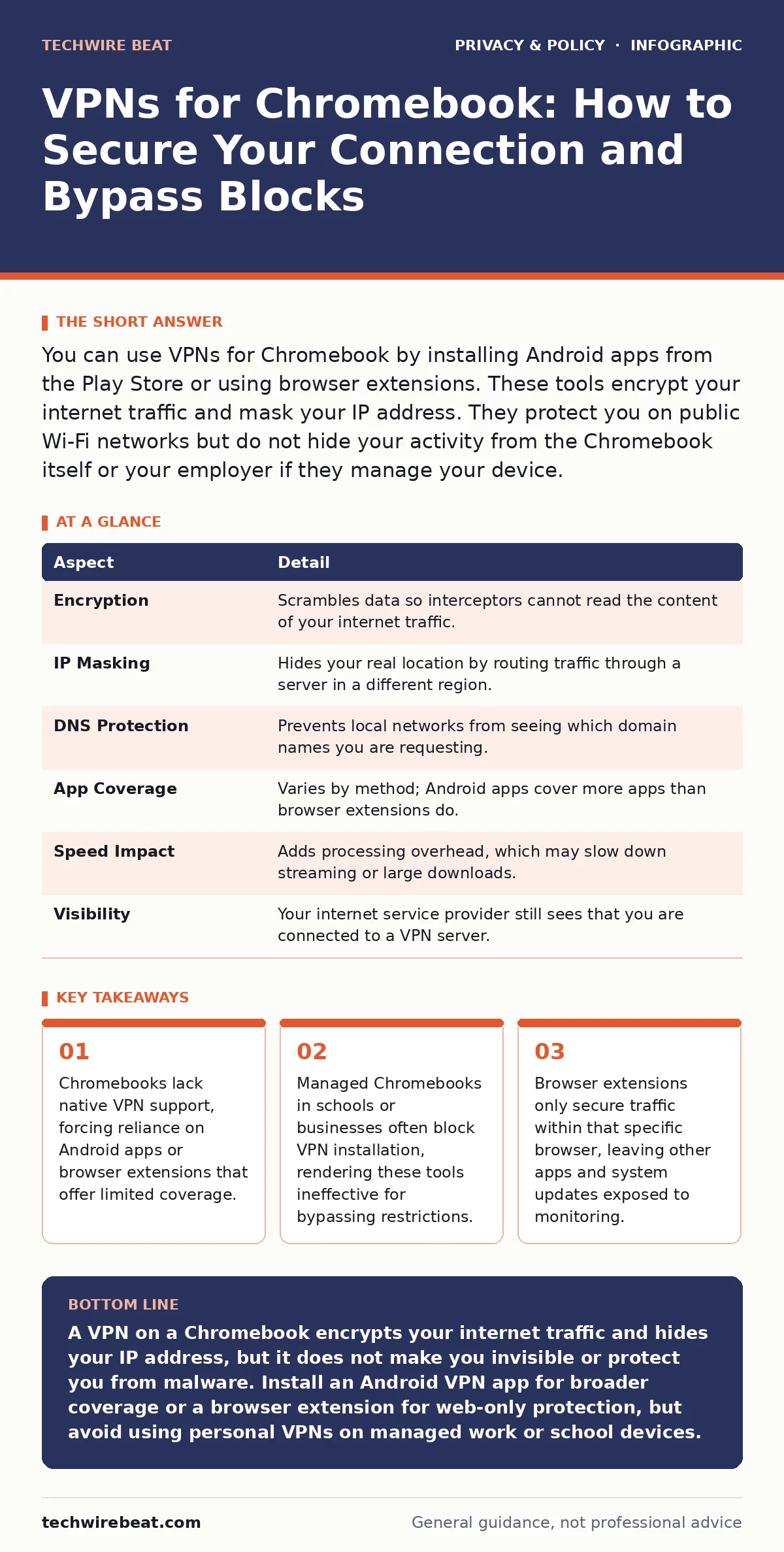
You can use VPNs for Chromebook by installing Android apps from the Play Store or using browser extensions. These tools encrypt your internet traffic and mask your IP address. They protect you on public Wi-Fi networks but do not hide your activity from the Chromebook itself or your employer if they manage your device.
The Tunnel Analogy for Understanding VPNs
Imagine sending a postcard through the mail. Anyone handling the postcard can read the message, see the sender’s address, and see the recipient’s address. Now imagine putting that postcard inside a sealed, opaque envelope. The postal worker can see where the envelope is going, but they cannot read the message inside. A virtual private network, or VPN, acts as that sealed envelope for your internet traffic. It wraps your data in encryption, hiding the contents from anyone intercepting the signal between your device and the internet.
This mechanism matters because most internet traffic is unencrypted or only partially secured. When you connect to a public Wi-Fi network, your data travels through a shared router. Other users on that same network can potentially see what websites you visit, even if they cannot read the specific content if it is encrypted. The VPN creates a private tunnel through this public infrastructure, ensuring that only the endpoints of the connection can read the data.
| Aspect | Detail |
|---|---|
| Encryption | Scrambles data so interceptors cannot read the content of your internet traffic. |
| IP Masking | Hides your real location by routing traffic through a server in a different region. |
| DNS Protection | Prevents local networks from seeing which domain names you are requesting. |
| App Coverage | Varies by method; Android apps cover more apps than browser extensions do. |
| Speed Impact | Adds processing overhead, which may slow down streaming or large downloads. |
| Visibility | Your internet service provider still sees that you are connected to a VPN server. |
How VPNs for Chromebook Actually Work
Chromebooks run on Chrome OS, which is a lightweight, Linux-based operating system designed for security and simplicity. Unlike Windows or macOS, Chrome OS does not have a built-in, system-wide VPN client that you can configure with a few clicks. This architectural choice means you cannot simply type in a server address and have all your traffic routed through it. Instead, you must rely on alternative methods that fit within the constraints of the operating system.
The most common method is using the Google Play Store. Many Chromebooks support Android apps, allowing you to install standard VPN clients designed for smartphones. These apps function similarly to how they do on a phone, creating a tunnel for the traffic generated by Android applications. However, they do not always cover native Chrome OS apps or the browser itself, depending on how the specific VPN app handles the network stack.
Another method is using a browser extension. You install a plugin directly into the Chrome browser. This extension encrypts only the traffic that passes through that specific browser window. If you open a separate app, such as a document editor or a music player, that traffic remains unencrypted and visible to the local network. This partial coverage is a significant limitation for users seeking total privacy.
Who Is Affected by VPN Limitations on Chromebooks
The limitations of VPNs for Chromebook affect users differently based on how they acquired and use their device. Home users who bought their Chromebook independently have the most flexibility. They can enable the Google Play Store and install Android VPN apps. They can also install browser extensions to protect their web browsing. For these users, a VPN provides a reasonable layer of privacy and allows them to access geo-restricted content.
School and business users face stricter constraints. Many organisations manage their Chromebooks through a central administration console. This management allows the organisation to push security policies to all devices. One common policy is to block the installation of unapproved apps and extensions. If your Chromebook is managed by a school or employer, you may find that you cannot install a VPN app at all. Attempting to bypass these controls is often a violation of acceptable use policies and may result in disciplinary action.
Public Wi-Fi users are the primary beneficiaries of VPN technology. Whether you are at an airport, a hotel, or a library, public networks are inherently less secure. Attackers on the same network can intercept data packets. A VPN mitigates this risk by encrypting the data before it leaves your device. Without a VPN, your login credentials and personal information are sent in plain text, making them easy to steal.
What People Usually Get Wrong About Chromebook VPNs
A common misconception is that a VPN makes you completely invisible on the internet. A VPN hides your activity from your local network and your internet service provider, but it does not hide it from the websites you visit. If you log into a social media platform, that platform still knows who you are. The VPN only masks your IP address and encrypts the connection. It does not anonymise your identity within the services you use.
Another mistake is assuming that a VPN protects you from malware. A VPN encrypts your traffic, but it does not scan your downloads for viruses or malicious code. If you download a harmful file through a VPN tunnel, that file is still dangerous once it reaches your Chromebook. Chrome OS has strong sandboxing features that limit the damage malware can do, but you still need to practice safe browsing habits. Relying solely on a VPN for security is a flawed strategy.
Choosing the Right Approach for Your Needs
If you need to protect all your internet traffic, an Android VPN app is the better choice. It covers more applications and provides a system-level tunnel for Android apps. Ensure that the Chromebook you are using supports the Google Play Store. You can check this by looking for the Play Store icon in your app launcher. If it is not there, you cannot install Android apps, and you are limited to browser extensions.
If you only need to protect your web browsing, a browser extension is sufficient and often easier to use. Extensions are lightweight and do not require system-level permissions. They are ideal for quick sessions on public Wi-Fi. Look for extensions that have a strong privacy policy and do not log your browsing history. The reputation of the extension developer matters more than the features they offer.
For managed devices, your options are very limited. You may need to contact your IT administrator to see if they offer a corporate VPN solution. Some organisations provide their own secure access service that works on managed Chromebooks. Do not attempt to use personal VPN tools on work or school devices, as this can trigger security alerts and compromise your standing.
See also: Email breach checkers: what they reveal and what they miss
Related Privacy Considerations for Chromebook Users
Using a VPN is just one part of a broader privacy strategy. You should also consider how your data is collected by the services you use. Data brokers collect information from various sources to build detailed profiles of individuals. Understanding how these entities operate can help you make more informed choices about which services you trust with your personal information.
If you are a parent, you need to be aware of the specific protections available for young users. Children's privacy laws impose strict requirements on how companies can collect and handle data from minors. These laws provide a framework for holding companies accountable, but they do not automatically protect every child. You must actively manage the privacy settings on devices used by children to ensure compliance with these standards.
Public networks pose risks beyond just data interception. Public Wi-Fi risks include man-in-the-middle attacks, where an attacker positions themselves between you and the network to alter or steal data. A VPN helps mitigate this, but it is not a complete solution. You should also avoid accessing sensitive accounts, such as online banking, on public networks whenever possible.
Managing Consent and Tracking
Even with a VPN, websites can track your activity using cookies and other fingerprinting techniques. These methods do not rely on your IP address but on characteristics of your browser and device. Consent management tools can help you control which trackers are allowed to run on your device. These tools give you more visibility into how your data is being collected and used.
You should also be aware of the broader legal landscape. Privacy laws for small businesses vary by region, but they generally require transparency about data collection. If you run a business from your Chromebook, ensure that your practices comply with local regulations. This includes having clear privacy policies and obtaining proper consent from customers before collecting their data.
Social media platforms are significant sources of data leakage. Social media privacy risks include the exposure of personal information to targeted advertisers and potential data breaches. Adjusting your privacy settings on these platforms can limit the amount of data that is shared. A VPN does not stop social media platforms from collecting data about your interactions within their apps.
Key takeaways
- Chromebooks lack native VPN support, forcing reliance on Android apps or browser extensions that offer limited coverage.
- Managed Chromebooks in schools or businesses often block VPN installation, rendering these tools ineffective for bypassing restrictions.
- Browser extensions only secure traffic within that specific browser, leaving other apps and system updates exposed to monitoring.
A VPN on a Chromebook encrypts your internet traffic and hides your IP address, but it does not make you invisible or protect you from malware. Install an Android VPN app for broader coverage or a browser extension for web-only protection, but avoid using personal VPNs on managed work or school devices.
Frequently asked questions
Can I use a VPN on any Chromebook?
You can use a VPN on any Chromebook that supports the Google Play Store for Android apps or allows browser extensions. Older or enterprise-managed models may have these features disabled.
Does a VPN slow down my Chromebook?
Yes, a VPN adds encryption overhead, which can reduce your internet speed. The impact depends on the distance to the VPN server and the quality of the encryption protocol used.
Will a VPN help me bypass school filters?
If your Chromebook is managed by your school, they likely block VPN installation. Even if you manage to install one, the school’s network may detect and block the VPN traffic.
Are free VPNs safe to use on Chromebook?
Free VPNs often lack strong privacy policies and may sell your data. They are also more likely to have speed limits and data caps. Paid services are generally more reliable for privacy.
How this guide was produced: written by the TechWire Beat editorial team with AI assistance, checked against the public references listed below, and reviewed when the facts change. See our editorial policy or report an error.