Privacy Audits for Small Business: A Practical Checklist
Small teams often miss data risks because they treat privacy as a legal compliance task rather than a technical inventory of where information lives and moves.

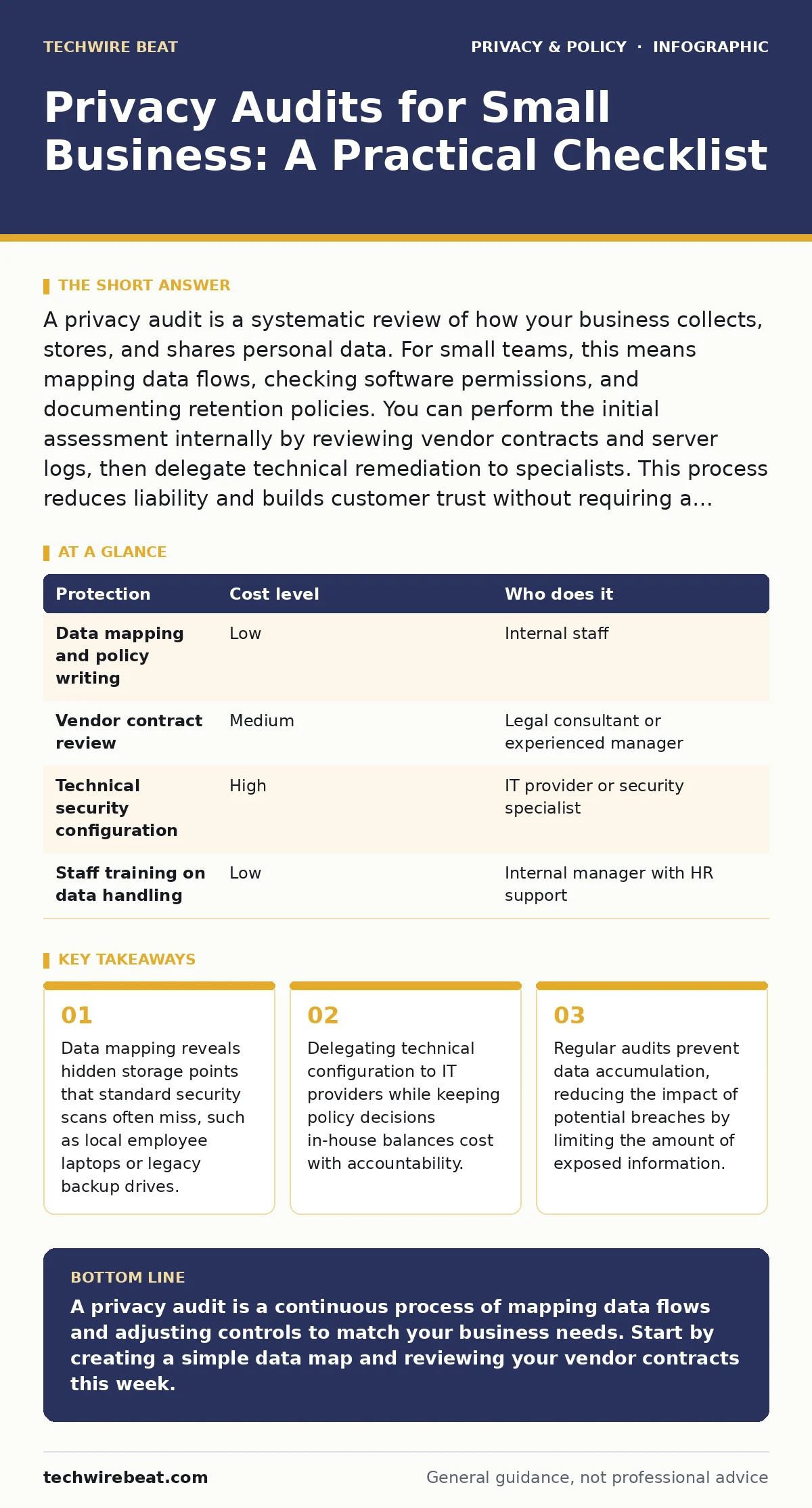
A privacy audit is a systematic review of how your business collects, stores, and shares personal data. For small teams, this means mapping data flows, checking software permissions, and documenting retention policies. You can perform the initial assessment internally by reviewing vendor contracts and server logs, then delegate technical remediation to specialists. This process reduces liability and builds customer trust without requiring a dedicated compliance department.
The Ten-Person Blind Spot
Small businesses often assume that their size makes them invisible to privacy risks. This assumption is dangerous. The smaller the team, the more likely that roles overlap. An employee who handles customer support may also manage social media accounts, giving them access to sensitive data they do not need. This overlap increases the risk of accidental data exposure. A privacy audit identifies these overlaps before they cause harm.
Unlike large corporations, small teams rarely have a dedicated data protection officer. This means the responsibility falls on existing staff. You must integrate privacy checks into your regular operational routine. This integration ensures that privacy remains a living process rather than a one-time checkbox exercise.
Mapping the Invisible Data Flow
The first step in any audit is data mapping. You must identify every point where personal data enters, moves through, and leaves your organisation. Personal data includes any information that can identify a living person, such as names, email addresses, or IP logs.
Start by listing every software application your team uses. For each application, ask what data it requires to function. Many applications request permissions they do not need. For example, a calendar app may request access to your contacts list, even though it only needs to schedule meetings. This excess access increases your attack surface.
Review your cloud storage accounts. Check who has access to shared folders and when those files were last modified. Old files that are no longer needed should be deleted. Retaining unnecessary data increases liability. If a breach occurs, the damage is proportional to the amount of data exposed. Deleting old data reduces this potential damage.
Cost-Effective Assessment Methods
You do not need expensive software to start a privacy audit. The most effective method is a manual review of your current practices. This approach allows you to understand your data flows personally, which is often more revealing than automated reports.
Begin with a policy review. Read the privacy policies of every vendor you use. Look for clauses that allow them to share your data with third parties or use it for advertising. These clauses are often buried in dense legal text. If a vendor’s policy is unclear, contact their support team for clarification. Document their response.
Next, perform a technical check. Ensure that all devices have encryption enabled. Encryption scrambles data so that it cannot be read without a specific key. This protects data even if a device is stolen. Check that two-factor authentication is enabled for all accounts that store personal data. This adds a layer of security beyond just a password.
Consider the trade-offs of automation. Automated scanning tools can identify vulnerabilities in your network. However, they cannot determine whether your data handling practices align with your business goals. A hybrid approach works best. Use manual reviews for policy and process, and automated tools for technical security checks.
What to Delegate and What to Keep
Not every aspect of a privacy audit requires your attention. Some tasks are technical and require specialised knowledge. Others are strategic and require business insight. Delegating the wrong tasks can lead to gaps in your privacy programme.
| Protection | Cost level | Who does it |
|---|---|---|
| Data mapping and policy writing | Low | Internal staff |
| Vendor contract review | Medium | Legal consultant or experienced manager |
| Technical security configuration | High | IT provider or security specialist |
| Staff training on data handling | Low | Internal manager with HR support |
Keep data mapping and policy writing in-house. You know your business processes better than any external consultant. Only you can determine what data is necessary for your operations. Outsourcing this task often leads to generic policies that do not fit your specific workflow.
Delegate technical security configuration to IT providers. This includes setting up firewalls, configuring encryption, and managing access controls. These tasks require technical expertise that most generalist managers do not have. Ensure that your provider follows a clear set of instructions you provide. This ensures that the technical implementation aligns with your privacy goals.
Legal review of vendor contracts should be delegated if you lack legal expertise. Privacy laws for small businesses can be complex. A legal consultant can help you understand your obligations and negotiate better terms with vendors. This investment can save you from costly legal disputes in the future.
Questions for Your IT Provider
When hiring an IT provider to assist with your audit, ask specific questions. Vague answers indicate a lack of experience or transparency. You need to know exactly how they will protect your data.
- Do you perform regular backups, and where are these backups stored?
- How do you manage access rights for your staff?
- What is your process for responding to a data breach?
- Do you encrypt data at rest and in transit?
- How do you ensure that your own security practices are up to date?
These questions help you assess the provider’s competence and reliability. A good provider will have clear answers to all of these questions. If they hesitate or give vague responses, consider finding a different provider.
Maintaining the Audit Cycle
A privacy audit is not a one-time event. Your business environment changes constantly. New software is adopted, new employees are hired, and new regulations are introduced. Your audit process must adapt to these changes.
Schedule regular reviews. Quarterly checks are often sufficient for small businesses. Use these reviews to update your data map and check for new vulnerabilities. Involve all staff members in these reviews. They may notice issues that management overlooks.
Training is a critical part of maintenance. Staff members must understand why privacy matters and how to handle data correctly. Regular training reinforces good habits and reduces the risk of human error. Human error is one of the leading causes of data breaches.
Related considerations include understanding mobile app permission abuse to ensure your team’s devices are secure. You might also look into reducing your digital footprint to minimize the data you expose. For those in specific sectors, children's privacy laws may impose additional requirements. Understanding ad blockers can help you see what data is being collected by third parties. Finally, people-search sites can expose employee data, adding another layer of risk to consider.
Key takeaways
- Data mapping reveals hidden storage points that standard security scans often miss, such as local employee laptops or legacy backup drives.
- Delegating technical configuration to IT providers while keeping policy decisions in-house balances cost with accountability.
- Regular audits prevent data accumulation, reducing the impact of potential breaches by limiting the amount of exposed information.
A privacy audit is a continuous process of mapping data flows and adjusting controls to match your business needs. Start by creating a simple data map and reviewing your vendor contracts this week.
Frequently asked questions
How often should a small business conduct a privacy audit?
Conduct a full audit annually and perform smaller checks quarterly or whenever significant changes occur, such as adding new software or hiring new staff.
Do I need a lawyer to perform a privacy audit?
Not necessarily. You can perform the initial assessment yourself. However, consulting a lawyer for contract reviews and complex legal questions is recommended.
What is the first step in a privacy audit?
The first step is data mapping. Identify all personal data you collect, where it is stored, and who has access to it.
Can I use free tools for a privacy audit?
Yes. Simple spreadsheets and manual reviews are effective for small businesses. Free security scanning tools can also help identify technical vulnerabilities.
How this guide was produced: written by the TechWire Beat editorial team with AI assistance, checked against the public references listed below, and reviewed when the facts change. See our editorial policy or report an error.