Bring Your Own Device: Real Benefits and Hidden Costs
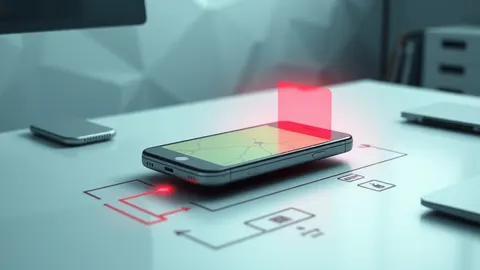
Personal devices blur security boundaries, forcing organisations to manage risk beyond their physical walls while saving hardware capital.
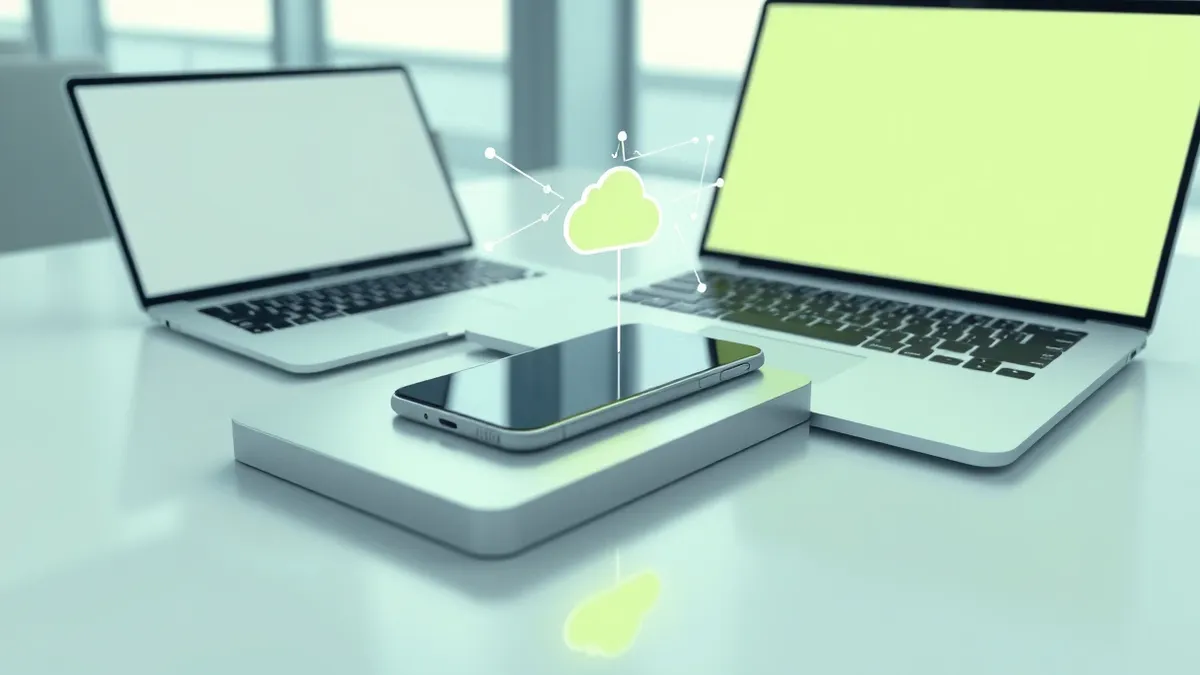
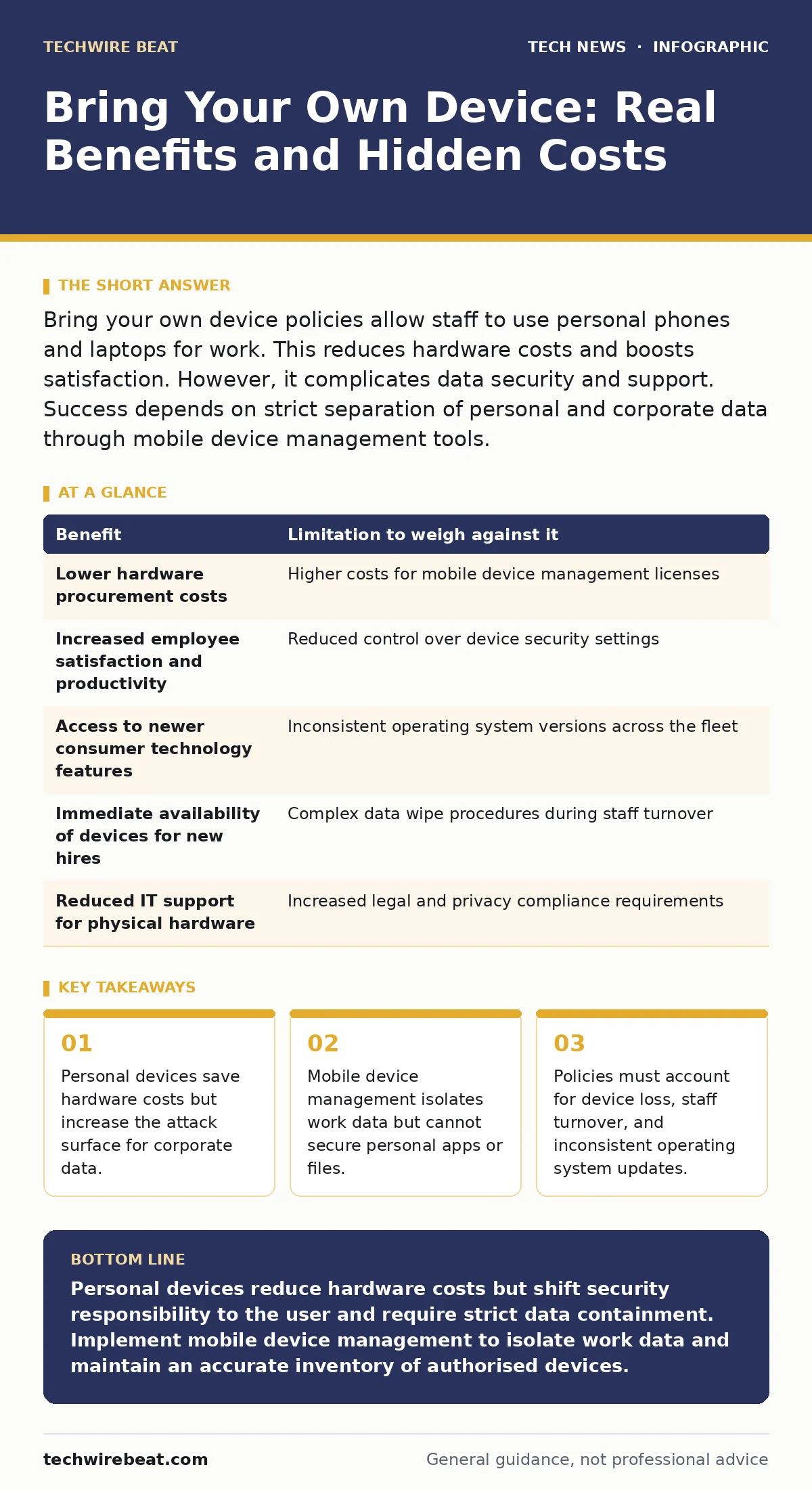
Bring your own device policies allow staff to use personal phones and laptops for work. This reduces hardware costs and boosts satisfaction. However, it complicates data security and support. Success depends on strict separation of personal and corporate data through mobile device management tools.
The Shift in Device Ownership
Organisations have moved away from issuing standardised hardware to every employee. The bring your own device model allows staff to use personal smartphones, tablets, and laptops for professional tasks. This shift responds to consumer technology outpacing corporate procurement cycles. Employees often possess newer devices with better security features than older company-issued units.
This model changes the relationship between the employer and the device. The company no longer owns the hardware, only the data and applications running on it. You must accept that you cannot control the entire device. You can only control the container that holds work-related information.
Cost Savings and User Satisfaction
The most obvious benefit is reduced capital expenditure. You avoid buying, storing, and refurbishing hardware. Depreciation schedules disappear for these devices. Maintenance costs also drop because the user is responsible for physical repairs and battery replacement.
Employees prefer using devices they know and trust. They do not need to learn new interfaces or carry extra hardware. This familiarity reduces friction when starting tasks. Productivity often increases because workers can switch seamlessly between personal and professional contexts. The device is always with them, ready for immediate use.
However, these savings are not pure profit. They are redirected into software licensing and security infrastructure. You pay less for iron but more for management platforms. The trade-off is financial flexibility versus operational complexity.
The Expanded Attack Surface
The primary limitation is the loss of environmental control. You cannot guarantee the security state of a personal device. Users may install unverified applications, disable encryption, or jailbreak their phones. These actions weaken the device's security posture. Malware on a personal device can potentially access the work container if vulnerabilities exist.
Physical security is also outside your direct control. Devices are used in cafes, trains, and homes. The risk of theft or loss is higher than in a locked office. When a device is lost, you cannot remotely wipe it without the user's cooperation. This delay increases the window of exposure for corporate data.
Technical Constraints of Management
Mobile device management software allows you to enforce policies on personal devices. It can enforce passwords, enable encryption, and wipe work data remotely. However, it cannot restrict personal behaviour. You cannot block the user from taking screenshots of sensitive emails or connecting to insecure Wi-Fi networks.
The technical implementation relies on containers. These are isolated environments on the device that hold work apps and data. If the container is breached, personal data remains safe. If the personal environment is compromised, the container may still be protected. This separation is imperfect. Side-channel attacks can sometimes bridge the gap between the two environments.
You must also consider interoperability. Different operating systems and versions behave differently. A policy that works on the latest iOS may fail on an older Android version. Testing becomes a continuous burden rather than a one-time setup.
Comparing Benefits and Limitations
| Benefit | Limitation to weigh against it |
|---|---|
| Lower hardware procurement costs | Higher costs for mobile device management licenses |
| Increased employee satisfaction and productivity | Reduced control over device security settings |
| Access to newer consumer technology features | Inconsistent operating system versions across the fleet |
| Immediate availability of devices for new hires | Complex data wipe procedures during staff turnover |
| Reduced IT support for physical hardware | Increased legal and privacy compliance requirements |
See also: Password Hygiene Explained: Stop Reusing Keys to Secure Your Digital Life
Integration with Asset Tracking
Effective management requires knowing what devices are connected to your network. You cannot secure what you cannot see. Proper IT asset management processes must extend to include personal devices used for work. This does not mean tracking personal location or usage. It means recording which devices are authorised and what level of access they hold.
Without this inventory, you cannot respond to incidents effectively. If a breach occurs, you need to know which personal devices might have accessed sensitive systems. This record allows for targeted remote wipes or access revocation. It turns a chaotic collection of personal gadgets into a manageable security perimeter.
When It Is Worth It
This model suits organisations with a mobile workforce. Sales teams, consultants, and field engineers benefit from immediate access to tools. They do not sit at desks where issued hardware would gather dust. The flexibility outweighs the security overhead.
It also works for companies with low sensitivity data. If the information accessed is public or non-critical, the risk is minimal. The cost savings and employee satisfaction are the primary drivers. You can implement basic policies without expensive management suites.
When It Is Not Worth It
Highly regulated industries should avoid this model. Healthcare, finance, and government sectors handle data with strict legal protections. The inability to guarantee device integrity creates compliance failures. Auditors will question your control over the environment.
Organisations with highly sensitive intellectual property also face risks. If your competitive advantage lies in proprietary code or research, personal devices are too risky. Users can inadvertently leak data through personal cloud backups or photo sharing. The potential damage outweighs any hardware savings.
Also, consider your support capability. If your IT team lacks expertise in mobile device management, the model will fail. Poorly configured policies lead to user frustration and security gaps. You need dedicated staff to maintain the balance between access and security.
Handling Device Retirement and Turnover
When an employee leaves, you must remove their access immediately. With issued devices, you simply recall the hardware. With personal devices, you must remotely wipe the work container. This process must be tested regularly. If it fails, the former employee retains access to corporate data.
You should also plan for device loss. Users must know how to report a lost device instantly. Automated alerts can help trigger remote wipes. However, these rely on the user having internet access before the device is wiped by a thief. You cannot control this timeline.
Key takeaways
- Personal devices save hardware costs but increase the attack surface for corporate data.
- Mobile device management isolates work data but cannot secure personal apps or files.
- Policies must account for device loss, staff turnover, and inconsistent operating system updates.
Personal devices reduce hardware costs but shift security responsibility to the user and require strict data containment. Implement mobile device management to isolate work data and maintain an accurate inventory of authorised devices.
Frequently asked questions
Can I force password changes on personal devices?
You can enforce password policies for the work container, but you cannot change the personal device lock screen password without the user's consent and cooperation.
Does this model protect against malware?
It reduces risk by isolating work data, but it does not prevent malware from infecting the personal environment. Users remain responsible for installing antivirus software.
How do I handle legal disputes over personal data?
Clear policies must state that the company only accesses work containers. Remote wipes should target only corporate apps and data, leaving personal files untouched.
Is this compatible with all operating systems?
Most modern mobile device management tools support iOS and Android. Older or niche operating systems may lack support, limiting your ability to enforce security policies.
How this guide was produced: written by the TechWire Beat editorial team with AI assistance, checked against the public references listed below, and reviewed when the facts change. See our editorial policy or report an error.