Backup Strategies: How to Survive Data Loss and Ransomware
A backup strategy is not merely copying files; it is a calculated separation of data from the primary system to ensure recoverability when the main environment fails or is compromised.

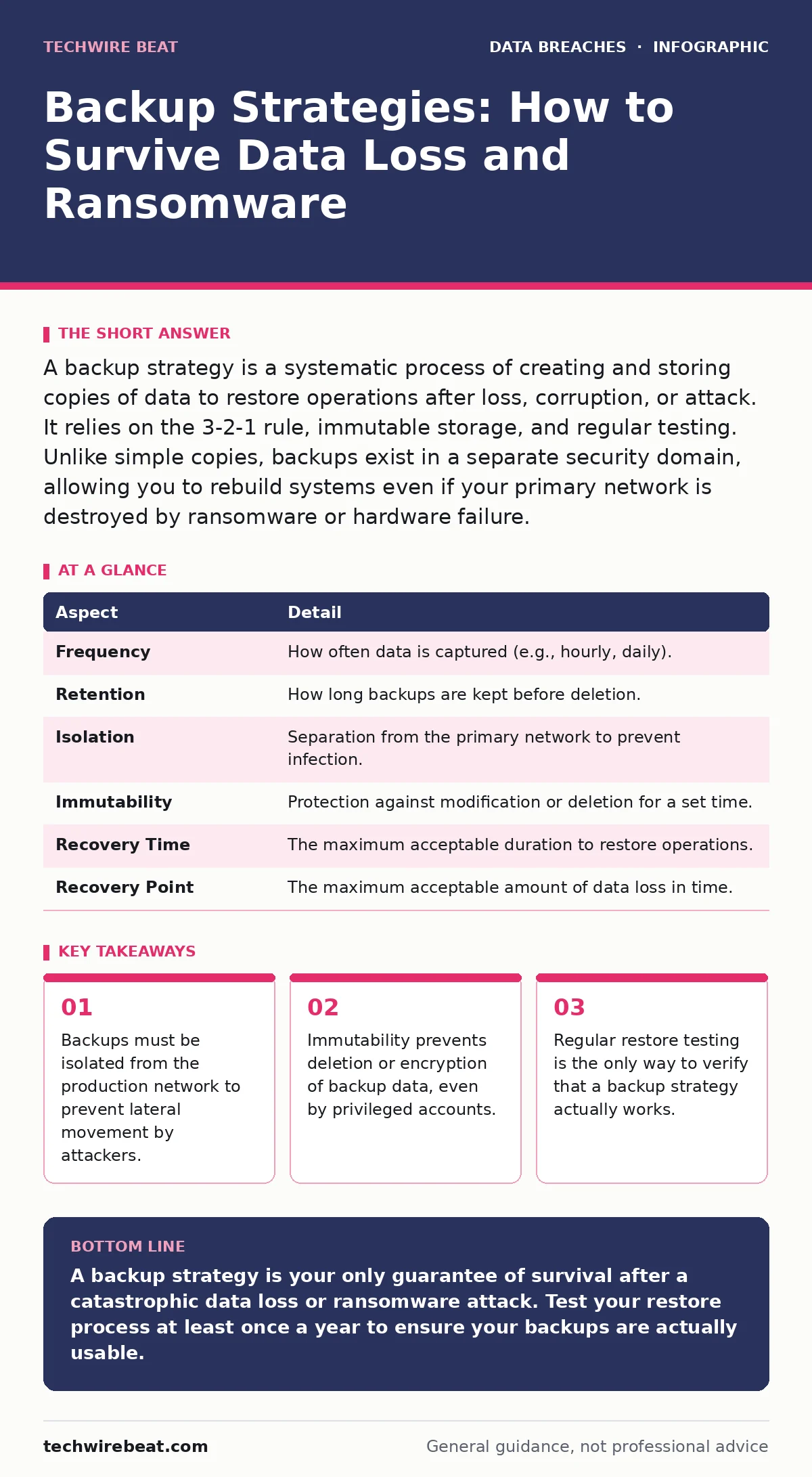
A backup strategy is a systematic process of creating and storing copies of data to restore operations after loss, corruption, or attack. It relies on the 3-2-1 rule, immutable storage, and regular testing. Unlike simple copies, backups exist in a separate security domain, allowing you to rebuild systems even if your primary network is destroyed by ransomware or hardware failure.
The Time Machine Analogy
Imagine your computer is a workshop where you build complex models. If a fire destroys the workshop, having a photograph of the model is useless. You need the raw materials, the blueprints, and a safe place to rebuild. A backup strategy is not the photograph; it is the secure warehouse where you store duplicate materials and instructions, far away from the fire risk.
Most people confuse backups with simple file copies. A copy lives in the same house as the original. If the house burns down, the copy burns too. A backup lives in a separate building, under different locks, with different rules. This separation is the single most important factor in surviving a catastrophic event.
Defining the Strategy
A backup strategy is the documented plan for how, when, and where data is duplicated and preserved. It is not a single tool or a one-time action. It is a set of policies that dictate the retention period, the frequency of copies, and the method of recovery.
The purpose of this strategy is to guarantee business continuity. When primary systems fail, the backup allows you to revert to a known good state. This state must be clean, meaning it predates the corruption or attack. Without a strategy, you are left with fragmented files and no way to prove which version of a document is the correct one.
The Core Mechanics
Every effective strategy rests on three mechanical pillars. The first is the 3-2-1 rule. You keep three copies of your data, on two different media types, with one copy offsite. This ensures that a single point of failure, such as a power surge or a local flood, does not erase all your data.
The second pillar is immutability. An immutable backup cannot be changed or deleted for a set period. This is critical against ransomware, which attempts to encrypt everything it can find. If the backup is immutable, the attacker can encrypt the primary files but cannot touch the backup. You can then delete the infected system and restore from the untouched copy.
The third pillar is automation. Manual backups are inconsistent and prone to human error. Automated systems run on a schedule, ensuring that no data is missed and that the process does not rely on a specific employee being present.
| Aspect | Detail |
|---|---|
| Frequency | How often data is captured (e.g., hourly, daily). |
| Retention | How long backups are kept before deletion. |
| Isolation | Separation from the primary network to prevent infection. |
| Immutability | Protection against modification or deletion for a set time. |
| Recovery Time | The maximum acceptable duration to restore operations. |
| Recovery Point | The maximum acceptable amount of data loss in time. |
Where Backups Fit in Defence
Backups are the last line of defence, but they are not a substitute for prevention. They sit alongside other security measures. For instance, encryption in transit protects data while it moves between servers, but it does not help if the destination server is wiped. Backups provide the ability to rebuild that server.
Consider vendor risk management. If a third-party supplier suffers a breach, your data might be exposed. While you cannot control their security, your own backup strategy ensures that if your systems are compromised via that vendor, you can restore your environment independently.
Backups also intersect with data breaches. A breach often involves an attacker lingering in a network for weeks. If they find and encrypt your backups, your recovery window closes. This is why backups must be air-gapped or immutable. They are the final barrier between total operational collapse and a manageable incident.
Common Strategic Errors
The most common error is treating backups as a technical task rather than a strategic one. IT teams often focus on the software that copies files but neglect the policy that governs them. They assume that if the backup job runs successfully, the data is safe. This is a dangerous assumption.
Another frequent mistake is storing backups on the same network as the production data. Modern malware moves laterally. If a hacker gains administrative access to your main server, they can often reach the backup server too. If the backup is connected to the same network, it will be encrypted or deleted along with the original data.
People also fail to test their backups. A backup is only as good as its last successful restore. Many organisations go years without testing their recovery process. When disaster strikes, they discover that the backup software is incompatible with the current operating system, or that the data is corrupted. This failure turns a recoverable incident into a permanent loss.
See also: Password Hygiene Explained: Stop Reusing Keys to Secure Your Digital Life · Credential Dumps Explained: How Stolen Passwords Work
The Hidden Cost of Complexity
A sophisticated backup strategy introduces complexity. Managing multiple copies, different storage media, and retention policies requires significant administrative effort. The hidden cost is the time spent maintaining the system. If the strategy is too complex, staff may skip steps or disable alerts, creating blind spots.
There is also the cost of storage. Keeping data for long periods, especially in immutable formats, consumes significant disk space. This must be balanced against the risk of losing historical data. You must decide what data is critical enough to justify the storage cost. Not every file needs to be backed up for ten years.
Finally, there is the legal dimension. Breach notification laws require organisations to report data losses. If your backups contain outdated or sensitive information, you must consider how this affects your legal obligations. A backup strategy must align with data privacy requirements, ensuring that old data is securely destroyed when it is no longer needed.
Integrating with Identity Protection
Data backups protect files, but they do not protect identities. If an attacker steals personally identifiable information from your primary database, backing up that database does not stop the theft. The data is already gone. However, a robust backup strategy allows you to detect the theft sooner. If you notice that files have been accessed or modified in a way that differs from the backup, it can be an early indicator of a breach.
This is particularly relevant for medical identity theft and tax identity theft. These crimes rely on the theft of specific data fields. While backups cannot prevent the initial theft, they ensure that your systems can be restored to a clean state, preventing further exploitation. They also provide forensic evidence of what the attacker changed, aiding in the investigation.
The Necessity of Testing
The only metric that matters is the time it takes to restore your business. You must define a Recovery Time Objective (RTO) and a Recovery Point Objective (RPO). The RTO is how quickly you must be back online. The RPO is how much data you can afford to lose.
Test these objectives regularly. Simulate a failure. Restore a small set of files, then a whole server, then the entire network. Each test will reveal weaknesses. Perhaps the restore process is too slow. Perhaps the documentation is outdated. Each test improves the strategy.
Without testing, you are flying blind. You may have terabytes of backup data, but if you cannot restore it, you have nothing. Testing transforms a backup from a static archive into a living, breathing safety net. It is the difference between hope and certainty.
Key takeaways
- Backups must be isolated from the production network to prevent lateral movement by attackers.
- Immutability prevents deletion or encryption of backup data, even by privileged accounts.
- Regular restore testing is the only way to verify that a backup strategy actually works.
A backup strategy is your only guarantee of survival after a catastrophic data loss or ransomware attack. Test your restore process at least once a year to ensure your backups are actually usable.
Frequently asked questions
How often should I back up my data?
The frequency depends on your Recovery Point Objective. For critical business data, hourly or continuous backups are recommended. For less critical data, daily backups may suffice. Align the frequency with how much data loss you can tolerate.
Is cloud backup enough?
Cloud backup is convenient but must be configured correctly. Ensure the cloud provider offers immutability and that your access credentials are secure. Do not rely solely on the cloud; maintain an offline or air-gapped copy for maximum security.
What is the difference between a backup and a copy?
A copy is a duplicate file stored in the same location or system. A backup is a separate, isolated copy stored in a different security domain. Copies are vulnerable to the same threats as the original; backups are designed to survive those threats.
How long should I keep backups?
Retention periods vary by industry and legal requirements. Common practices range from 30 days to several years. Consider the cost of storage and the value of the data. Ensure you have a policy for securely deleting old backups to manage risk and cost.
How this guide was produced: written by the TechWire Beat editorial team with AI assistance, checked against the public references listed below, and reviewed when the facts change. See our editorial policy or report an error.