IPv6 Security Implementation: A Step-by-Step Rollout Plan
Addressing IPv6 security requires rethinking perimeter defence because the protocol’s design eliminates the scarcity that made NAT a de facto firewall for IPv4 networks.

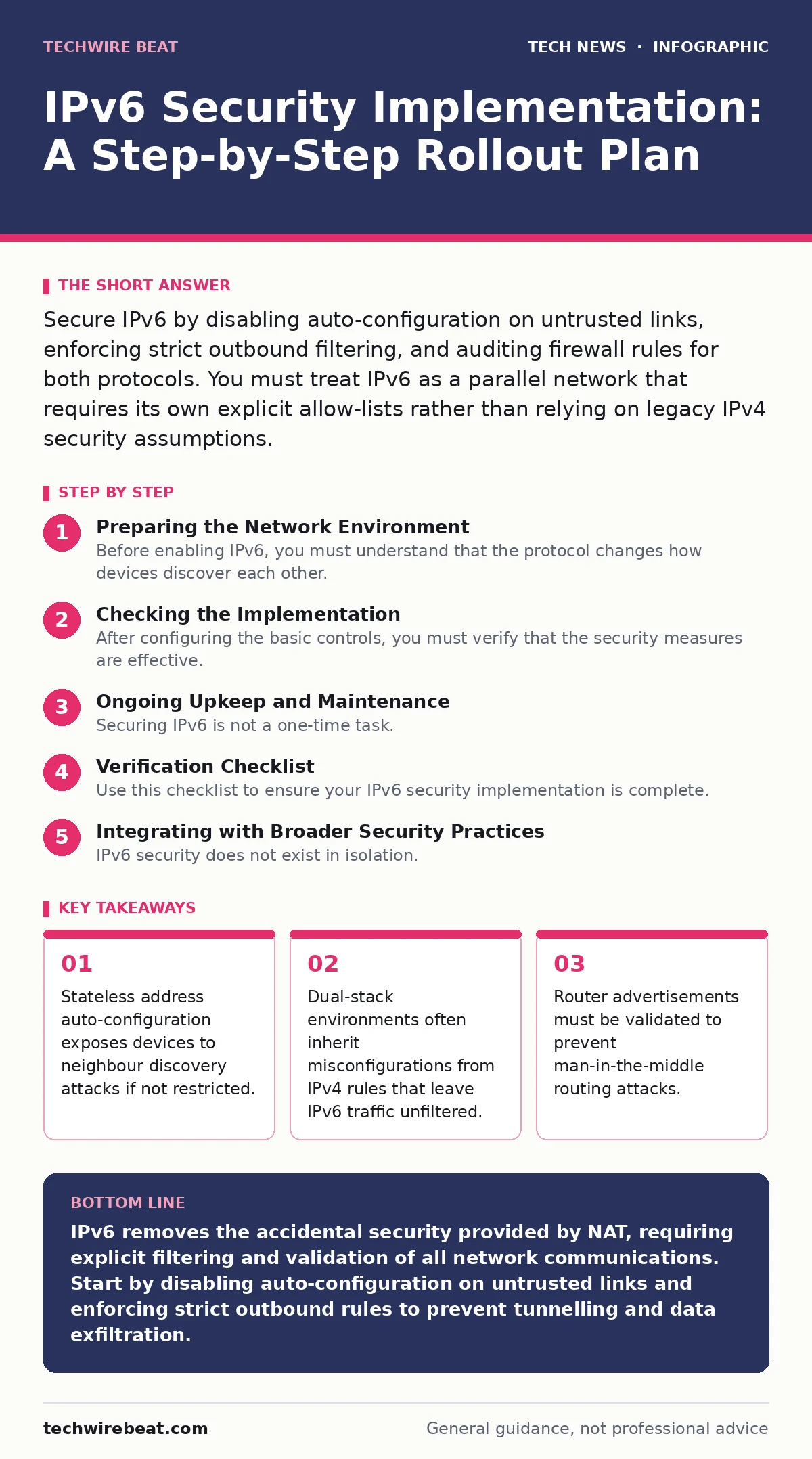
Secure IPv6 by disabling auto-configuration on untrusted links, enforcing strict outbound filtering, and auditing firewall rules for both protocols. You must treat IPv6 as a parallel network that requires its own explicit allow-lists rather than relying on legacy IPv4 security assumptions.
Preparing the Network Environment
Before enabling IPv6, you must understand that the protocol changes how devices discover each other. In IPv4, Network Address Translation (NAT) hid internal devices behind a single public address, acting as an accidental firewall. IPv6 provides every device with a globally unique address, removing this layer of obscurity. This means you cannot rely on NAT for security. You must prepare your firewall rules to handle this new level of visibility.
Audit your current network topology to identify which devices will support dual-stack operation. Dual-stack allows a device to communicate using both IPv4 and IPv6 simultaneously. This is the most common deployment method because it allows a gradual transition. However, it doubles the attack surface. If your firewall is configured to block all inbound IPv4 traffic but has no rules for IPv6, your network is effectively open to the internet on the new protocol.
You should also review your IT asset management processes. If you do not know which devices are on your network, you cannot secure them. IPv6 addresses can change frequently due to privacy extensions, making static inventory lists unreliable. Ensure your discovery tools can track devices regardless of their address format.
Step 1: Disable Untrusted Auto-Configuration
The first technical step is to control how devices obtain their addresses. IPv6 supports Stateless Address Auto-Configuration (SLAAC), where a device creates its own address based on router advertisements. While convenient, this allows any device on the link to generate a valid address. An attacker can use this to impersonate a legitimate host or create a rogue network segment.
Configure your network devices to disable SLAAC on interfaces connected to untrusted networks, such as guest Wi-Fi or public-facing ports. Instead, force the use of DHCPv6 or static addressing where possible. DHCPv6 allows you to centralise address assignment and apply policies consistently. You tell the system this worked by verifying that devices on the untrusted link do not receive global unicast addresses automatically. Check the device logs to confirm they are requesting addresses from your DHCP server rather than generating them locally.
Step 2: Enforce Strict Outbound Filtering
Once address assignment is controlled, you must manage the traffic flow. Many organisations focus on inbound traffic, blocking unsolicited connections from the internet. However, with IPv6, outbound traffic is equally critical. Malware inside your network can initiate connections to command-and-control servers using IPv6, bypassing IPv4-only monitoring tools.
Implement egress filtering on your perimeter firewall. This means explicitly allowing only the IPv6 traffic types your business needs, such as DNS, HTTP, and HTTPS, while blocking everything else. You must also block IPv6 tunnelling protocols. Attackers often encapsulate IPv6 packets inside IPv4 packets to bypass filters that only inspect the outer IPv4 header. This technique, known as tunnelling, allows malicious traffic to hide in plain sight.
Verify this step by attempting to connect to an external IPv6 address using a blocked protocol, such as Telnet or a custom port. The connection should time out or be rejected immediately. Monitor your firewall logs for any denied outbound attempts, which may indicate compromised devices trying to communicate with external actors.
Step 3: Validate Router Advertisements
Router Advertisements (RAs) are messages sent by routers to inform hosts about network parameters, such as the default gateway and DNS servers. If an attacker sends forged RAs, they can redirect traffic to a malicious server, enabling man-in-the-middle attacks. This is particularly dangerous because hosts trust RAs by default.
Enable RA Guard on your switch ports. RA Guard filters unwanted RA messages from untrusted interfaces, ensuring that only your legitimate routers can advertise network parameters. You also need to consider Secure Neighbor Discovery (SEND), which uses cryptographic signatures to validate RA messages. While SEND provides stronger security, it is complex to implement and not universally supported. For most environments, RA Guard is the practical first line of defence.
Check that RA Guard is active by sending a test RA from a non-router device on a protected port. The switch should drop this packet. If the packet is forwarded, your configuration is incorrect, and your network is vulnerable to redirection attacks.
Checking the Implementation
After configuring the basic controls, you must verify that the security measures are effective. This involves both passive monitoring and active testing. Start by reviewing your firewall logs for any IPv6 traffic that does not match your allow-lists. Look for patterns that suggest tunnelling or unexpected protocols.
Use network scanning tools to identify any IPv6-enabled devices that are not authorised. Remember that IPv6 addresses can change, so a single scan is not enough. You need continuous monitoring. Integrate this with your DNS security practices to ensure that IPv6 addresses resolve to expected destinations. Misconfigured DNS can lead to traffic being directed to malicious IPv6 addresses.
Ongoing Upkeep and Maintenance
Securing IPv6 is not a one-time task. As your network evolves, so do the threats. You must regularly review and update your firewall rules. New applications may require new IPv6 ports, and these should be added only after careful review.
Keep your network devices updated with the latest firmware. Vulnerabilities in IPv6 implementations are discovered regularly, and vendors release patches to address them. This applies to routers, switches, firewalls, and end-user devices. Refer to your guidelines on end-of-life hardware to ensure that devices no longer receiving security updates are removed from your network.
You should also periodically test your security controls. Simulate an attack by attempting to send forged RAs or tunnelling traffic. This helps you identify gaps in your configuration before a real attacker does. Additionally, review your open-source software dependencies. Many network tools and libraries handle IPv6 traffic, and vulnerabilities in these components can compromise your security posture.
Verification Checklist
Use this checklist to ensure your IPv6 security implementation is complete.
- SLAAC is disabled on untrusted interfaces.
- DHCPv6 or static addressing is enforced where SLAAC is disabled.
- Outbound IPv6 traffic is filtered to allow only necessary protocols.
- IPv6 tunnelling protocols are blocked at the perimeter.
- RA Guard is enabled on all switch ports that are not connected to trusted routers.
- Firewall logs are monitored for IPv6 traffic anomalies.
- Network scanning tools are configured to detect IPv6-enabled devices.
- Firmware on all network devices is up to date.
See also: Network Ports and Protocols: How Data Flows and Where It Leaks
Integrating with Broader Security Practices
IPv6 security does not exist in isolation. It must be integrated with your broader security strategy. For example, consider how IPv6 affects your secure software development practices. Developers must ensure that applications handle IPv6 addresses correctly, avoiding buffer overflow vulnerabilities that can arise from the longer address length.
Similarly, think about IoT security. Many IoT devices have limited resources and may not support advanced IPv6 security features like SEND. This makes them vulnerable to RA spoofing and other attacks. You must segment these devices from the rest of your network and apply strict firewall rules.
Finally, keep an eye on post-quantum cryptography. While IPv6 itself is not vulnerable to quantum computing, the encryption protocols used over IPv6, such as TLS, may be. Planning for this transition now will save you effort later. Ensure that your IPv6 security measures do not hinder the adoption of new cryptographic standards.
Key takeaways
- Stateless address auto-configuration exposes devices to neighbour discovery attacks if not restricted.
- Dual-stack environments often inherit misconfigurations from IPv4 rules that leave IPv6 traffic unfiltered.
- Router advertisements must be validated to prevent man-in-the-middle routing attacks.
IPv6 removes the accidental security provided by NAT, requiring explicit filtering and validation of all network communications. Start by disabling auto-configuration on untrusted links and enforcing strict outbound rules to prevent tunnelling and data exfiltration.
Frequently asked questions
Do I need to upgrade my firewall to support IPv6?
Most modern firewalls support IPv6, but you must verify that your specific model and firmware version do. Older devices may not have the processing power or rule sets to handle IPv6 traffic effectively.
Is IPv6 more secure than IPv4?
IPv6 has built-in support for IPsec, which provides encryption and authentication. However, IPsec is often not enabled by default. In practice, IPv6 is not inherently more secure and requires the same careful configuration as IPv4.
Can I disable IPv6 entirely?
You can disable IPv6 on devices that do not need it, but many modern systems and services rely on it. Disabling it entirely may break functionality. It is better to secure it than to ignore it.
How do I handle IPv6 privacy extensions?
Privacy extensions change the interface identifier part of an IPv6 address periodically to prevent tracking. This makes static firewall rules difficult. Use dynamic rule sets or application-layer filtering to manage these changing addresses.
How this guide was produced: written by the TechWire Beat editorial team with AI assistance, checked against the public references listed below, and reviewed when the facts change. See our editorial policy or report an error.