Attack Vectors Meaning: How Threat Actors Breach Defences
Attack vectors are the specific paths threat actors use to infiltrate systems, revealing that defence requires blocking entry methods rather than just strengthening walls.

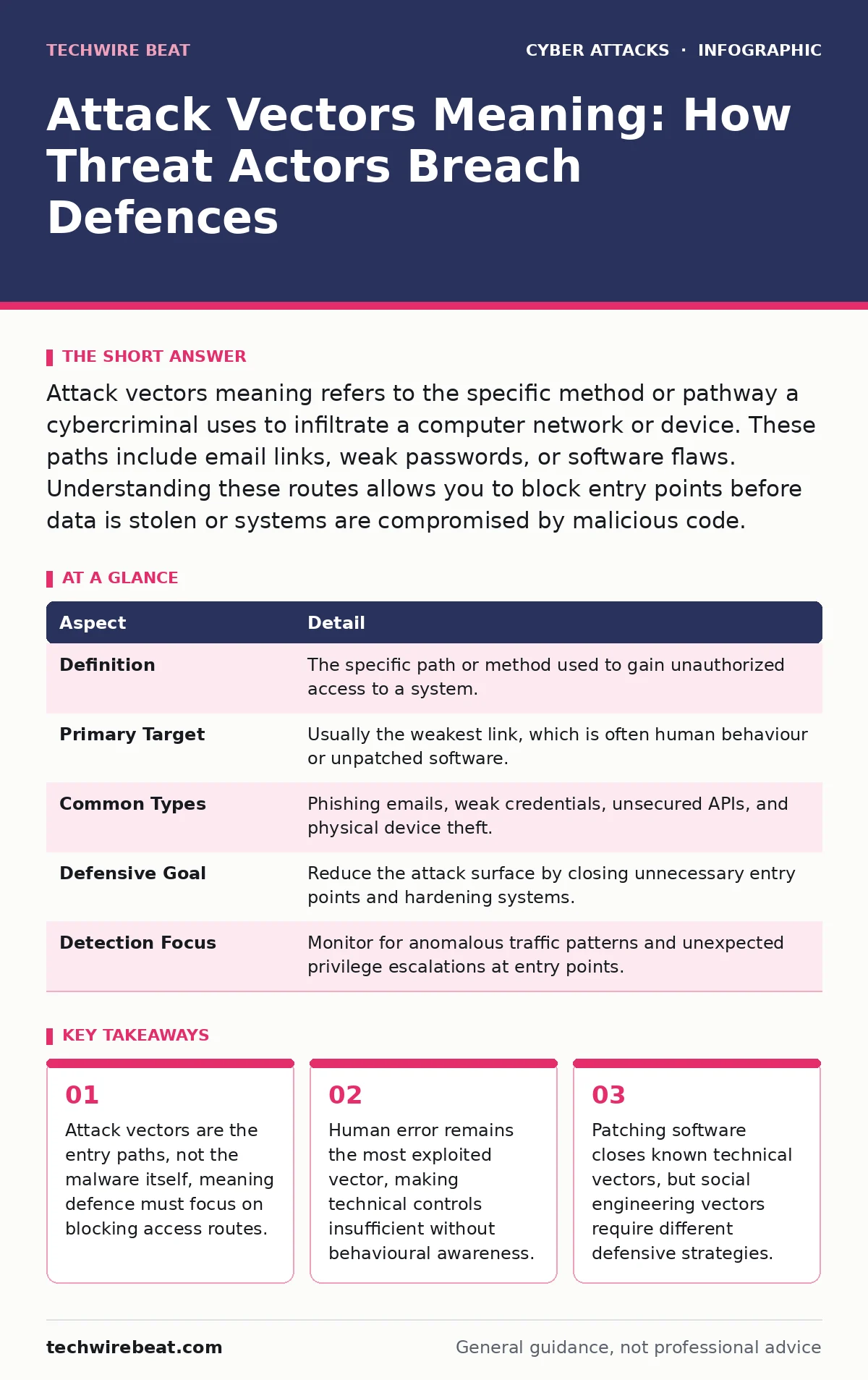
Attack vectors meaning refers to the specific method or pathway a cybercriminal uses to infiltrate a computer network or device. These paths include email links, weak passwords, or software flaws. Understanding these routes allows you to block entry points before data is stolen or systems are compromised by malicious code.
Why Attack Vectors Matter More Than Malware Types
Imagine a castle with high stone walls. The walls represent your firewall and antivirus software. An attack vector is the specific way an enemy gets inside: perhaps they bribe a guard, climb a hidden ladder, or walk through an unlocked gate. Focusing only on the enemy’s weapons ignores the path they take. You must secure the entry points.
The term attack vector defines the mechanism or channel used to deliver a malicious payload. It is the route from the outside world to your internal data. Knowing this meaning shifts your defence strategy. You stop trying to catch every virus and start blocking every door. This approach reduces the surface area available to attackers.
| Aspect | Detail |
|---|---|
| Definition | The specific path or method used to gain unauthorized access to a system. |
| Primary Target | Usually the weakest link, which is often human behaviour or unpatched software. |
| Common Types | Phishing emails, weak credentials, unsecured APIs, and physical device theft. |
| Defensive Goal | Reduce the attack surface by closing unnecessary entry points and hardening systems. |
| Detection Focus | Monitor for anomalous traffic patterns and unexpected privilege escalations at entry points. |
How Attack Vectors Work in Practice
Attack vectors function by exploiting a gap between expected security and actual configuration. A threat actor scans for open ports, weak passwords, or users who click suspicious links. Once a vector is identified, the attacker delivers their payload. This payload might be ransomware, spyware, or a backdoor for later access.
The process relies on trust or oversight. Your browser trusts a website, so it executes code. Your email client trusts a sender, so it displays an image. Attackers hijack this trust. They do not need to break encryption; they need you to perform an action that bypasses security. This is why technical controls alone fail.
Technical Attack Vectors and Software Flaws
Software vulnerabilities are static targets. Developers write code, and sometimes they make mistakes. These mistakes create holes in the logic. An attack vector here is the specific input that triggers the error. For example, sending too much data to a field can overflow memory. This allows the attacker to run their own code.
Drive-by downloads exploit these flaws automatically. You visit a compromised website, and your browser executes malicious code without clicking anything. This vector works because the software is outdated or misconfigured. Keeping software updated patches these holes. However, zero-day vulnerabilities exist before patches are available. During that window, the vector remains open.
Weak APIs also serve as vectors. Applications talk to each other using APIs. If these interfaces lack proper authentication, attackers can query them directly. They do not need to hack the website; they talk to the database directly. This bypasses many traditional web security controls. Securing APIs requires strict validation of every request.
Human-Centric Attack Vectors and Social Engineering
Human psychology is the most exploited vector. Attackers manipulate trust, fear, or urgency. They know that people want to help, avoid trouble, or get rewards. This manipulation bypasses technical controls entirely. You can have the strongest firewall, but if you give away your password, the firewall does nothing.
Smishing uses SMS messages to trick users. A text claims your bank account is locked. It includes a link to "verify" your details. The link leads to a fake site. You enter your credentials, and the attacker has them. This vector works because mobile devices are personal and trusted. People check SMS more closely than email.
Deepfake scams represent a newer evolution. Attackers use AI to mimic voices or faces. They call a manager and demand urgent money transfers. The voice sounds real. The urgency prevents verification. This vector exploits the lack of visual verification in remote work. Trusting voice alone is no longer safe.
What People Usually Get Wrong About Attack Vectors
Many believe that an attack vector is the malware itself. This is incorrect. The malware is the payload. The vector is the delivery method. Confusing the two leads to poor defence. You might block a specific virus but miss the email that delivered it. The next email will carry a different virus through the same vector.
Another error is focusing only on external threats. Insider threats use the same vectors. A disgruntled employee uses their valid credentials to access data. The vector is their legitimate login. Defending against this requires monitoring for unusual activity, not just blocking outsiders. You must assume that some insiders will act maliciously.
People also ignore physical vectors. Losing a laptop or USB drive is an attack vector. If the device is not encrypted, data is exposed. This is often overlooked in digital-only security plans. Physical security is part of the attack surface. Encrypting devices at rest closes this vector.
See also: IPv6 Security Implementation: A Step-by-Step Rollout Plan
How to Block Common Attack Vectors
Blocking vectors requires a layered approach. No single tool stops all attacks. You must combine technical controls with user education. Start by reducing the attack surface. Disable unused services and close unnecessary ports. This removes potential entry points.
Implement multi-factor authentication for all accounts. This stops credential theft from being useful. Even if an attacker gets your password via a vector, they cannot log in without the second factor. This adds a layer of defence that passwords alone cannot provide. It raises the cost for attackers significantly.
Regular security awareness training helps users recognise social engineering. Teach them to verify urgent requests through a different channel. If a boss asks for money, call them on a known number. Do not use the number in the email. This simple step breaks many human-centric vectors.
The Role of Cybercrime-as-a-Service in Vector Exploitation
Attackers do not always build their own tools. Cybercrime-as-a-service allows anyone to rent hacking tools. This lowers the barrier to entry. Skilled hackers create the exploits, and less skilled actors rent them. This means you face more attackers using sophisticated vectors.
These services offer phishing kits, ransomware, and exploit tools for a fee. The attacker does not need technical knowledge. They just need to find a target. This increases the volume of attacks. You must assume that your security will be tested by professional-grade tools. Basic defences are no longer sufficient.
Monitoring and Responding to Vector Exploitation
You cannot block every vector. Some will slip through. Monitoring helps you detect when an exploit succeeds. Look for unusual network traffic or file changes. An endpoint detection tool can alert you to malicious processes. Early detection limits the damage.
When an exploit is detected, isolate the affected system. Prevent it from communicating with the network. Then investigate how the attack entered. Identify the vector. Patch the vulnerability or change the behaviour that allowed it. This prevents the same vector from being used again.
Key takeaways
- Attack vectors are the entry paths, not the malware itself, meaning defence must focus on blocking access routes.
- Human error remains the most exploited vector, making technical controls insufficient without behavioural awareness.
- Patching software closes known technical vectors, but social engineering vectors require different defensive strategies.
Frequently asked questions
What is the difference between an attack vector and an attack surface?
The attack surface is the total sum of all possible entry points. An attack vector is the specific path an attacker chooses to exploit one of those points.
Can a strong password prevent all attack vectors?
No. Strong passwords prevent credential stuffing and brute-force attacks. They do not stop social engineering, software exploits, or physical theft of devices.
How do I know if my system has been breached via an attack vector?
Look for signs like unexpected pop-ups, slow performance, or locked files. Security logs may show failed login attempts or unusual data transfers.
Are home networks safe from attack vectors?
No. Home networks often lack enterprise-grade security. IoT devices and weak Wi-Fi passwords are common vectors. Use strong encryption and update device firmware regularly. BOTTOM LINE: Attack vectors are the specific paths attackers use to enter your systems, not the malware they deliver. Focus on closing these entry points through software updates, multi-factor authentication, and user training to reduce your risk.
How this guide was produced: written by the TechWire Beat editorial team with AI assistance, checked against the public references listed below, and reviewed when the facts change. See our editorial policy or report an error.