virtual machines vs containers: architectural differences and selection criteria
Containers share the host operating system kernel, making them lighter but less isolated than virtual machines that emulate entire hardware stacks for stronger security boundaries.

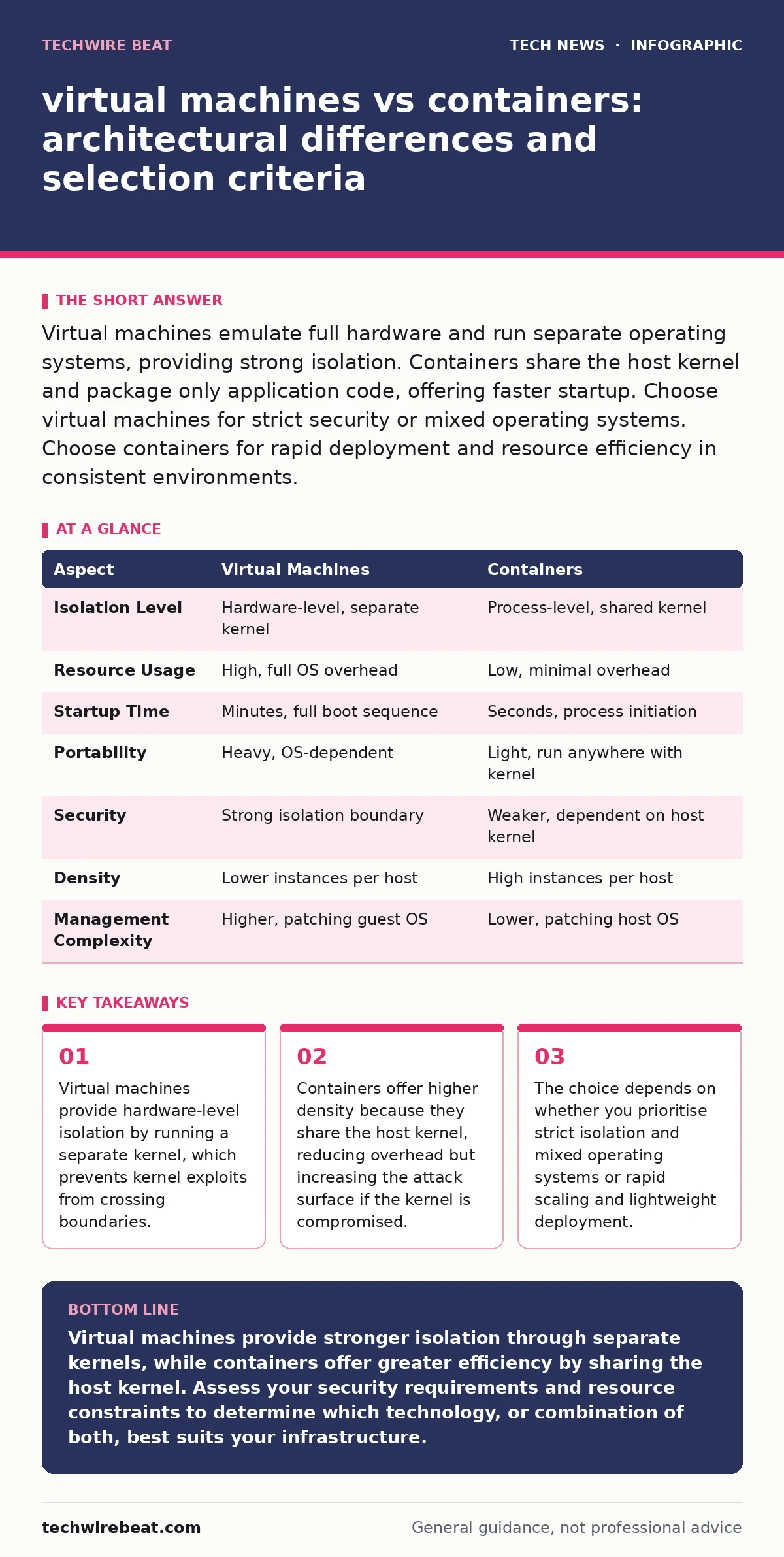
Virtual machines emulate full hardware and run separate operating systems, providing strong isolation. Containers share the host kernel and package only application code, offering faster startup. Choose virtual machines for strict security or mixed operating systems. Choose containers for rapid deployment and resource efficiency in consistent environments.
virtual machines vs containers: the core difference
Virtual machines and containers are both methods of isolating workloads, but they operate at different layers of the system stack. A virtual machine uses a hypervisor to emulate physical hardware, allowing each instance to run its own complete operating system kernel. This creates a heavy but highly isolated environment. A container uses the host operating system’s kernel, sharing resources while isolating processes. This makes containers lighter and faster, but less isolated from the underlying system. Understanding this distinction is vital for IT asset management strategies that track diverse environments.
What is a virtual machine?
A virtual machine is a software-defined emulation of a physical computer. The hypervisor, which sits between the hardware and the virtual machine, allocates CPU, memory, and storage to each instance. Each virtual machine contains a full guest operating system, which means it boots like a physical server. This architecture provides strong security boundaries. If an application within a virtual machine is compromised, the attacker cannot easily escape to the host or other virtual machines. This isolation is beneficial for running untrusted code or legacy applications that require specific, outdated operating system versions.
What is a container?
A container packages an application and its dependencies into a single, portable unit. Unlike virtual machines, containers do not include an operating system kernel. They rely on the host operating system to manage hardware resources. The container runtime creates isolated user spaces, ensuring that processes within one container cannot see or interfere with processes in another.
This shared kernel approach reduces resource overhead significantly. Containers start in seconds because they do not need to boot an operating system. This efficiency supports modern development workflows, though it requires careful configuration of network ports and protocols to prevent unintended exposure.
Point-by-point comparison
The following table outlines the technical differences between these two virtualisation approaches.
| Aspect | Virtual Machines | Containers |
|---|---|---|
| Isolation Level | Hardware-level, separate kernel | Process-level, shared kernel |
| Resource Usage | High, full OS overhead | Low, minimal overhead |
| Startup Time | Minutes, full boot sequence | Seconds, process initiation |
| Portability | Heavy, OS-dependent | Light, run anywhere with kernel |
| Security | Strong isolation boundary | Weaker, dependent on host kernel |
| Density | Lower instances per host | High instances per host |
| Management Complexity | Higher, patching guest OS | Lower, patching host OS |
When to choose virtual machines
You should choose virtual machines when isolation is the primary concern. The separate kernel provides a robust barrier against attacks that target the operating system. This is particularly relevant for environments handling sensitive data or running untrusted third-party applications. Virtual machines also allow you to run different operating systems on the same physical hardware.
For example, you can run Linux and Windows instances side-by-side. This flexibility is useful for testing applications across platforms without maintaining multiple physical servers. Consider this approach when managing end-of-life hardware by virtualising legacy systems that no longer have native drivers.
See also: What is DNSSEC and why is it important for web trust
When to choose containers
Choose containers when you need rapid deployment and high density. Containers are ideal for microservices architectures, where applications are broken down into small, independent components. They scale quickly, allowing you to spin up new instances in seconds to handle increased load. This makes them suitable for web applications, APIs, and continuous integration pipelines.
Containers also ensure consistency across development, testing, and production environments. Since the container includes all dependencies, the application behaves identically regardless of where it runs. This predictability reduces errors caused by environment differences, supporting stable bring your own device policies for development teams.
Where they overlap
In many modern infrastructure setups, virtual machines and containers are not mutually exclusive. You often run containers inside virtual machines. This hybrid approach combines the security of virtual machines with the efficiency of containers. The virtual machine provides the isolated hardware layer, while the containers handle application deployment. This is common in cloud environments, where multi-tenancy requires strong isolation between customers. Using this layered approach simplifies security management. You can apply macOS security settings or other host-level protections to the virtual machine, while relying on container policies for application-level controls.
Security considerations
Security depends on the threat model. Virtual machines offer stronger protection against kernel-level exploits. If the guest operating system is compromised, the hypervisor prevents the attacker from accessing the host. Containers rely on the host kernel. If the kernel has a vulnerability, an attacker might escape the container and compromise the host.
Therefore, keeping the host operating system updated is critical for container security. Additionally, containers should run with minimal privileges. Avoid running containers as root users. This reduces the potential impact of a breach. Implementing strict OAuth policies for container registries further ensures that only authorised images are deployed.
Making the final decision
The decision between virtual machines and containers hinges on your specific requirements. If you need strong isolation, mixed operating systems, or are running untrusted code, virtual machines are the safer choice. If you prioritise speed, resource efficiency, and scalability, containers are more appropriate. Many organisations use both, leveraging the strengths of each. Start by identifying your security and performance needs. Then, design an architecture that meets those requirements. Regularly review your setup to ensure it aligns with evolving threats and operational demands. This balanced approach ensures you get the best of both worlds without compromising security or efficiency.
Key takeaways
- Virtual machines provide hardware-level isolation by running a separate kernel, which prevents kernel exploits from crossing boundaries.
- Containers offer higher density because they share the host kernel, reducing overhead but increasing the attack surface if the kernel is compromised.
- The choice depends on whether you prioritise strict isolation and mixed operating systems or rapid scaling and lightweight deployment.
Virtual machines provide stronger isolation through separate kernels, while containers offer greater efficiency by sharing the host kernel. Assess your security requirements and resource constraints to determine which technology, or combination of both, best suits your infrastructure.
Frequently asked questions
Can I run containers on top of virtual machines?
Yes, this is a common practice. Running containers inside virtual machines combines the security isolation of virtual machines with the deployment efficiency of containers, providing a layered defence strategy.
Are containers more secure than virtual machines?
Containers are generally less secure than virtual machines because they share the host kernel. A vulnerability in the kernel can compromise all containers on that host, whereas virtual machines have separate kernels that limit the blast radius of an attack.
Do containers use less memory than virtual machines?
Yes, containers use significantly less memory. Since they do not run a full operating system, they only require the memory needed for the application and its dependencies, allowing higher density on the same hardware.
Can I migrate applications from virtual machines to containers?
Migration is possible but requires refactoring. Applications designed for virtual machines may need to be re-architectured as microservices to take full advantage of containerisation, ensuring they are stateless and scalable.
How this guide was produced: written by the TechWire Beat editorial team with AI assistance, checked against the public references listed below, and reviewed when the facts change. See our editorial policy or report an error.