Virtual Patching: Benefits, Limits and When to Use It
Virtual patching stops attacks at the network edge without changing code, but it masks vulnerabilities and adds complexity to your security stack.

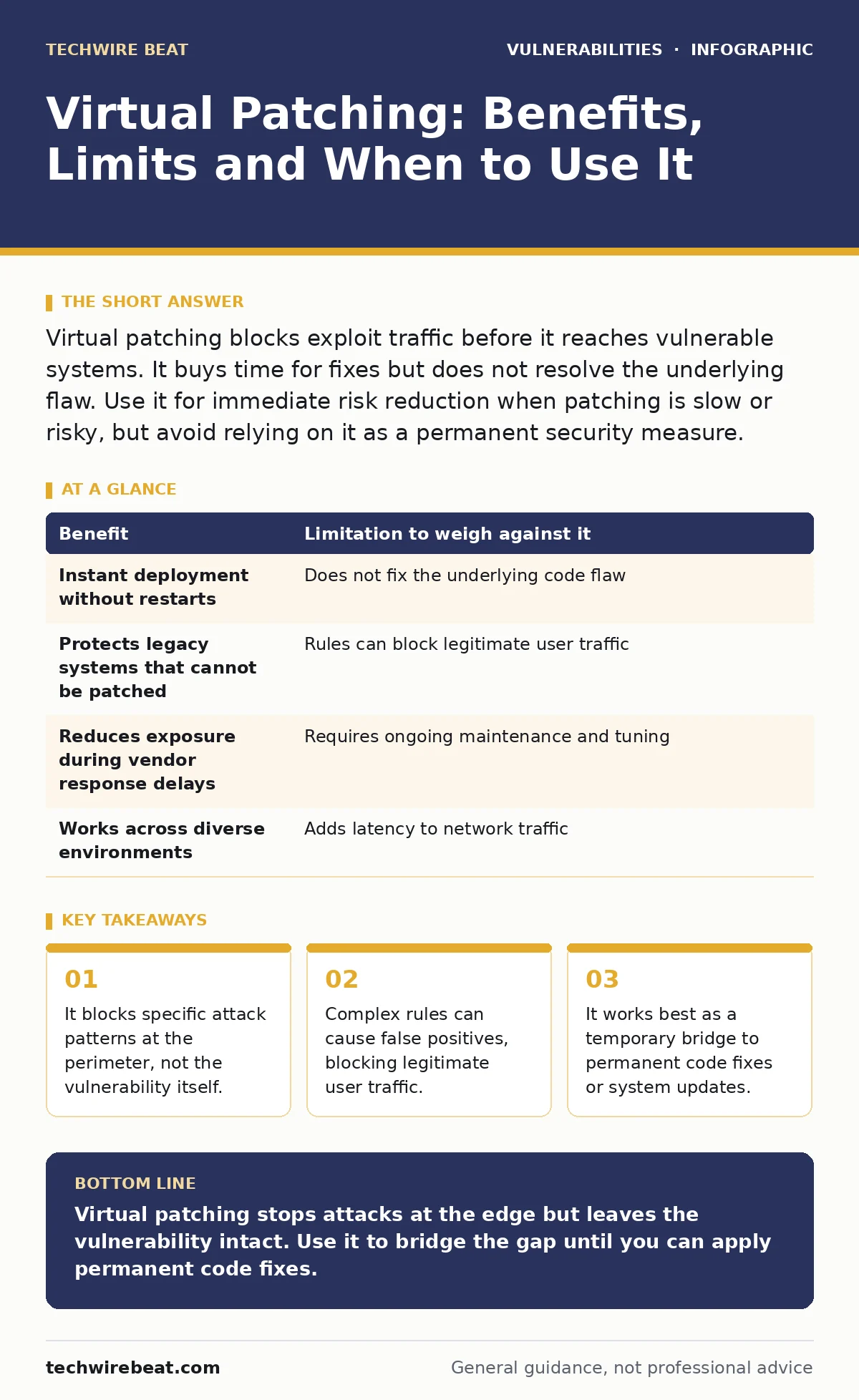
Virtual patching blocks exploit traffic before it reaches vulnerable systems. It buys time for fixes but does not resolve the underlying flaw. Use it for immediate risk reduction when patching is slow or risky, but avoid relying on it as a permanent security measure.
The Mechanism Behind the Shield
Virtual patching intercepts network traffic before it reaches the vulnerable application or server. Instead of modifying the software code, you place a filter in front of it. This filter examines incoming requests for known attack signatures. If a request matches the pattern of an exploit, the filter drops it. The application never sees the malicious input.
This approach differs from traditional patching, which requires downloading and installing updated code. Traditional methods often demand system restarts. Virtual patching operates externally, usually at the web application firewall or load balancer level. The underlying system remains unchanged. You gain immediate protection against specific exploits without touching the production environment.
Immediate Protection Without Downtime
The primary benefit is speed. You can deploy a virtual patch in minutes. This matters when a critical vulnerability emerges and the vendor has not yet released a fix. Imagine a zero-day exploit is actively being used in the wild. Waiting for a software update could leave you exposed for days or weeks. Virtual patching closes the door immediately.
Another advantage is stability. Production systems often cannot be restarted during business hours. Installing traditional patches might require maintenance windows. Virtual patching avoids this disruption. The application continues running as normal. Users experience no change in service availability. You mitigate the risk without impacting operations.
The Illusion of Security
The limitation is that the vulnerability remains. The code is still flawed. Virtual patching only blocks the specific attack pattern you defined. If an attacker finds a variant that bypasses your filter, the system is vulnerable. It is like putting a barrier in front of a broken window. The window is still broken. A different wind direction or a new tool could break through.
This creates a false sense of security. Teams might believe they are safe because the firewall is blocking traffic. They may delay the actual code fix. Over time, the gap between the virtual patch and the real fix widens. The risk accumulates. You are managing symptoms, not curing the disease. The underlying technical debt remains on your balance sheet.
Rule Complexity and False Positives
Maintaining virtual patches requires careful rule management. Attack signatures are not always precise. A rule designed to block a SQL injection might also block legitimate database queries. This is a false positive. Legitimate users find their requests rejected. They cannot access the application. This causes business friction and support tickets.
As you add more rules, the complexity grows. Each new rule must be tested against existing ones. Conflicts can arise. One rule might override another. The filter becomes harder to audit. You need skilled staff to manage these rules. They must understand both the attack vectors and the application logic. This adds overhead to your security team.
Trade-offs in Practice
| Benefit | Limitation to weigh against it |
|---|---|
| Instant deployment without restarts | Does not fix the underlying code flaw |
| Protects legacy systems that cannot be patched | Rules can block legitimate user traffic |
| Reduces exposure during vendor response delays | Requires ongoing maintenance and tuning |
| Works across diverse environments | Adds latency to network traffic |
See also: CORS Misconfiguration Recovery: Immediate Response and Remediation Steps
When It Is Worth It
Virtual patching is worth it during the window between discovery and fix. If a high-severity vulnerability is announced, and your patching process takes days, use virtual patching. It bridges the gap. It is also useful for legacy systems. Some old applications cannot be updated due to compatibility issues. Virtual patching provides a layer of defense where code changes are impossible.
Suppose you are running a critical service that cannot tolerate downtime. A traditional patch requires a reboot. Virtual patching allows you to protect the service while it runs. It is also valuable when you need to test a patch rollout. You can keep the virtual patch active while you verify the new code. If the new code fails, the virtual patch still protects you. This reduces the risk of the update process itself.
When It Is Not
It is not worth it as a permanent solution. If you can patch the code, you should. Relying on virtual patches long-term increases technical debt. It also complicates your security posture. You must maintain rules for vulnerabilities that should no longer exist. This distracts from other security tasks.
Do not use virtual patching for vulnerabilities with many attack vectors. If an exploit can be delivered in dozens of ways, your rules will be complex and fragile. It is also poor for internal applications with known users. The risk of false positives is higher. You know the traffic patterns. It is easier to update the code than to filter internal requests.
Integration With Broader Strategy
Virtual patching fits into a larger security strategy. It should not replace regular updates. Think of it as a temporary bandage. You still need to heal the wound. Combine it with threat modeling to identify which systems need immediate protection. Use software composition analysis to find vulnerable libraries. Then apply virtual patches to the highest risk components.
Regular dependency updates remain the goal. Virtual patching buys you the time to perform these updates safely. It does not remove the need for them. You must track the lifecycle of each virtual patch. Remove it once the permanent fix is applied. This keeps your security stack clean and effective. It prevents rule bloat and confusion.
Managing the Lifecycle
You must manage virtual patches like any other security control. Document why each rule exists. Link it to the vulnerability it addresses. Set a review date. When the permanent fix is applied, remove the virtual patch. Do not leave it active. Stale rules increase the risk of false positives. They also make incident response harder.
Training is key. Your team must understand the difference between virtual and real patches. They must know how to test rules. They must be able to troubleshoot blocked traffic. Without this knowledge, virtual patching becomes a source of problems. It is a powerful tool, but it requires skill to use correctly.
Final Considerations
Virtual patching is a tactical tool. It solves immediate problems. It does not solve strategic ones. Use it to buy time. Use it to protect legacy systems. But always work towards fixing the code. The best protection is clean, updated software. Virtual patching is the shield, not the sword.
Key takeaways
- It blocks specific attack patterns at the perimeter, not the vulnerability itself.
- Complex rules can cause false positives, blocking legitimate user traffic.
- It works best as a temporary bridge to permanent code fixes or system updates.
Virtual patching stops attacks at the edge but leaves the vulnerability intact. Use it to bridge the gap until you can apply permanent code fixes.
Frequently asked questions
Does virtual patching protect against zero-day exploits?
It can protect against known zero-day patterns if a signature is available. It does not protect against unknown attack methods.
Can virtual patching replace web application firewalls?
No. Virtual patching is a feature often found within firewalls. It is not a complete replacement for broader security controls.
How do I know if a virtual patch is blocking legitimate traffic?
Monitor error logs and user reports. If users complain about blocked requests, review the rules. Test changes in staging first.
Is virtual patching effective against SQL injection?
Yes, it can block known SQL injection patterns. However, complex or obfuscated attacks might bypass simple rules.
How this guide was produced: written by the TechWire Beat editorial team with AI assistance, checked against the public references listed below, and reviewed when the facts change. See our editorial policy or report an error.