DNSSEC Explained: How Digital Signatures Secure Domain Lookups
See how cryptographic signatures prevent DNS spoofing and ensure the addresses you receive are exactly what the domain owner intended.

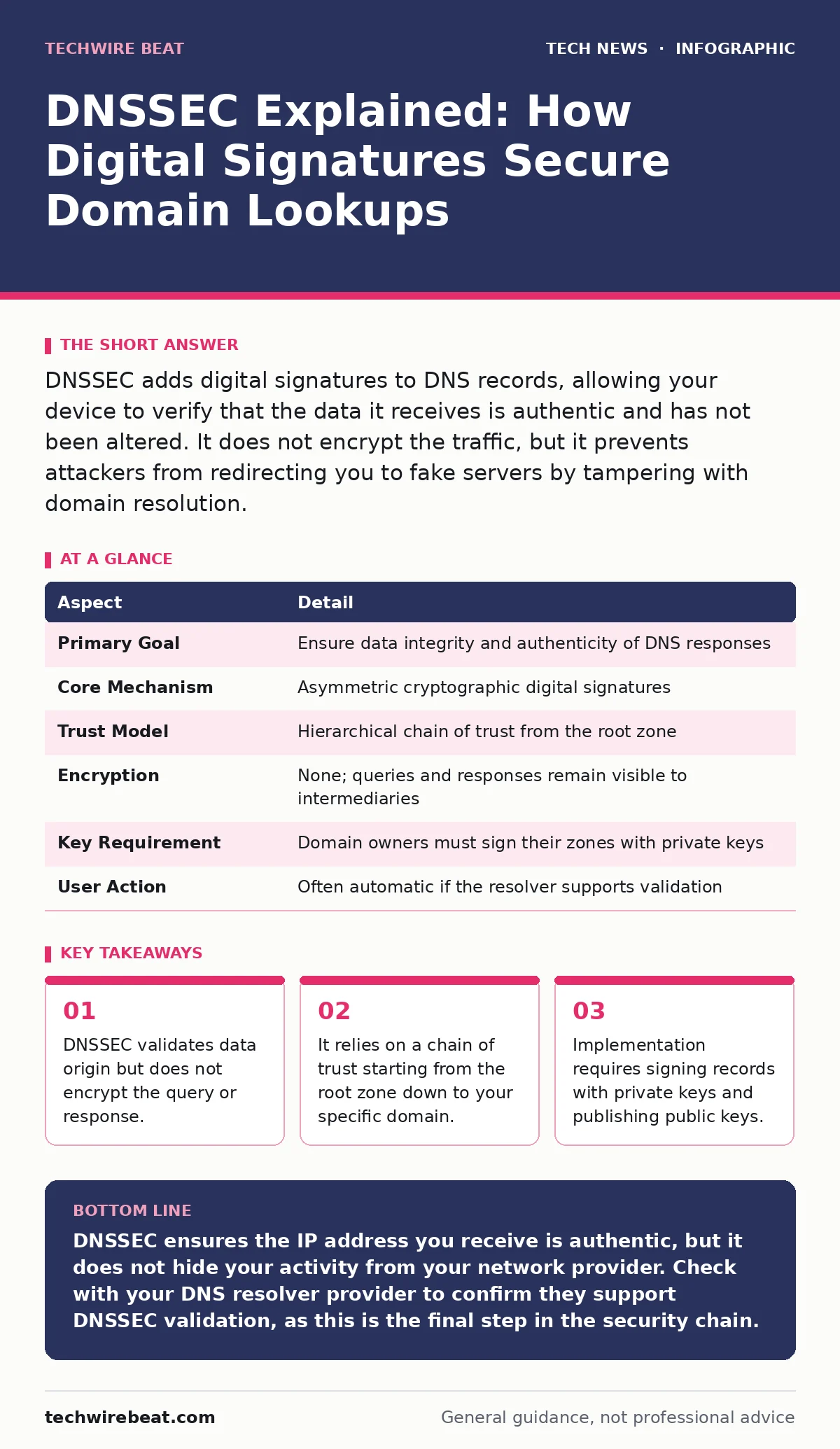
DNSSEC adds digital signatures to DNS records, allowing your device to verify that the data it receives is authentic and has not been altered. It does not encrypt the traffic, but it prevents attackers from redirecting you to fake servers by tampering with domain resolution.
The Postal Analogy for Digital Trust
Imagine you send a letter containing a bank address to a friend. A thief intercepts the mail, tears out the original page, and inserts a page with a fake address for a scam bank. Your friend follows the instructions and loses their money. DNSSEC is equivalent to sealing that letter with a unique, tamper-evident wax stamp. If the thief tries to change the contents, the seal breaks. Your friend sees the broken seal and knows the letter has been compromised, so they discard it rather than follow the instructions.
In the digital world, the letter is the Domain Name System query. The address is the IP address. The seal is the cryptographic signature. Without this seal, the internet operates on trust. You assume the answer you get is the correct one. DNSSEC removes that blind trust by providing mathematical proof of authenticity.
What Problem Does DNSSEC Solve?
The Domain Name System translates human-readable names like "example.com" into machine-readable IP addresses. This translation happens every time you visit a website. The system was designed for speed and simplicity, not security. It uses plain text, meaning anyone who can intercept the network traffic can read or alter it.
Attackers exploit this weakness through DNS spoofing. They inject false records into a recursive resolver, which is the server that caches answers for users in your local network. If the resolver believes a fake record, it sends all users to a malicious site. DNSSEC prevents this by ensuring that any change to the data invalidates the signature. The resolver checks the signature before accepting the answer. If the signature does not match, the resolver rejects the data.
An At a Glance View of DNSSEC
| Aspect | Detail |
|---|---|
| Primary Goal | Ensure data integrity and authenticity of DNS responses |
| Core Mechanism | Asymmetric cryptographic digital signatures |
| Trust Model | Hierarchical chain of trust from the root zone |
| Encryption | None; queries and responses remain visible to intermediaries |
| Key Requirement | Domain owners must sign their zones with private keys |
| User Action | Often automatic if the resolver supports validation |
How the Chain of Trust Works
DNSSEC does not work in isolation. It relies on a hierarchy of keys. The root zone, which is the top of the DNS tree, has a public key that is widely distributed and trusted by default. When you look up a domain, your resolver starts at the root. It checks the signature for the next level, such as the ".com" top-level domain. It uses the root's public key to verify that the ".com" zone was signed by the authority that controls it.
This process repeats down the chain. The resolver verifies the ".com" signature, then uses the ".com" public key to verify the signature for "example.com". Finally, it uses the "example.com" public key to verify the specific IP address record. If any link in this chain is broken or missing, the validation fails. This is called a chain of trust. It ensures that the data comes from the legitimate owner of the domain, not an imposter.
The Components You Need to Know
To implement DNSSEC, a domain owner must generate a pair of keys. The private key stays secret and is used to sign the DNS records. The public key is published in the DNS zone so that resolvers can verify the signatures. The private key is the secret ingredient; if it is stolen, the attacker can forge valid signatures for any record in that zone.
There are two types of keys. The Zone Signing Key signs the actual DNS records. These are rotated frequently to limit the damage if a key is compromised. The Key Signing Key signs the Zone Signing Keys. These are rotated less often because changing them requires updating the parent zone, which is a complex administrative task. Both keys must be protected with strict access controls.
See also: DNS over HTTPS on or off: secure your traffic without the speed tax
What DNSSEC Does Not Do
A common misconception is that DNSSEC encrypts your internet traffic. It does not. Your query for a website and the resulting IP address are still sent in plain text. An internet service provider or a hacker on your local network can still see which domains you are looking up. They just cannot change the answer without breaking the signature.
DNSSEC also does not protect against malware on your device. If your computer is infected with a virus that modifies your local hosts file, DNSSEC will not help. The virus bypasses the DNS system entirely. DNSSEC only secures the transport of data between your device and the authoritative DNS servers. It ensures the road signs are correct, but it does not stop a carjacker from forcing you into a different vehicle.
Common Misunderstandings About Implementation
Many people believe that enabling DNSSEC is a one-time setup. In reality, it requires ongoing maintenance. Keys expire and must be rotated. If a key expires and is not replaced, the domain becomes inaccessible to validating resolvers. This is known as a "glue record" failure. The domain appears to be down, even though the server is running.
Another mistake is assuming that DNS providers handle everything. While some registrars offer managed DNSSEC, you often still need to manage the keys or approve key changes. If you lose access to your private keys, you cannot fix a misconfiguration. You may have to wait for the keys to expire naturally, which can take days or weeks. This is a hidden cost of security: operational complexity.
Where DNSSEC Fits in Your Defence
DNSSEC is a layer in a defence-in-depth strategy. It works alongside other technologies. Domain Control Validated Certificate Transparency logs ensure that certificates are issued correctly. HTTPS ensures data confidentiality. Browser security features block known malicious sites. DNSSEC ensures the foundation of name resolution is solid.
Without DNSSEC, an attacker can redirect you to a site that has a valid HTTPS certificate for a different domain, or use a man-in-the-middle attack to present a fake certificate. With DNSSEC, the attacker cannot redirect you to a different IP address in the first place. It raises the cost of attack significantly. It forces attackers to find other, often more difficult, methods to compromise a user.
Key takeaways
- DNSSEC validates data origin but does not encrypt the query or response.
- It relies on a chain of trust starting from the root zone down to your specific domain.
- Implementation requires signing records with private keys and publishing public keys.
- It protects against cache poisoning but does not hide browsing activity from ISPs.
DNSSEC ensures the IP address you receive is authentic, but it does not hide your activity from your network provider. Check with your DNS resolver provider to confirm they support DNSSEC validation, as this is the final step in the security chain.
Frequently asked questions
Does DNSSEC slow down my internet connection?
It adds minimal latency due to larger data packets and signature verification, but modern networks handle this efficiently without noticeable delays for most users.
Do I need to change my browser settings to use DNSSEC?
No, DNSSEC validation happens at the DNS resolver level. Your browser simply receives the correct IP address. You only need to ensure your DNS provider supports validation.
What happens if a website does not use DNSSEC?
Your resolver will still provide an answer, but it cannot verify its authenticity. You rely on the default trust model, which is vulnerable to spoofing attacks on that specific domain.
Can DNSSEC protect against DDoS attacks?
DNSSEC itself does not mitigate DDoS attacks. In fact, the larger packet sizes can slightly increase bandwidth usage. Separate DDoS mitigation services are required for that purpose.
How this guide was produced: written by the TechWire Beat editorial team with AI assistance, checked against the public references listed below, and reviewed when the facts change. See our editorial policy or report an error.