Container Escape Mistakes: Seven Errors That Break Isolation
Most container escapes stem from configuration errors rather than code flaws, allowing attackers to pivot from a compromised service to the host operating system with full administrative control.

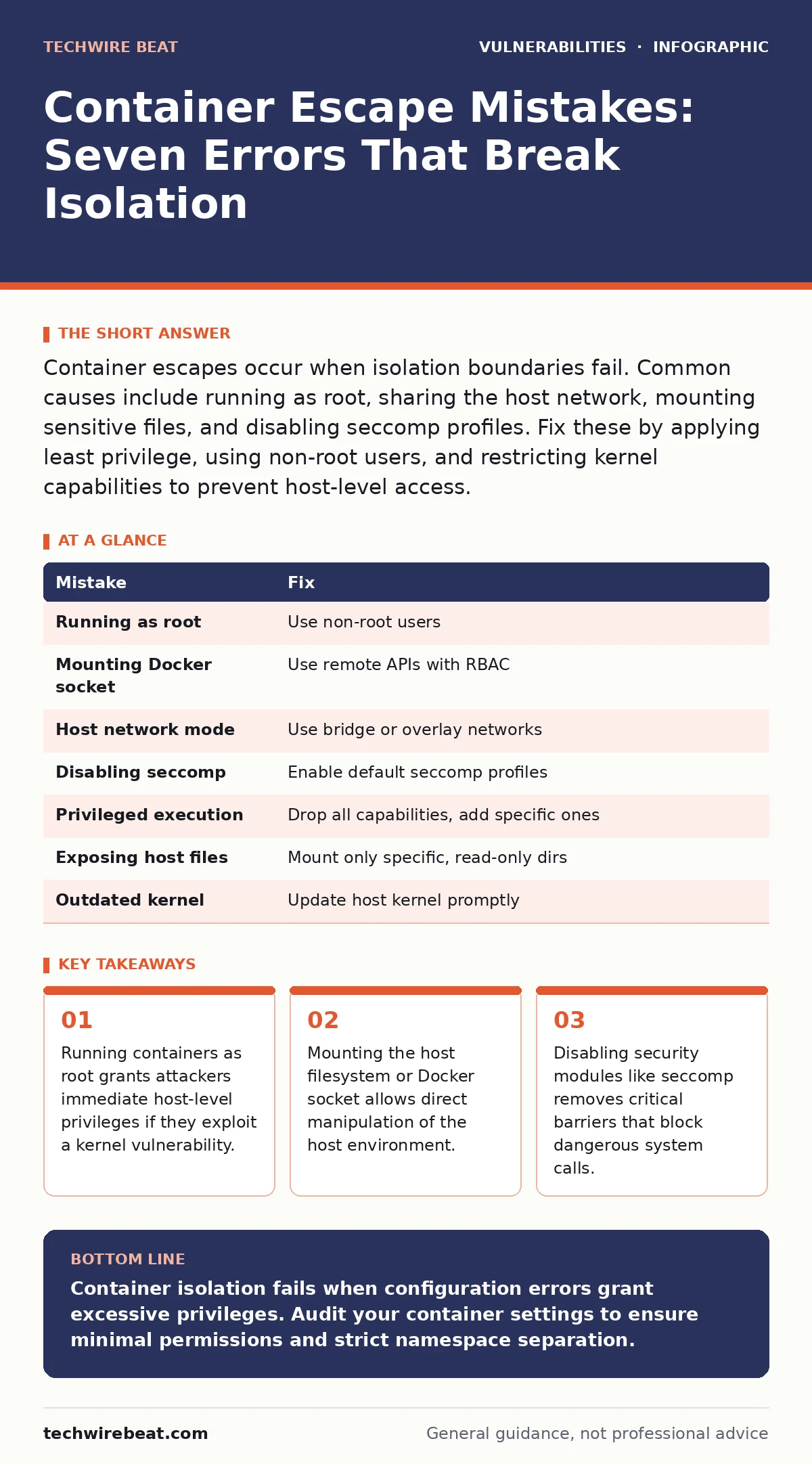
Container escapes occur when isolation boundaries fail. Common causes include running as root, sharing the host network, mounting sensitive files, and disabling seccomp profiles. Fix these by applying least privilege, using non-root users, and restricting kernel capabilities to prevent host-level access.
Mistake 1: Running Containers as Root User
Containers often run processes as the root user by default. This practice assumes the container runtime provides sufficient isolation. It does not. If an attacker finds a way out of the container, they inherit root privileges on the host machine.
Why it hurts:
Root access inside the container maps directly to root access on the host kernel. Kernel exploits are frequent and severe. A successful escape grants the attacker full control over the underlying infrastructure. They can install backdoors, steal credentials, or pivot to other systems. The isolation boundary collapses entirely.
The fix:
Define a non-root user in your container image. Use the USER instruction in your build file. Ensure the application runs with minimal permissions. Verify the process ID inside the running container is not zero. This limits the blast radius of any exploit.
Mistake 2: Mounting the Docker Socket
Developers often mount the host's Docker socket into containers for tooling purposes. This allows the container to communicate with the host daemon. It creates a direct backdoor into the host system.
Why it hurts:
The Docker socket provides administrative control over the host. An attacker who compromises the container can use the socket to spawn new containers. These new containers can run with host privileges. They can mount the host root filesystem. The attacker gains complete control without needing a kernel exploit.
The fix:
Avoid mounting the Docker socket in production environments. Use remote APIs with strict authentication if management is required. Implement role-based access controls for container orchestration. Ensure only authorised services can interact with the daemon. Isolate management tools from application workloads.
Mistake 3: Sharing the Host Network Namespace
Setting the network mode to host removes network isolation. The container shares the host's network stack. This simplifies networking configuration but removes a critical security layer.
Why it hurts:
Host networking allows the container to access all host network interfaces. It can bind to privileged ports. It can sniff traffic intended for other services. An attacker can intercept sensitive data or redirect traffic. They can also access localhost services running on the host, bypassing firewall rules.
The fix:
Use bridge networking or overlay networks. Define explicit port mappings. Restrict inbound and outbound traffic using network policies. Ensure containers cannot communicate with the host loopback interface. Validate that services listen only on required interfaces.
Mistake 4: Disabling Seccomp Profiles
Seccomp restricts the system calls a container can make. Many default configurations disable or relax these profiles for compatibility. This allows the container to execute any system call supported by the kernel.
Why it hurts:
System calls are the interface between user space and the kernel. Many kernel vulnerabilities are triggered by specific system calls. Without seccomp, an attacker can invoke any call. They can exploit race conditions or memory corruption bugs. The container gains the ability to manipulate kernel memory directly.
The fix:
Enable the default seccomp profile for your runtime. Audit custom profiles for unnecessary permissions. Remove system calls that the application does not need. Test compatibility before deployment. Ensure the profile blocks dangerous calls like ptrace or kexec_load.
Mistake 5: Allowing Privileged Container Execution
Privileged mode grants the container all capabilities. It disables device cgroup restrictions. It effectively merges the container's namespace with the host's. This is often used for debugging but is dangerous in production.
Why it hurts:
Privileged containers can access host devices directly. They can load kernel modules. They can modify host configurations. The isolation provided by namespaces is largely irrelevant. An attacker can install rootkits or modify boot parameters. The host becomes fully compromised.
The fix:
Never run privileged containers in production. Use specific capabilities only when required. Drop all default capabilities and add back only those needed. Use security contexts to enforce restrictions. Monitor for attempts to escalate privileges.
Mistake 6: Exposing Host Filesystems
Mounting host directories into containers is common for data persistence. Mounting sensitive directories like /etc or /var/run is a critical error. It exposes host configuration and runtime data.
Why it hurts:
Access to host files allows credential theft. Attackers can read SSH keys, TLS certificates, or cloud provider credentials. They can modify host configuration files. They can inject malicious scripts into startup routines. The container becomes a conduit for host compromise.
The fix:
Mount only specific, non-sensitive directories. Use read-only mounts where possible. Avoid mounting system directories. Use secrets management tools for sensitive data. Ensure mounted volumes have correct permissions. Validate that applications cannot traverse mount points.
Mistake 7: Ignoring Kernel Version Compatibility
Older kernel versions contain known vulnerabilities. Running containers on outdated hosts increases risk. Newer container runtimes may rely on kernel features for security. Mismatches can disable protections.
Why it hurts:
Kernel vulnerabilities allow local privilege escalation. Container escapes often leverage these flaws. An outdated kernel lacks patches for known exploits. It may also lack features like cgroup v2. This forces the runtime to use less secure fallback mechanisms. The isolation is weaker than intended.
The fix:
Keep the host kernel updated. Apply security patches promptly. Use a supported kernel version for your container runtime. Monitor kernel security advisories. Test updates in staging environments. Ensure compatibility with your orchestration platform.
| Mistake | Fix |
|---|---|
| Running as root | Use non-root users |
| Mounting Docker socket | Use remote APIs with RBAC |
| Host network mode | Use bridge or overlay networks |
| Disabling seccomp | Enable default seccomp profiles |
| Privileged execution | Drop all capabilities, add specific ones |
| Exposing host files | Mount only specific, read-only dirs |
| Outdated kernel | Update host kernel promptly |
Key takeaways
- Running containers as root grants attackers immediate host-level privileges if they exploit a kernel vulnerability.
- Mounting the host filesystem or Docker socket allows direct manipulation of the host environment.
- Disabling security modules like seccomp removes critical barriers that block dangerous system calls.
Container isolation fails when configuration errors grant excessive privileges. Audit your container settings to ensure minimal permissions and strict namespace separation.
Frequently asked questions
How do I check if my container is running as root?
Execute `whoami` or `id` inside the container. If the output shows user ID 0, it is running as root. Change the user in your image build.
Can network policies prevent container escapes?
Network policies restrict traffic flow but do not stop privilege escalation. They limit lateral movement after an escape but do not prevent the initial breach of isolation.
What is the difference between a container escape and a breakout?
These terms are often used interchangeably. Both describe gaining access to the host system from within a container. The mechanism may vary, but the outcome is the same.
Do microkernels reduce container escape risks?
Microkernels have smaller attack surfaces, reducing kernel exploit opportunities. However, they do not eliminate configuration errors. You must still apply least privilege principles.
How this guide was produced: written by the TechWire Beat editorial team with AI assistance, checked against the public references listed below, and reviewed when the facts change. See our editorial policy or report an error.