Prevent WordPress Theme Vulnerabilities: Practical Security Measures
Theme vulnerabilities bypass server security because the code runs with full administrative privileges inside your web application environment.

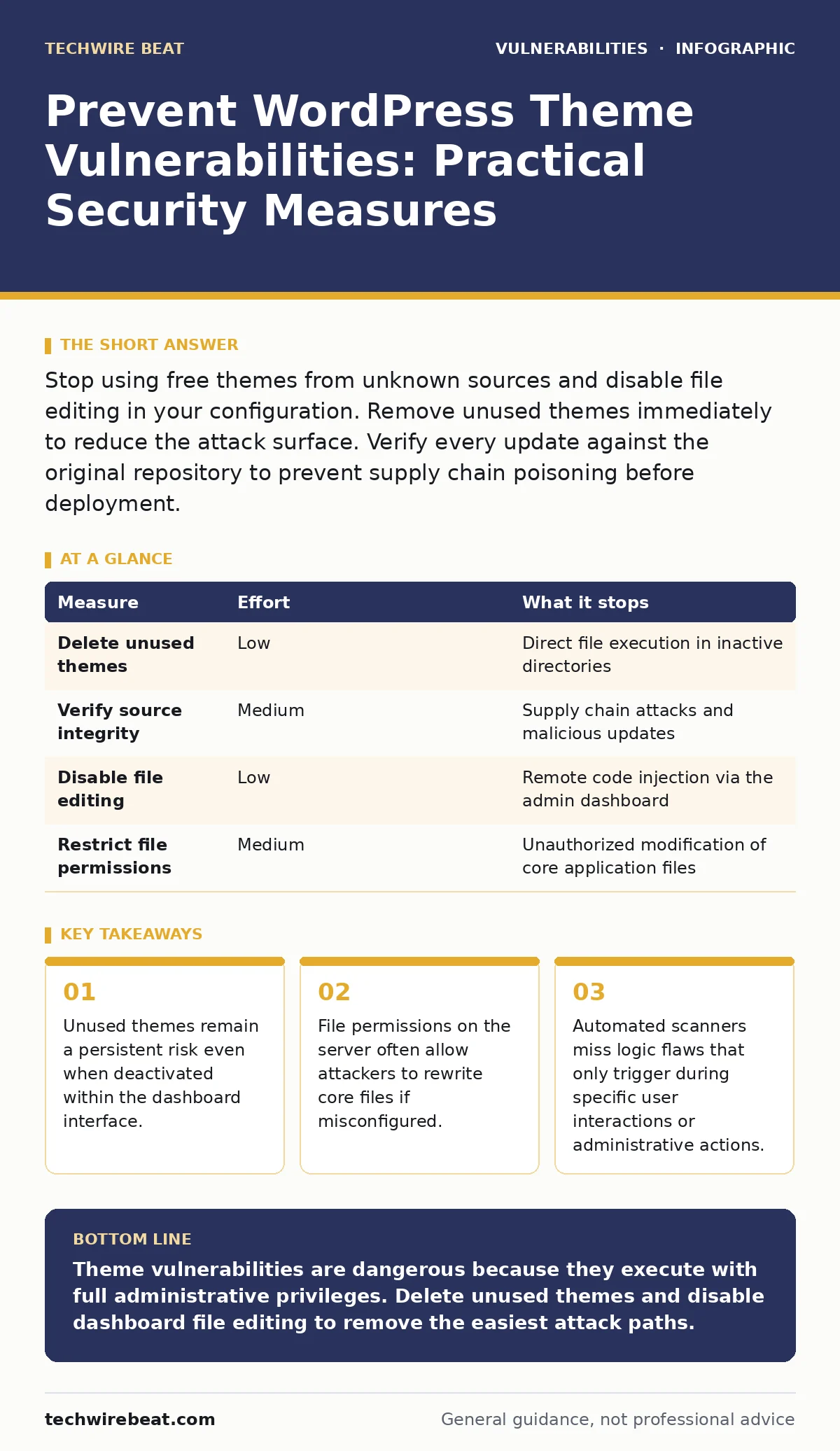
Stop using free themes from unknown sources and disable file editing in your configuration. Remove unused themes immediately to reduce the attack surface. Verify every update against the original repository to prevent supply chain poisoning before deployment.
Why Theme Code Is Dangerous
WordPress themes define the visual structure of your site but execute PHP code on the server. This execution happens with the same privileges as the core application. If a theme contains a flaw, an attacker gains the same access rights as a site administrator. You cannot isolate theme code from the rest of the system using standard web server controls. The theme lives inside the trusted application boundary.
Imagine a theme that includes a hidden function to execute system commands. When the theme loads, that function becomes part of the active application. An attacker sends a specially crafted request to trigger this function. The server processes the request as if it were a legitimate administrative action. The result is a fully compromised system. This is why theme security is not just about appearance. It is about controlling what code runs on your server.
The Hidden Cost of Deactivated Themes
Many administrators believe that deactivating a theme removes its risk. This belief is incorrect. Deactivation stops the theme from rendering pages. It does not remove the files from the server. The PHP scripts remain accessible via the web server if directory listing is enabled or if the attacker knows the exact file path. An attacker can still upload malicious files into the deactivated theme directory. They can then execute these files directly.
You must delete unused themes entirely. Do not keep them as backups on the production server. Backups belong in your version control system or local archive. Leaving old code on the server increases the attack surface. Each file is a potential entry point for code execution. Removing the file removes the entry point. This simple action reduces the number of files an attacker can scan for weaknesses.
Verifying Theme Origins and Integrity
The source of a theme determines its baseline security. Themes from the official WordPress repository undergo a manual review process. This review checks for malicious code and adherence to coding standards. However, the review is not a guarantee of perfection. Developers can introduce new flaws in updates. They can also be coerced or have their accounts compromised. You must verify the integrity of every theme you install.
Check the theme’s developer history and community reputation. Look for consistent update patterns and transparent communication. Avoid themes that promise excessive functionality for free. Complex features often indicate poor code quality and hidden vulnerabilities. Use software composition analysis tools to scan the theme’s dependencies. These tools identify known vulnerabilities in the libraries the theme uses. This step catches issues that manual review might miss.
| Measure | Effort | What it stops |
|---|---|---|
| Delete unused themes | Low | Direct file execution in inactive directories |
| Verify source integrity | Medium | Supply chain attacks and malicious updates |
| Disable file editing | Low | Remote code injection via the admin dashboard |
| Restrict file permissions | Medium | Unauthorized modification of core application files |
Disabling Dashboard File Editing
The WordPress dashboard allows administrators to edit theme and plugin files directly. This feature is convenient for quick fixes. It is also a major security risk. If an attacker gains access to an administrator account, they can use this feature to inject malicious code. They can modify the theme files to include backdoors. They can do this without accessing the server filesystem directly.
You can disable this feature by adding a constant to your configuration file. This constant tells the application to hide the file editor interface. It does not remove the underlying capability if the attacker has direct server access. It only removes the convenient web-based interface. This measure stops casual attackers and automated scripts that rely on the dashboard. It adds a layer of friction to the attack path.
Controlling Server File Permissions
File permissions determine who can read, write, or execute files on your server. Incorrect permissions allow attackers to modify theme files even if they only have low-level access. The web server process should only need read access to theme files. It should not need write access. Write access allows the attacker to upload new files or modify existing ones.
Set your theme directories to read-only for the web server user. Only your administrative user should have write permissions. This separation of duties limits the damage of a compromised application. If an attacker exploits a theme vulnerability, they cannot easily upload a new malicious file. They are limited to what the existing code allows. This constraint slows down the attack and buys you time to detect the intrusion.
Monitoring for Unauthorized Changes
No security measure is perfect. Attackers find ways around restrictions. You must monitor your theme files for unauthorized changes. Use a file integrity monitoring tool to track modifications. These tools alert you when a file changes unexpectedly. They provide a baseline of what your files should look like. Any deviation from this baseline triggers an alert.
Imagine a scenario where an attacker injects a small piece of code into a theme file. The code is hidden among legitimate lines. A manual review would miss it. A file integrity monitor detects the change immediately. You can then restore the file from a clean backup. This rapid response limits the dwell time of the attacker. It reduces the window of opportunity for data theft or further exploitation.
Understanding What Does Not Work
Many administrators rely on security plugins to protect their themes. These plugins often scan for known vulnerability signatures. They provide a false sense of security. Zero-day vulnerabilities do not have known signatures. Logic flaws do not match simple patterns. A security plugin cannot protect you from a flaw that has never been seen before.
Another common mistake is trusting the "active only" status. As discussed, deactivated themes remain risky. Some administrators believe that using a custom theme eliminates risk. Custom themes often lack the scrutiny of public repositories. They may contain hard-coded credentials or poor error handling. Custom does not mean secure. It means unverified.
Quick Wins for Today
You can reduce your risk significantly with three actions today. First, audit your installed themes. Delete any theme that is not currently in use. Do not just deactivate them. Remove the files from the server. Second, disable the file editing feature in your dashboard configuration. This removes a convenient path for attackers to inject code. Third, verify the source of your active theme. Ensure it comes from a trusted developer with a clean history.
These steps address the most common attack vectors. They remove unused code, restrict administrative interfaces, and ensure code provenance. They do not require deep technical expertise. They require discipline and attention to detail. Implementing these measures creates a stronger baseline for your site’s security. It makes it harder for attackers to succeed.
Key takeaways
- Unused themes remain a persistent risk even when deactivated within the dashboard interface.
- File permissions on the server often allow attackers to rewrite core files if misconfigured.
- Automated scanners miss logic flaws that only trigger during specific user interactions or administrative actions.
Theme vulnerabilities are dangerous because they execute with full administrative privileges. Delete unused themes and disable dashboard file editing to remove the easiest attack paths.
Frequently asked questions
Are free WordPress themes less secure than premium ones?
Price does not determine security. Free themes from the official repository undergo review. Premium themes from unknown sources may lack scrutiny. Verify the developer and code quality regardless of cost.
Can a security plugin fix a vulnerable theme?
No. A plugin can detect known issues but cannot fix the underlying code flaw. You must update the theme or switch to a secure alternative. The plugin only alerts you to the problem.
How do I know if my theme has hard-coded credentials?
Search the theme files for strings that look like passwords or API keys. Look for configuration files within the theme directory. These are signs of poor design and potential security risks.
Does disabling comments prevent theme vulnerabilities?
No. Comment systems are separate from theme code execution. Disabling comments reduces spam but does not stop code injection attacks. Theme vulnerabilities exist in the PHP code, not the user input forms.
How this guide was produced: written by the TechWire Beat editorial team with AI assistance, checked against the public references listed below, and reviewed when the facts change. See our editorial policy or report an error.