Slate Truck Owners Face 45-Minute Installations for OTA Updates via Smartphone USB Transfer
The base Slate electric truck lacks built-in cellular connectivity, requiring owners to use their mobile phones to deliver over-the-air software updates via a USB connection.
Key points
- The base Slate truck lacks built-in cellular, radio, speakers and power windows to keep the entry price below $25,000.
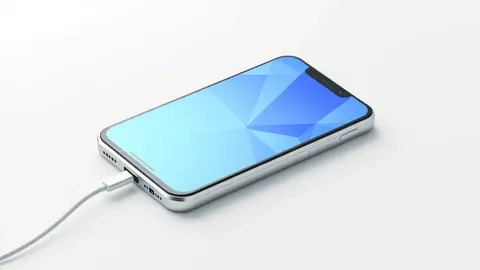
- Over-the-air updates are delivered by downloading files to the Slate app on a smartphone and transferring them via a USB cable.
- The initial file transfer takes about one minute, after which the vehicle installs the update independently for approximately 45 minutes.
The base version of the Slate electric truck does not contain built-in cellular connectivity, meaning it cannot download software updates directly from the internet. Instead, the vehicle relies on the owner’s smartphone to act as a bridge for receiving over-the-air patches. This workaround allows the manufacturer to maintain its low entry price point while still supporting software maintenance.
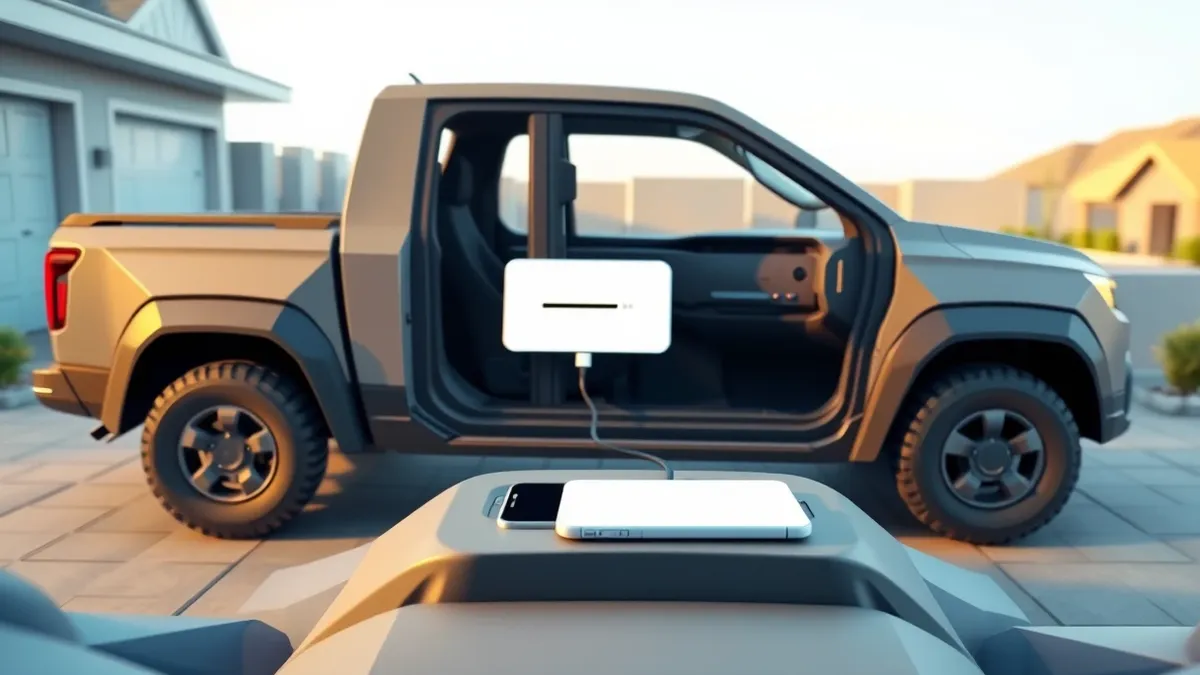
According to Engadget, the update process begins when the Slate app on the user’s phone downloads the available software package. The owner must then plug their phone into the truck’s dashboard USB port. This physical connection facilitates the initial file transfer, which lasts roughly one minute. Once the data is offloaded to the vehicle, the truck completes the installation autonomously, a process that can take around 45 minutes.
What we know
Slate Auto’s business model focuses on minimalism to achieve a sub-$25,000 starting price. The base model skips features such as a radio, speakers, power windows and even a paint job, using vinyl instead. The company offers add-ons including speakers, an iPad mount, a five-seat SUV conversion kit and a telematics module for in-app door unlocking. A fully loaded version can exceed $45,000.
The vehicle has an estimated range of 205 miles, a maximum payload of 1,550 pounds and a tow rating of 2,000 pounds. It is designed for short-run hauling and errands rather than long road trips. The company states that updates will focus on bug fixes and small improvements, rather than major new features. The app also assists with displaying range, finding chargers and passing directions to mapping services.
Slate Auto says it will not sell app data and only collects information necessary for diagnostics, service and update status. This approach may appeal to buyers concerned about data privacy and the increasing techification of vehicles. The reliance on a phone tether for updates is a direct result of the decision to omit built-in cellular hardware in the base configuration.
Defender's checklist
- Verify that the smartphone app is updated to the latest version before attempting to transfer files to the vehicle.
- Ensure the USB cable used for the connection is secure and undamaged to prevent interrupted data transfers.
- Confirm that the vehicle has sufficient battery charge to complete the installation process without interruption.
- Check that the smartphone has enough storage space to download the update package before initiating the transfer.
The background in plain language
Over-the-air updates allow software to be delivered remotely without physical media. Vehicles typically use built-in cellular or Wi-Fi connections to receive these files directly. When a vehicle lacks these connections, it must rely on an external device, such as a smartphone, to act as a temporary storage and transfer medium. This method requires a physical link, usually via USB, to move the data from the phone to the vehicle’s internal systems. Teams usually monitor the stability of these connections to ensure data integrity during the transfer phase.
Background: Data privacy
Data privacy principles are the rules governing how personal information is collected, used, and stored. They require organisations to limit data collection to what is strictly necessary, keep it secure, and allow users to control their information. Understanding these principles helps you identify when a service respects your boundaries and when it exploits them for profit or surveillance.
Read the full guide: Data Privacy Principles: How to Protect Your Digital Life
What to do and how to stay safe: Slate Auto
- Keep the companion smartphone app updated to ensure compatibility with the latest vehicle software packages.
- Use a high-quality USB cable to maintain a stable connection during the initial file transfer phase.
- Park the vehicle in a safe location and ensure the battery is sufficiently charged before starting the update.
- Monitor the installation progress and avoid disconnecting the phone until the vehicle confirms the update is complete.
General security guidance from the TechWire Beat newsroom. It is not confirmed advice from the organisations named in this story.
Frequently asked questions
Does the Slate truck have built-in cellular connectivity?
No, the base version of the Slate truck does not have built-in cellular connectivity, requiring a smartphone tether for updates.
How long does the software update process take?
The initial file transfer via USB takes about one minute, and the subsequent installation on the truck takes around 45 minutes.
What features are missing from the base Slate truck?
The base model lacks an infotainment system, radio, speakers, power windows and a paint job, using vinyl instead.