UGREEN MagSafe battery uses liquid cooling to manage heat
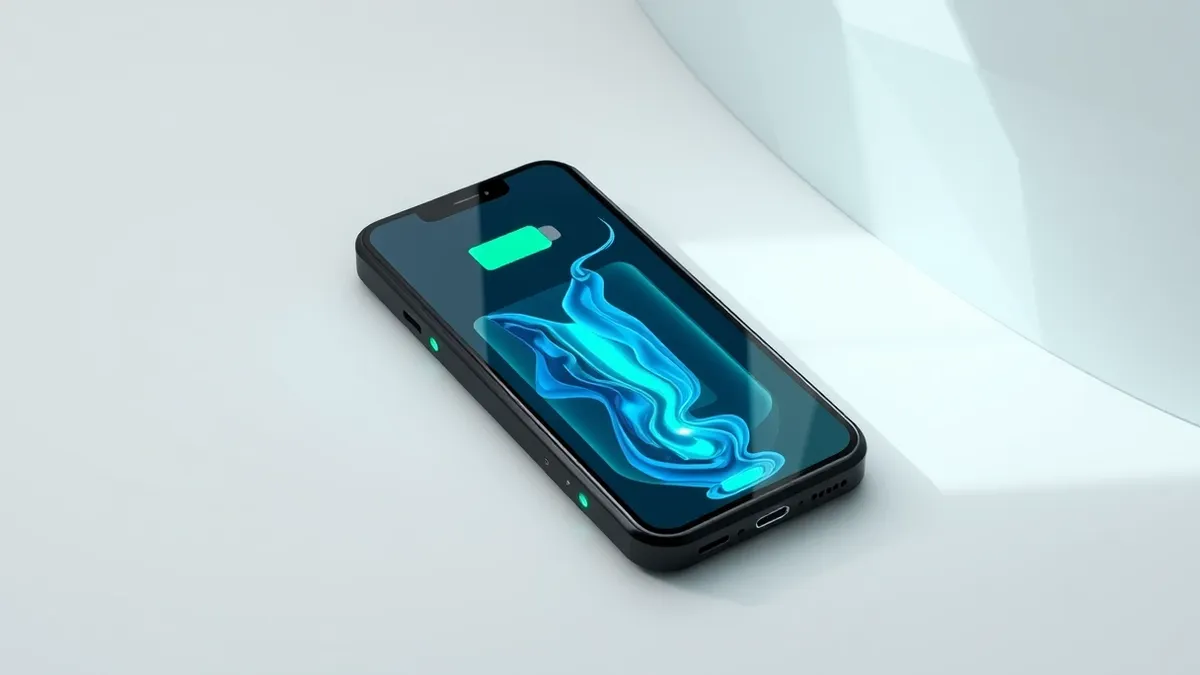
A new wireless power bank for iPhone employs liquid cooling technology to keep temperatures lower during charging sessions.
Key points
- UGREEN launched a 25W Qi2.2 battery bank featuring internal liquid cooling.
- The device includes a visible window showing the coolant in motion.
- It is priced at $149, though currently available for $95.
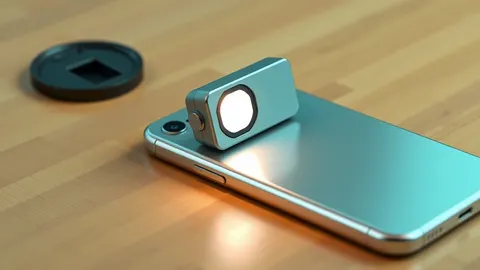
UGREEN has introduced a new MagSafe battery bank for iPhone that incorporates liquid cooling technology to manage operating temperatures. The device supports 25W charging speeds and holds 10000mAh of power. According to 9to5Mac, the product features a window on its rear surface that allows users to see the liquid coolant moving within the unit. This design choice aims to provide a visual indicator of the thermal management system in action while differentiating the product from standard solid-state battery accessories.
The manufacturer states that the liquid cooling mechanism keeps the battery approximately 18 degrees cooler than conventional MagSafe accessories. However, 9to5Mac notes that the unit still feels warm to the touch during use, meaning it does not become cold. The device includes a small display on the side to show battery percentage and charging speed. It also features an integrated USB-C cable at the bottom for wired charging options, which the reviewer found useful for devices that cannot charge wirelessly or for greater energy efficiency.
What we know
The UGREEN MagFlow battery bank is notably thicker than some competitors and lacks a kickstand, which the reviewer considered a drawback at the higher price point. The accessory is compatible with the iPhone Duo, although it protrudes from the bottom of the phone depending on the case used. This protrusion is common for most MagSafe accessories when paired with that specific device model. The product is currently listed at $149 but is on sale for $95 on Amazon, making it more affordable for consumers seeking a cooler-charging option.
Defender's checklist
- Verify that the battery bank supports the specific charging speed required by your device.
- Check for an integrated cable if wired charging efficiency is a priority.
- Confirm compatibility with your phone case, especially for newer iPhone models.
- Assess whether the physical thickness and lack of a kickstand affect usability.
The background in plain language
Wireless charging generates heat due to energy transfer inefficiencies. Excessive heat can degrade battery health over time. Liquid cooling systems circulate a fluid to absorb and dissipate this thermal energy. Teams usually monitor temperature thresholds to prevent performance throttling. Check whether your device’s charging protocol supports high-power wireless input safely. This approach helps maintain consistent charging speeds without triggering safety shutdowns.
What to do and how to stay safe: UGREEN
- Monitor the battery temperature during initial use to ensure it stays within comfortable limits.
- Use the included wired option when rapid charging is needed to reduce wireless heat generation.
- Remove thick cases if they interfere with the magnetic alignment or cause excessive heat retention.
- Keep the device away from direct sunlight or other heat sources while charging.
General security guidance from the TechWire Beat newsroom. It is not confirmed advice from the organisations named in this story.
Frequently asked questions
Does the UGREEN MagSafe battery bank get cold?
No, it remains warm to the touch but is approximately 18 degrees cooler than standard models.
What is the price of the UGREEN MagFlow battery bank?
The retail price is $149, but it is currently on sale for $95 on Amazon.
Is there a kickstand on the device?
No, the battery bank does not include a kickstand, which was noted as a limitation.