How Smart Home Security Works: The Hidden Data Path
Your smart devices do not speak to each other directly; they route every command through external servers, creating a persistent attack surface you cannot fully control.
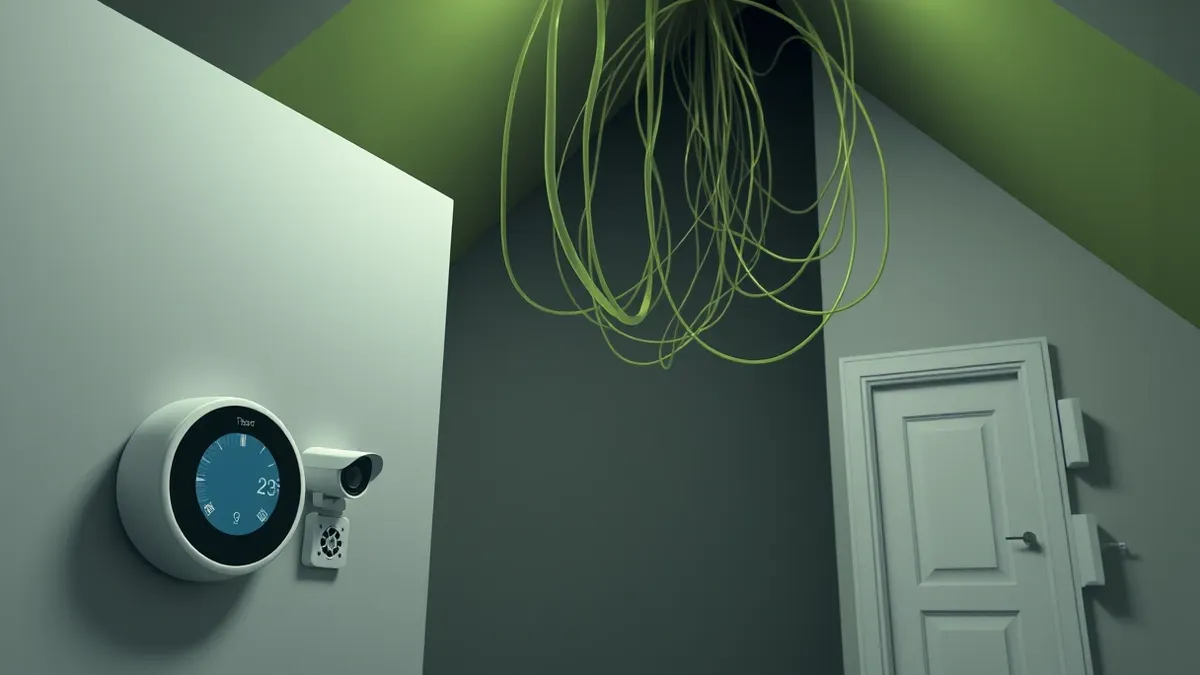
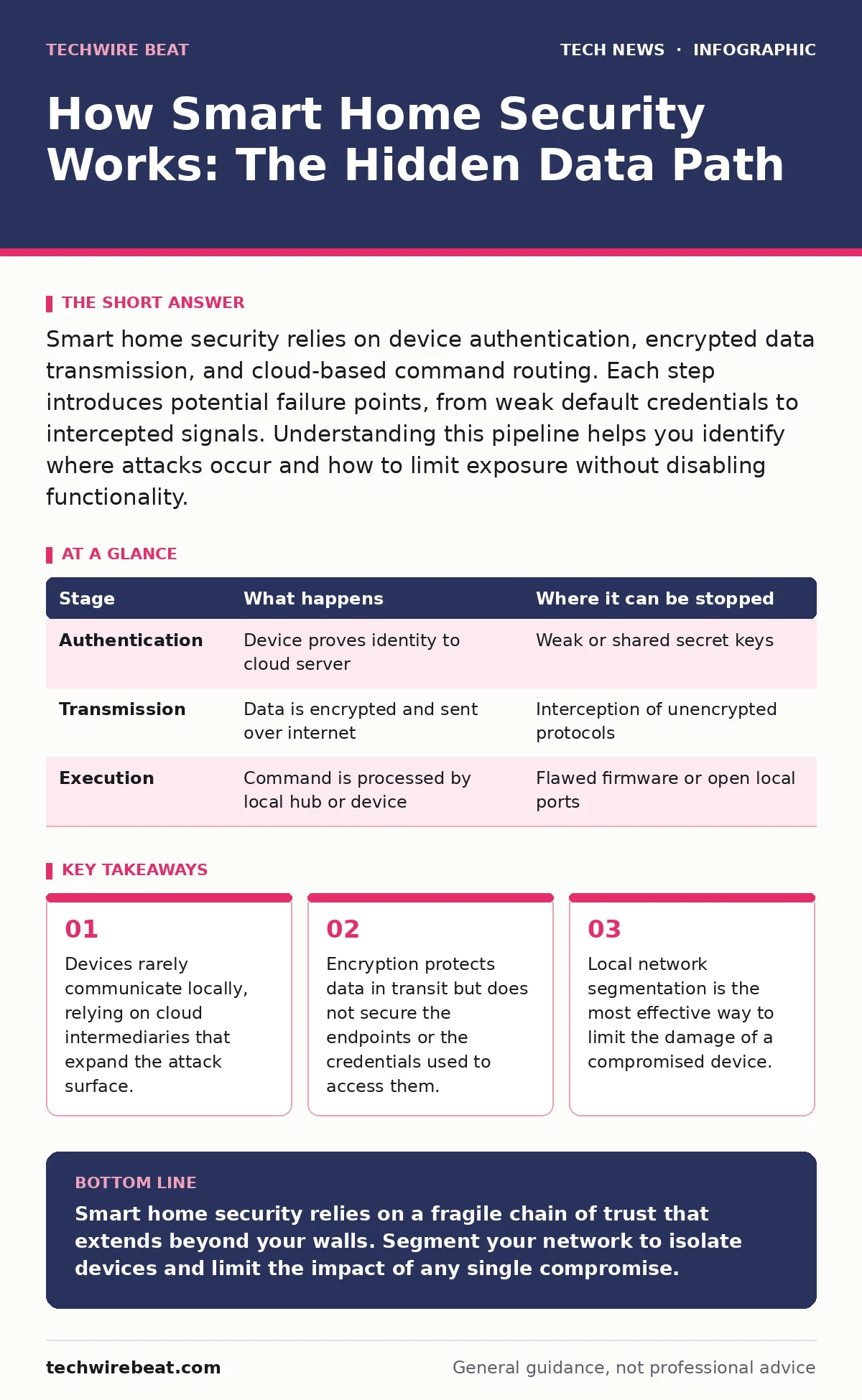
Smart home security relies on device authentication, encrypted data transmission, and cloud-based command routing. Each step introduces potential failure points, from weak default credentials to intercepted signals. Understanding this pipeline helps you identify where attacks occur and how to limit exposure without disabling functionality.
The Illusion of Direct Control
When you tap a button on your phone to turn on a light, the command does not travel directly to the bulb. Imagine a letter sent to a friend; instead of handing it over, you send it to a central post office, which then delivers it. This indirect path is the foundation of most smart home ecosystems. It allows manufacturers to update firmware remotely and offer cross-platform compatibility.
However, it also means your home network is constantly talking to external servers. This dependency creates a persistent link to the internet that exists even when you are not actively using the device. Understanding this architecture is the first step in securing your environment. You cannot secure what you do not see, and much of this process happens behind the scenes.
Stage 1: Device Authentication
Before a device can join your network, it must prove its identity. This process, known as authentication, verifies that the device is genuine and authorised to connect. Most consumer devices use a combination of serial numbers and temporary tokens to achieve this. The manufacturer’s server checks these credentials against a database. If they match, the server grants the device a session key.
This key allows the device to communicate with other services. The weakness here often lies in the implementation. Many devices use shared secret keys across all units of the same model. If one key is extracted, every device of that type is compromised. This is a hidden cost of mass production. Security is often treated as an afterthought in hardware design.
| Stage | What happens | Where it can be stopped |
|---|---|---|
| Authentication | Device proves identity to cloud server | Weak or shared secret keys |
| Transmission | Data is encrypted and sent over internet | Interception of unencrypted protocols |
| Execution | Command is processed by local hub or device | Flawed firmware or open local ports |
Stage 2: Data Transmission
Once authenticated, the device sends data to the cloud. This data includes status updates, such as whether a door is open or closed. The transmission uses encryption to scramble the information. Encryption ensures that anyone intercepting the signal cannot read it without the correct key. Most modern devices use standard protocols for this purpose.
However, the strength of the encryption depends on the quality of the key management. Poorly generated keys can be guessed or brute-forced. Furthermore, the encryption often ends at the cloud server. This means the manufacturer can see your data. If the manufacturer is compromised, your privacy is at risk. This is a non-obvious consequence of convenience. You are trusting a third party with your home’s state.
Stage 3: Cloud Processing
The cloud server receives the encrypted data and decrypts it. For instance, if the temperature drops below a certain level, it triggers the heating system. This processing happens on remote servers, not in your home. This separation allows for complex logic and integration with other services. However, it introduces latency and dependency on internet connectivity. If the server goes down, your automation stops. More importantly, the server becomes a high-value target for attackers. A breach here can affect millions of users simultaneously. This scale is a significant risk factor. You have no control over the security of these remote systems. You must rely on the manufacturer’s diligence.
Stage 4: Command Execution
When a command is issued, it travels back to your home. It reaches your router, which forwards it to the specific device. The device receives the instruction and executes it. This step seems simple, but it is where many attacks succeed. Attackers often exploit vulnerabilities in the device’s firmware. Firmware is the software embedded in the hardware.
If it is not updated regularly, it may contain known flaws. These flaws can allow an attacker to take control of the device. Once controlled, the device can be used to pivot into other parts of your network. This is a critical risk. A compromised smart bulb can be used to scan for other vulnerable devices. It turns a harmless object into a reconnaissance tool.
The Limits of Consumer Security
Consumer smart home devices are designed for ease of use, not security. This trade-off means that many security features are optional or disabled by default. For example, two-factor authentication may be available but requires extra steps to enable. Users often skip these steps for convenience. This leaves the account vulnerable to credential stuffing attacks.
Credential stuffing involves using leaked passwords from other sites to gain access. Since many people reuse passwords, this is a common vector. Additionally, the lack of standardisation means that security varies wildly between manufacturers. One brand may offer robust encryption, while another uses outdated protocols. This inconsistency makes it difficult to create a uniform security policy. You must evaluate each device individually.
Mitigating the Risks
You can reduce the risk without sacrificing functionality. The most effective measure is network segmentation. This involves creating a separate virtual local area network for your smart devices. A virtual local area network isolates devices from your main network. If a smart device is compromised, the attacker cannot reach your computer or phone. This containment limits the damage. Another measure is regular firmware updates.
Ensure that your devices are set to update automatically. This patches known vulnerabilities as they are discovered. You should also disable unused features. Every feature is a potential entry point. Turning off remote access when not needed reduces the attack surface. Finally, consider the principle of least privilege. Grant devices only the permissions they need. This minimises the impact of a breach.
The Hidden Cost of Convenience
The convenience of a smart home comes with a hidden cost: continuous data exposure. Your devices are always listening, watching, or sensing. This data is valuable to advertisers and attackers alike. Even if you do not share it directly, the metadata reveals patterns of your life. This metadata can be used to infer your habits and schedule.
Such information is useful for social engineering attacks. It allows attackers to craft convincing phishing messages. It also helps them plan physical attacks. This is a broader privacy issue that extends beyond immediate security. You must weigh the benefits of automation against the loss of privacy. There is no perfect solution. You must make informed choices about which devices to trust.
Final Considerations
Securing a smart home is an ongoing process. It requires vigilance and regular maintenance. You must stay informed about new vulnerabilities and updates. The landscape of threats is constantly evolving. What is secure today may be vulnerable tomorrow. This dynamic nature demands a proactive approach. Do not rely solely on the manufacturer. Take ownership of your security.
Implement the measures discussed above. Review your settings regularly. Educate yourself on the technology you use. Knowledge is your best defence. You cannot control the entire ecosystem, but you can control your part of it. This partial control is better than none. It reduces the likelihood of a successful attack. It also limits the damage if one occurs.
Key takeaways
- Devices rarely communicate locally, relying on cloud intermediaries that expand the attack surface.
- Encryption protects data in transit but does not secure the endpoints or the credentials used to access them.
- Local network segmentation is the most effective way to limit the damage of a compromised device.
Smart home security relies on a fragile chain of trust that extends beyond your walls. Segment your network to isolate devices and limit the impact of any single compromise.
Frequently asked questions
Does turning off Wi-Fi on smart devices make them secure?
No, many devices use other protocols like Zigbee or Z-Wave that still connect to a hub linked to the internet. Disabling Wi-Fi only stops direct internet access, not local network attacks.
Are smart locks less secure than traditional locks?
Not necessarily, but they introduce new failure modes like battery depletion and software bugs. A traditional lock can only be picked; a smart lock can be hacked remotely or socially engineered.
How often should I update smart home firmware?
As soon as updates are available. Delays leave known vulnerabilities open to exploitation. Enable automatic updates where possible to ensure consistent protection.
Can I use smart devices without an internet connection?
Some devices support local control via hubs, but most rely on cloud servers for processing. Without internet, many features will not work, and remote access will be lost.
How this guide was produced: written by the TechWire Beat editorial team with AI assistance, checked against the public references listed below, and reviewed when the facts change. See our editorial policy or report an error.